
Should you prioritize the raw power of a desktop PC or the portability of a laptop for the best gaming experience? This question plagues many gamers. Between the promises of unbridled performance from desktop machines and the freedom offered by laptops , the choice isn't always easy.
What compromise are you willing to make: power or portability ? What's the secret to finding the gaming PC that's truly right for you? By exploring technical specifications, the latest market trends, and testimonials from experienced gamers, we'll help you separate fact from fiction and make the choice that will fully satisfy you.
Performance: the heart of gaming
When it comes to gaming , performance is paramount and heavily depends on several key components. Here's an overview of the major performance differences between gaming laptops and desktops:
Processor (CPU)
Desktop processors, such as the Intel Core i7 or AMD Ryzen 7, offer superior performance thanks to higher clock speeds and better heat management. For gamers looking to optimize their performance and immerse themselves in virtual worlds, opting for a high-quality gaming PC configuration is essential .
Laptops, while appealing for their portability, can be limiting in terms of raw power. Desktop PCs, on the other hand, can offer significantly more raw power, essential for demanding games and intensive multitasking.
Graphics Card (GPU)
Desktop graphics cards, such as the NVIDIA GeForce RTX 3080 or the AMD Radeon RX 6800 XT , surpass mobile versions in terms of computing power and graphics capabilities.
Laptop GPUs, such as the NVIDIA GeForce RTX 3070 Laptop GPU, are designed to be more compact and energy-efficient, but are generally less powerful, which can result in lower FPS ( frames per second ) and lower graphics quality compared to their desktop counterparts.
RAM
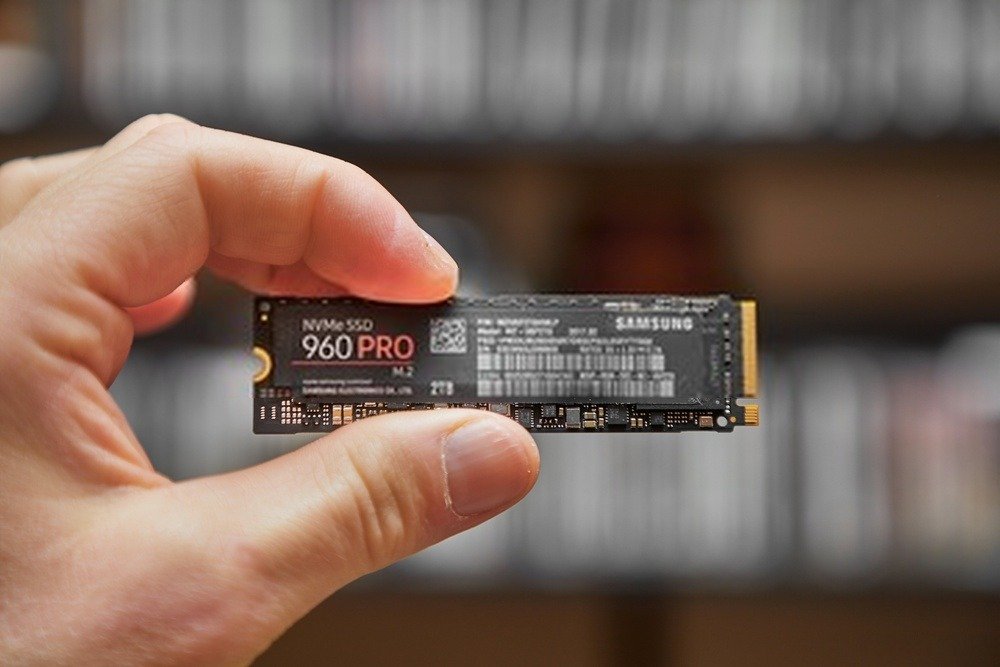
RAM plays a crucial role in gaming, influencing smoothness and the ability to handle multiple applications simultaneously.
Desktop PCs can be equipped with faster and larger RAM (up to 64GB or more), offering a significant performance advantage over laptops, which, despite options up to 32GB, are often limited in terms of speed and expansion.
Storage
SSDs ( Solid State Drives ) are now common in both types of PCs, but desktop PCs often offer larger and faster storage options.
SSDs enable shorter loading times and faster game installations, improving the overall experience. Laptops include SSDs, but storage space may be more limited compared to desktop solutions.
Cooling

Cooling systems are crucial for maintaining performance. Desktop PCs benefit from more efficient cooling systems, including larger fans and liquid cooling solutions.
Laptops, on the other hand, must manage heat with more compact solutions, which can lead to overheating and reduced performance during extended gaming sessions . Recent improvements in laptop cooling, such as more advanced fans and heat pipes, help mitigate these issues, but challenges remain.
Read also: The AE7 Mini PC: A low-priced gaming PC with maximum power?
Which gaming PC should I choose?
Choosing a gaming PC depends heavily on your specific gaming priorities and budget. Here's a detailed analysis to guide you toward the best option.
Is portability your priority? Opt for a compact and lightweight gaming laptop
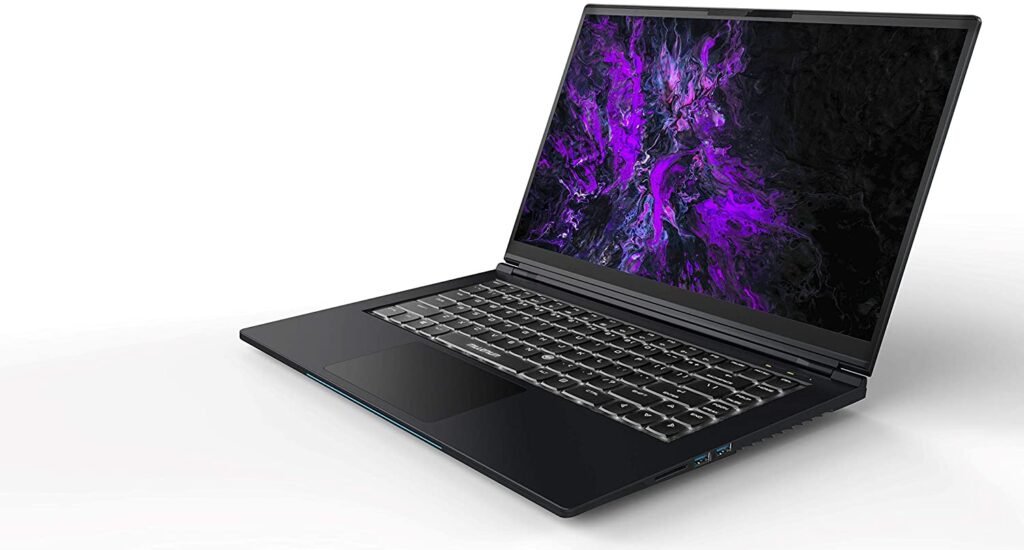
For gamers who are constantly on the go, a gaming laptop is a smart choice. These models, usually compact and lightweight, offer portability without compromising essential performance.
High-end gaming laptops incorporate powerful components such as NVIDIA RTX or AMD Radeon graphics cards, while remaining relatively lightweight. However, be sure to check heat dissipation and battery life, as these can vary considerably from one model to another.
Is performance your priority? Choose a high-end, modular desktop PC
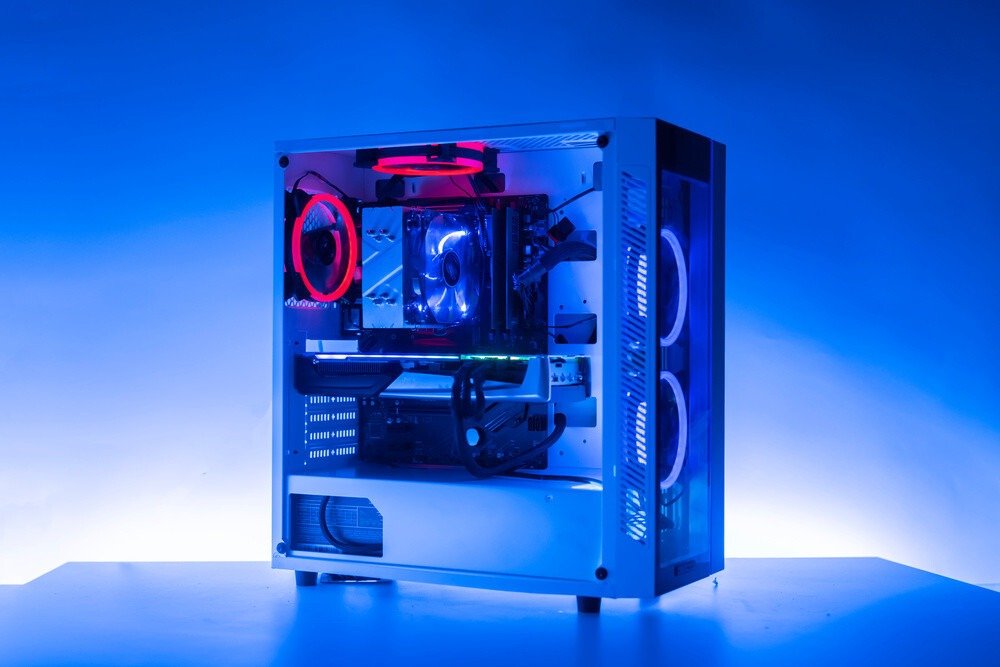
For those who crave raw performance, a gaming desktop PC is often the best choice. High-end configurations allow for extensive customization, delivering unparalleled processing power and smooth gameplay.
Desktop PCs can be equipped with the latest graphics cards, multi-core processors, and advanced cooling systems, while also allowing for future upgrades. A modular design lets you replace or upgrade components such as RAM, storage, and even the graphics card, ensuring the longevity of your investment.
Are you on a tight budget? Compare offers and prioritize used components
A limited budget doesn't preclude owning a good gaming PC . By carefully comparing offers, you can find high-quality configurations at competitive prices.
Opting for used components, such as refurbished graphics cards or processors , can significantly reduce costs while still offering respectable performance. Specialized platforms and forums can be good sources for finding these parts, but be sure to check their condition and compatibility with your system.
If you are a casual gamer: An entry-level laptop may be sufficient
For gamers who don't need the latest technological innovations, an entry-level laptop is often sufficient. These models offer good value for money for less demanding games or casual gaming sessions.
Although their capabilities are limited compared to high-end models , they are still perfectly capable of running recent titles at medium or low settings. Investing in an entry-level model can also be an excellent starting point for those considering a future upgrade.
In conclusion, choosing the optimal gaming PC depends on your specific needs in terms of portability, performance, budget, and gaming frequency. Each option offers distinct advantages, and a careful assessment of your priorities will help you find the most suitable solution.