The demands of video editing have changed dramatically in recent years. Not so long ago, the central question for many users was relatively simple: Is my system powerful enough to smoothly edit footage and export it cleanly at the end? Today, the question is considerably more complex. Modern content production is no longer simply linear editing, a few transitions, and a final render. It now encompasses much more: multiple formats, diverse platforms, accelerated production cycles, automated assistance, AI capabilities, and the ability to create multiple usable assets from a single idea in record time.
From a hardware perspective, this evolution is exciting. With each new generation of devices, CPU and GPU performance increases, as do SSD speeds, memory architecture efficiency, and media engine improvements. At the same time, the complexity of what users expect from software also grows. A modern video editor must not only be stable; it must handle hardware efficiently, deliver optimal visual quality, support diverse workflows, and ideally, reduce repetitive tasks to free up more time for creative decisions.
Video editing today is a system problem — not just a software issue
Anyone interested in current media production quickly realizes that the performance of editing software is only part of the overall equation. The crucial element is the interaction between hardware, software, and workflow. A powerful computer is of little use if the software generates unnecessary friction. Conversely, a well-designed application reaches its limits if hardware resources are insufficient or if modern acceleration options are not used intelligently.
This is where current developments become interesting. Today, the best results appear where three levels complement each other:
- High-performance equipment
- Perfectly optimized software
- Intelligent production logic
This is especially true for users who do not just occasionally edit holiday videos, but who regularly produce content — whether for YouTube, social media, marketing, product communication, tutorials or editorial formats.
Why the logic of classic assembly is no longer sufficient
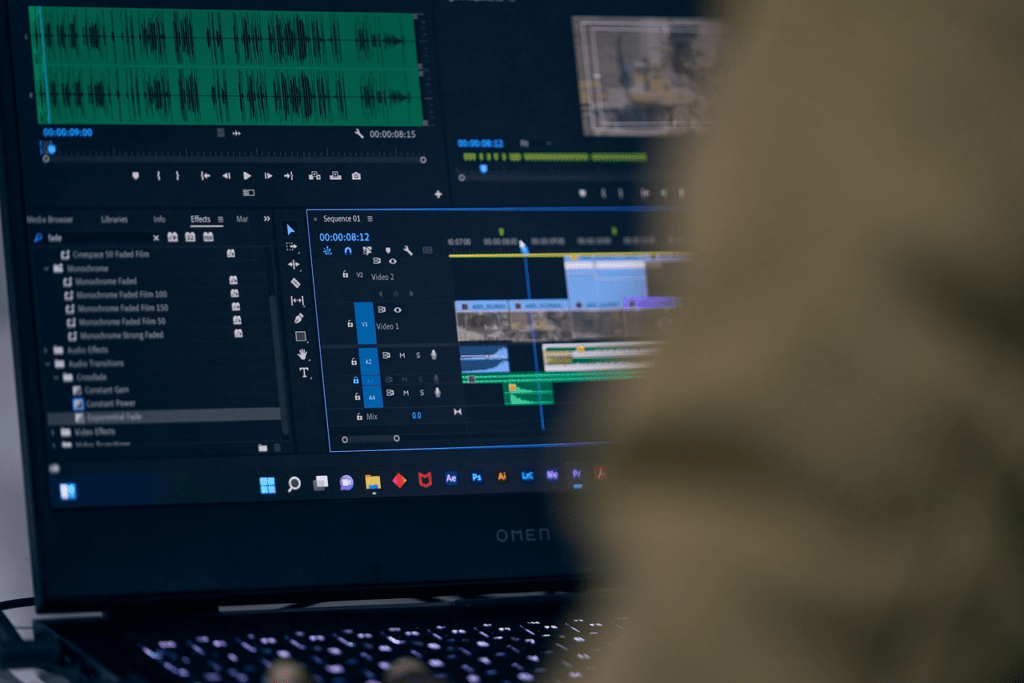
Previously, video editing could be largely understood as a linear process: import the footage, create the rough cut, place the transitions, add the titles, and export. Of course, it was never entirely straightforward, but the workflow was comparatively clear. Today, the reality is different.
A single project can now require multiple variations:
- Horizontal version for classic platforms
- Vertical variant for Shorts, Reels or TikTok
- Short version for social media snippets
- Version with subtitles
- Version adapted for other target groups
- Graphically or textually optimized variants
This increases not only the creative effort but also the technical burden. Format adaptation, preview performance, media management, export efficiency, and the speed of iterations become more crucial than ever before. Modern video editing is therefore no longer an isolated final step but an integral part of a continuous content system.
Here is the continuation of the translation, maintaining fidelity to the original text and the requested structure:
The role of modern hardware: more than just raw computing power
From a hardware-oriented perspective, it's particularly relevant to note that requirements are no longer limited to simple benchmarks. Of course, raw power remains important. A fast CPU, a high-performance GPU, sufficient RAM, and responsive storage still make a difference. However, in 2026, rendering times alone will no longer suffice.
The crucial question now is how a system reacts to real-world production situations:
- How smooth is the preview with multiple effects applied?
- How quickly can different formats be generated?
- To what extent does the software benefit from GPU acceleration?
- To what extent does the interface remain manageable on large-scale projects?
- How can AI functions be effectively integrated without slowing down the workflow?
This is precisely why the dialogue between hardware and software is more exciting than ever. Users no longer buy performance solely for "more FPS" or faster games, but increasingly for creative productivity. Video editing is one of the most concrete use cases.
AI is transforming expectations for video tools
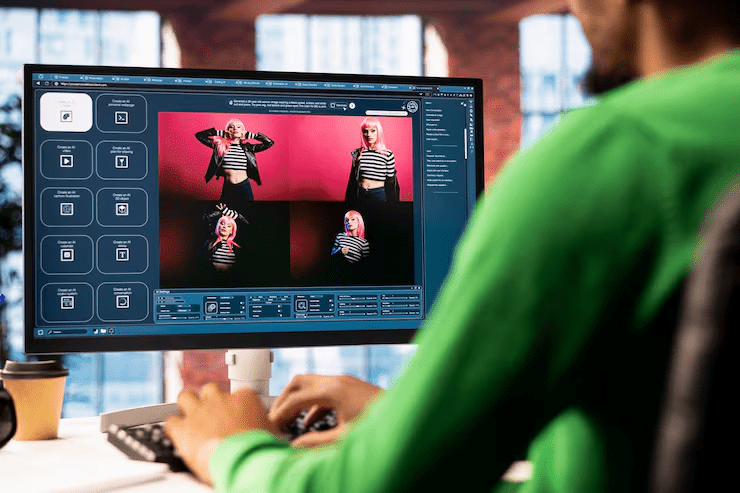
The market is evolving particularly rapidly thanks to AI-assisted functions. These are no longer just spectacular demos or purely experimental features. In practice, users are primarily interested in functions that genuinely save time and shorten concrete work steps.
This includes, in particular:
- Assistance during the start-up of new projects.
- Automation of recurring assembly steps.
- Help with the text, subtitles, or structure.
- More efficient creation of multiple versions of the same content.
- Better starting points for visual sketches.
- Accelerated processing from raw material to publishable video.
In this context, terms like "AI video generator" are becoming increasingly relevant. This isn't simply a matter of embracing buzzwords, but rather a practical need. Many users today no longer want to start from scratch. They're looking for tools that help them move more quickly from idea to the first usable result.
Why a modern video editor is evaluated differently today
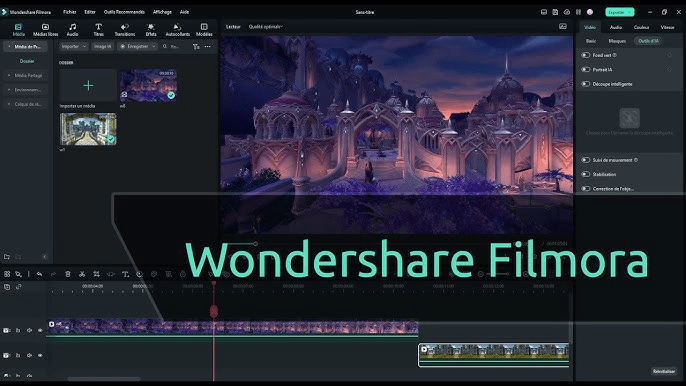
The criteria for evaluating video editing software have evolved accordingly. Previously, the question was often whether a program offered "enough features." Today, the question is more nuanced: what is the tool's actual level of productivity? How quickly does it transform raw footage into a final product? How well does it adapt to the user's requirements? And how intelligently does it combine traditional editing with modern automation features?
Software such as Filmora or Wondershare Filmora is particularly interesting because it targets this rapidly growing middle segment.
These are users who want more than minimalist applications, without having to delve into ultra-complex professional suites. This includes creators, streamers, small agencies, in-house marketing teams, educators, tech enthusiasts, or ambitious individual users.
For this target audience, the important thing isn't whether a software program covers every conceivable specialized function. What matters is whether it truly speeds up daily tasks, remains accessible, and still offers enough flexibility for more demanding projects.
Tech-savvy users prioritize practicality, not just feature lists
Hardware enthusiasts are generally susceptible to exaggerated claims. Purely marketing language rarely works with them. Those interested in CPUs, GPUs, cooling, memory configurations, or platform performance want substance. This is precisely why video editing should not be approached solely as a creative subject, but as a concrete workload.
Indeed, video editing is one of the areas where the advantages of hardware are truly felt on a daily basis:
- Shorter loading times for projects.
- Improved responsiveness on the timeline.
- Smoother preview despite the accumulation of effects.
- Faster exports.
- High-resolution equipment makes work more enjoyable
- No more reserves for parallel processes.
However, high-performance hardware alone does not guarantee a good user experience. To work productively, you need software capable of intelligently utilizing those resources. This is where the importance of modern and accessible solutions becomes clear.
Between ease of use and serious use
A central segment of the market is often underestimated: users who regularly produce videos without necessarily doing post-production full-time. This group is now enormous. It includes:
- YouTube and social media creators.
- High-tech product testers.
- Streamers.
- Product teams.
- E-commerce Managers.
- Small press publishers.
- Companies with internal content needs.
They all have one thing in common: they need results, not software complexity for the sake of it. This doesn't mean they want superficial software. On the contrary, many have specific requirements but reject unnecessary learning curves. This is where Wondershare Filmora. The tool occupies a crucial niche for today's production reality: it offers an accessible interface, creative features, and increasingly sophisticated AI-powered assistance, without succumbing to pure minimalism.
Why GPU acceleration and intelligent processing are gaining importance
From a hardware perspective, video editing has shifted from a CPU-centric workload to hybrid acceleration models. GPU support, dedicated encoding and decoding units, optimized media pipelines, and improved memory bandwidth are no longer secondary considerations; they increasingly define the workflow experience on a project.
It's not just about exporting. Many users underestimate the importance of smooth interaction during the creation phase. A fast timeline response, clean scrolling (scrubbing), low latency when applying effects, and a stable preview increase actual productivity far more than a final render that saves a few seconds.
The arrival of AI functions makes this even more interesting, as they generate new requirements:
- Further analysis of the rushes.
- Automation of text and structure.
- Generative components.
- Increased workload from the earliest phases of the project.
- Multiplication of parallel process chains.
This is why modern video editing is one of the areas where better hardware directly translates into a better workflow — provided the software is designed accordingly.
AI video generator: why the term goes beyond simple marketing

The term "AI video generator" is now used in a wide variety of contexts. Not all software programs understand it in the same way. However, its popularity shows where expectations are evolving. Users want tools that assist them from the very beginning of the editing process.
- A faster project start-up.
- Help with structuring ideas.
- Initial visual sketches to avoid the blank page.
- Greater output with less repetitive effort.
- An efficient transformation of concepts into editable raw versions.
AI does not replace total creativity, but it massively reduces the path between "zero" and "the exploitable starting point".
From gaming PCs to creation systems
For hardware enthusiasts, another relevant development is the increasing transformation of the classic gaming PC into a creative system. Many configurations now need to be powerful not only for gaming but also for streaming, recording, video production, and content export. Priorities are therefore shifting. A system optimized solely for gaming isn't necessarily ideal for creative workloads. Regular video editing benefits from:
- A balanced CPU/GPU configuration.
- Enough RAM for large projects.
- A fast SSD structure for media and cache.
- Efficient cooling for prolonged charging phases.
Why software needs to differentiate itself more in the creative sector
One might think that with increased hardware power, software becomes less important. The opposite is true: the more power is available, the more noticeable it becomes which applications know how to use it. The market is now differentiated by the quality of actual, day-to-day production
- Speed of entry into the project.
- Reduction of working friction
- Ease of transforming ideas into real assets.
- Logical integration between classic assembly and AI.
Modern video editing: more variations, more speed, more recycling
A project today rarely ends with a single final file. On the contrary, several versions are often created:
- A main video.
- Short clips (Shorts).
- Social media versions.
- Preview excerpts.
- Variants adapted by platform or target audience.
The video editor is therefore increasingly judged on its ability to transform a single project into multiple assets.
Conclusion: it's not the most powerful hardware that wins, but the best workflow
Anyone creating videos today shouldn't just focus on camera quality or raw processing power. The key lies in the synergy between hardware, software, and production logic. Modern systems must enable a wide range of formats, make AI usable, and accelerate creative processes.
This is why solutions like Filmora, modern approaches to video editing, and AI video generator concepts are becoming essential. They represent a market where it's no longer just about cutting sequences, but about producing efficiently. For hardware enthusiasts, this is concrete proof that performance makes media work faster, more enjoyable, and more productive.