The graphics card in your PC is a crucial component, and it frequently overheats, sometimes excessively. Above 85 degrees Celsius, the components of your system will begin to wear out and reach their limits. It can even literally boil over, exceeding 100 degrees Celsius !
Overheating can clearly reduce the capabilities of your system and prevent you from playing properly.
So if you're experiencing this problem, you've come to the right place. Here's the solution when a graphics card overheats —>
Airflow is essential !

Your PC and its configuration, including the graphics card, need to breathe.
To do this, you need to give them space. The inside of your tower shouldn't be completely cluttered with cables that could impede airflow. Proper cable management is important, so remember to tidy things up! It shouldn't take you much time and won't require watching hours and hours of YouTube tutorials. Here's one, for example!
You just need to find something to securely fasten the wires together. Cable ties are best. Then position them to create a gap in the center of the space for air circulation. And that's it.
Good to know: choose an ATX case that is large enough to fit all your components!
The interview
I've personally never had any problems with my gaming PC. And for good reason. Every three months, I take apart my tower and dust all the components.
You should consider this. If your vacuum cleaner didn't come with a crevice tool, you can find one at a supermarket and use that. However, the best option is to use a can of compressed air, like the inexpensive ones you can find on Amazon.

This is primarily about prevention, which is still very important. But even if your graphics card is currently overheating, it would be a good idea to clean it up a bit. The accumulated dust will once again prevent proper airflow, and therefore hinder the cooling of your components.
The fans
First of all, and I'm emphasizing this because I've seen it done several times, it's COMPLETELY USELESS to ventilate from the outside by placing a fan like the ones used in summer near your setup…
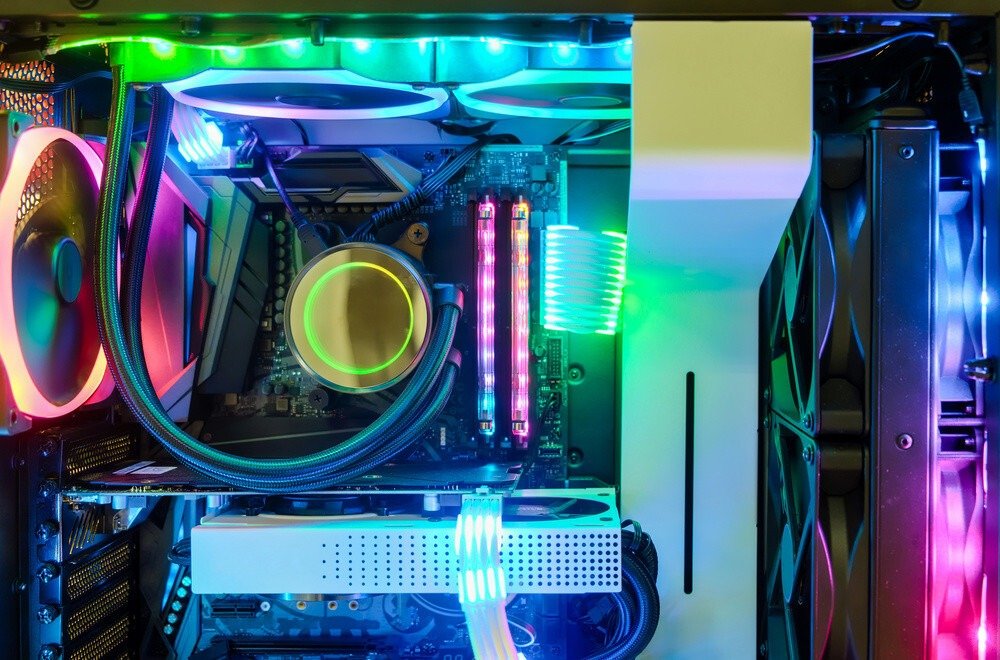
You'll need to rethink the fan placement in your tower , as there's a good chance your overheating is coming from there. You need fans at the front, near the bottom of the tower, to draw in cool air to cool your components, and at the rear, near the top, to exhaust the air that's now warmer, heated by your components.
You won't be able to maintain your hardware long-term if your case only has one fan. You'll need at least two (one for intake and one for exhaust). Without them, after just a few hours of gaming, your PC will overheat significantly, and this could lead to graphics card overheating. Ideally, you should have more than two fans, three or four.
Here is our recommendation for PC cases with multiple fans !
The drivers
As you may know, drivers are what control your graphics card. They are what guarantee its performance.
Therefore, you should ensure that they are always up to date .
Just like dusting and maintenance, this is about prevention.
If you haven't done so before, the overheating problem might stem from this. Quickly update your drivers and see if the problem is resolved.
The underlocking
Here's what it's about: you're going to intentionally reduce the capabilities of your CPU so that it gets less tired and avoids overheating.
As you might have guessed, you will lose performance, but you will at least be able to play better than with a graphics card that overheats.
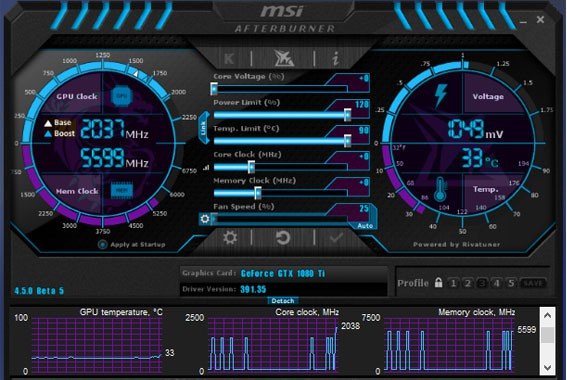
Another advantage, minimal but still good to know, will be that your machine will be much quieter.
You can easily perform your underlocking with several software programs, the best being MSI AfterBurner.
The last resort: water cooling
Normally you shouldn't have to go to this point because the previous steps should have solved your problem.
This is truly the ultimate solution, and by putting it into practice you will never again have any overheating problems in your life.
Water cooling is only for you if you're truly passionate. It will allow you to maximize the capabilities and performance of each of your components without any problems.
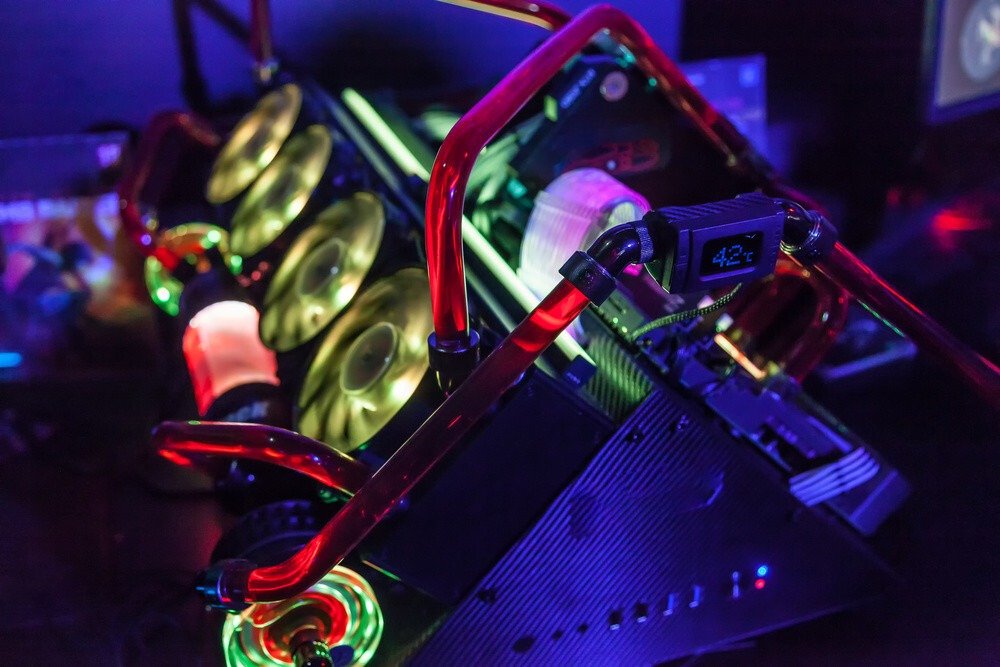
We are no longer talking about air cooling but water cooling, which carries heat much better and therefore allows it to be removed and cooled much more efficiently and much more quickly.
There you go! With all this, rest assured you can fix your overheating problem and get back to playing quickly!