

Is your VPN slowing you down? Discover how to test your VPN speed and identify bottlenecks. Also, learn tips to maximize your speed and enjoy a smooth, uninterrupted VPN experience.
Measuring the impact of VPN on bandwidth
The first step is to determine the impact of your VPN on your connection speed. To do this, you need to perform speed tests with and without the VPN enabled.
1. Perform a speed test without a VPN
Several free online tools allow you to test your internet connection speed . Among the most popular are:
- Speedtest by Ookla ( https://www.speedtest.net/ )
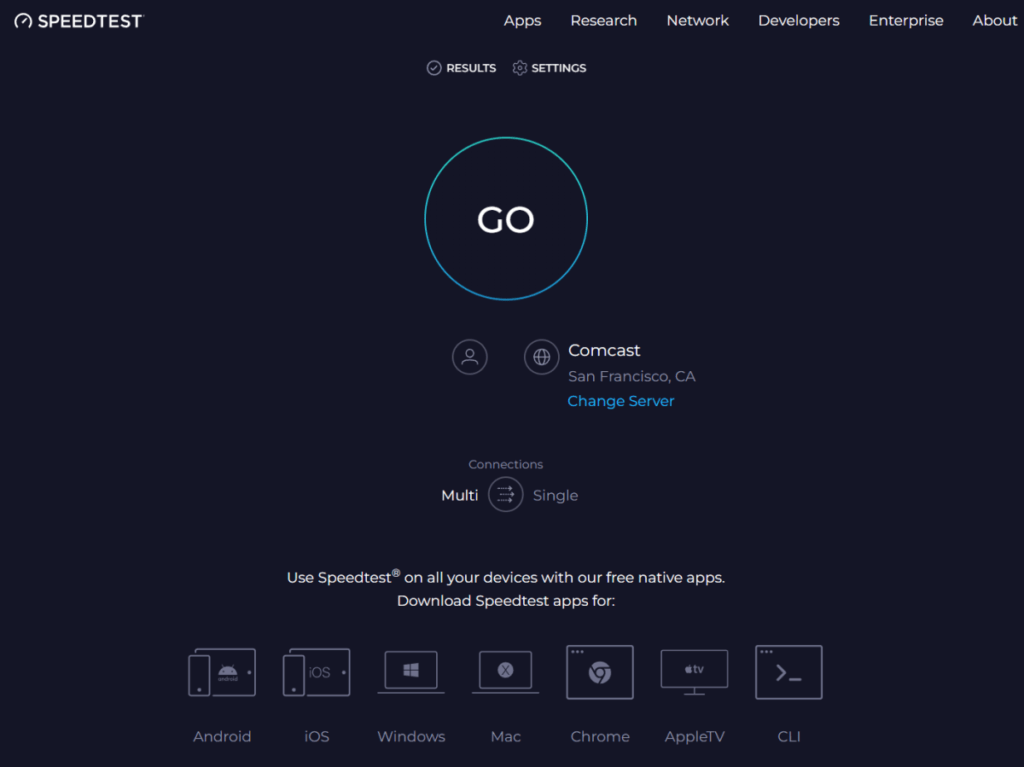
- Fast.com ( https://fast.com/ )
- nPerf ( https://www.nperf.com/en/ )
Run a speed test and note the results, especially ping , download speed, and upload speed.
2. Perform a speed test with the VPN enabled
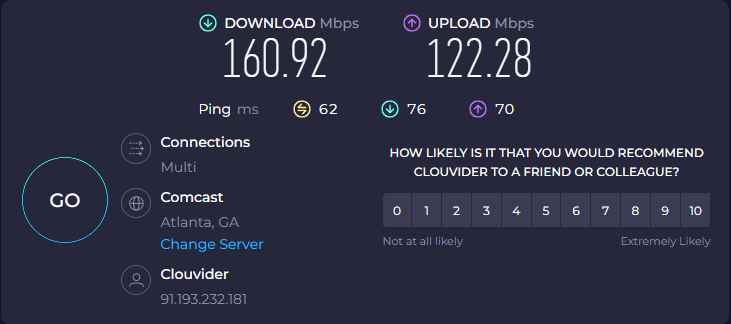
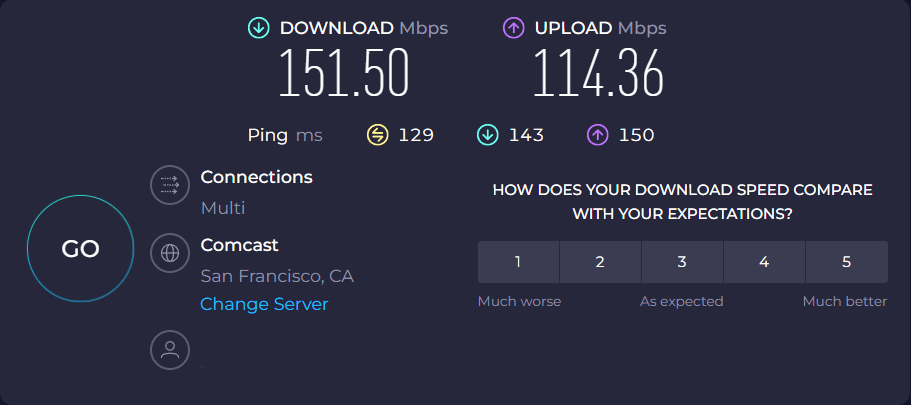
Connect to your VPN and run another speed test on the same website. Compare the results obtained with and without the VPN to determine the speed difference.
Interpreting the results
The second step is to correctly interpret the results obtained
a. Ping: Ping measures latency, which is the time it takes for a signal to reach a server and return. High ping can affect online gaming and VoIP applications.
b. Download speed: Download speed is important for video streaming, file downloading, and web browsing. A significant drop in download speed with the VPN enabled may indicate server overload or bandwidth throttling.
c. Upload speed: Upload speed is less important for most users, but it can be important for people who share large files or use live streaming services.
Factors influencing VPN speed
Several factors can influence the speed of your VPN:
- The VPN server: The distance between your device and the VPN server, the server load, and the available bandwidth all affect the speed.
- The VPN protocol: The VPN protocol used can impact speed. More secure protocols, such as OpenVPN, may be slower than less secure protocols like PPTP.
- Encryption: The level of encryption used can also affect speed. Stronger encryption is more secure, but it can also be slower.
- Your internet connection: The speed of your internet connection is the most important factor in determining the speed of your VPN.
Tips to optimize your VPN speed
- Choose a VPN server close to your location.
- Connect to a less busy VPN server.
- Use a faster VPN protocol, such as IKEv2 or WireGuard.
- Reduce the encryption level if you do not need maximum security.
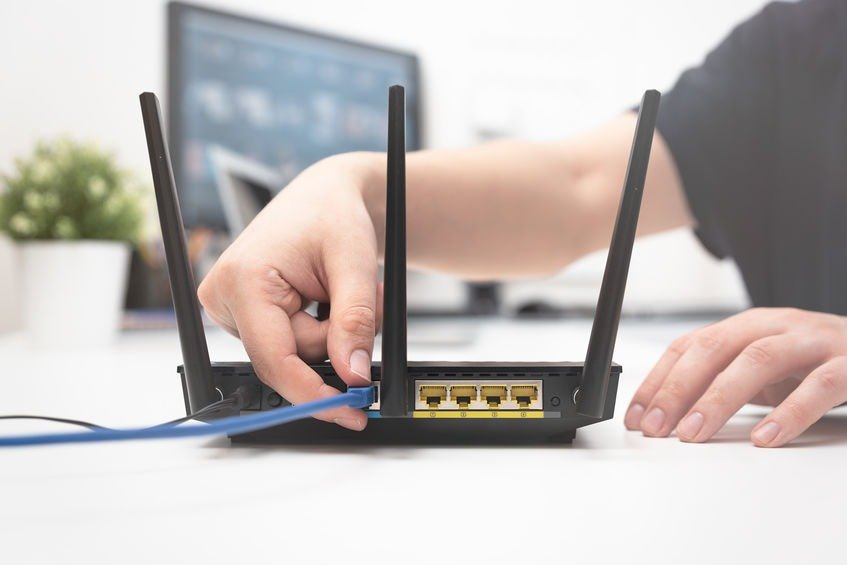
- Connect to a wired network instead of Wi-Fi.
- Restart your modem and router.
- Update your router's firmware.
- Contact your VPN's customer support for assistance.
Conclusion
By following these tips, you can optimize your VPN speed and enjoy a smooth and secure online experience. Remember that speed isn't the only factor to consider when choosing a VPN. Security, privacy, and the features offered are also important. That's why it's crucial to choose a VPN that meets your specific needs. If you're looking for a fast, reliable, and affordable VPN, we recommend checking out our list of the 5 fastest, most reliable, and most affordable VPNs of 2024. This list will help you find the VPN that best suits you and ensure an optimal online experience.


