
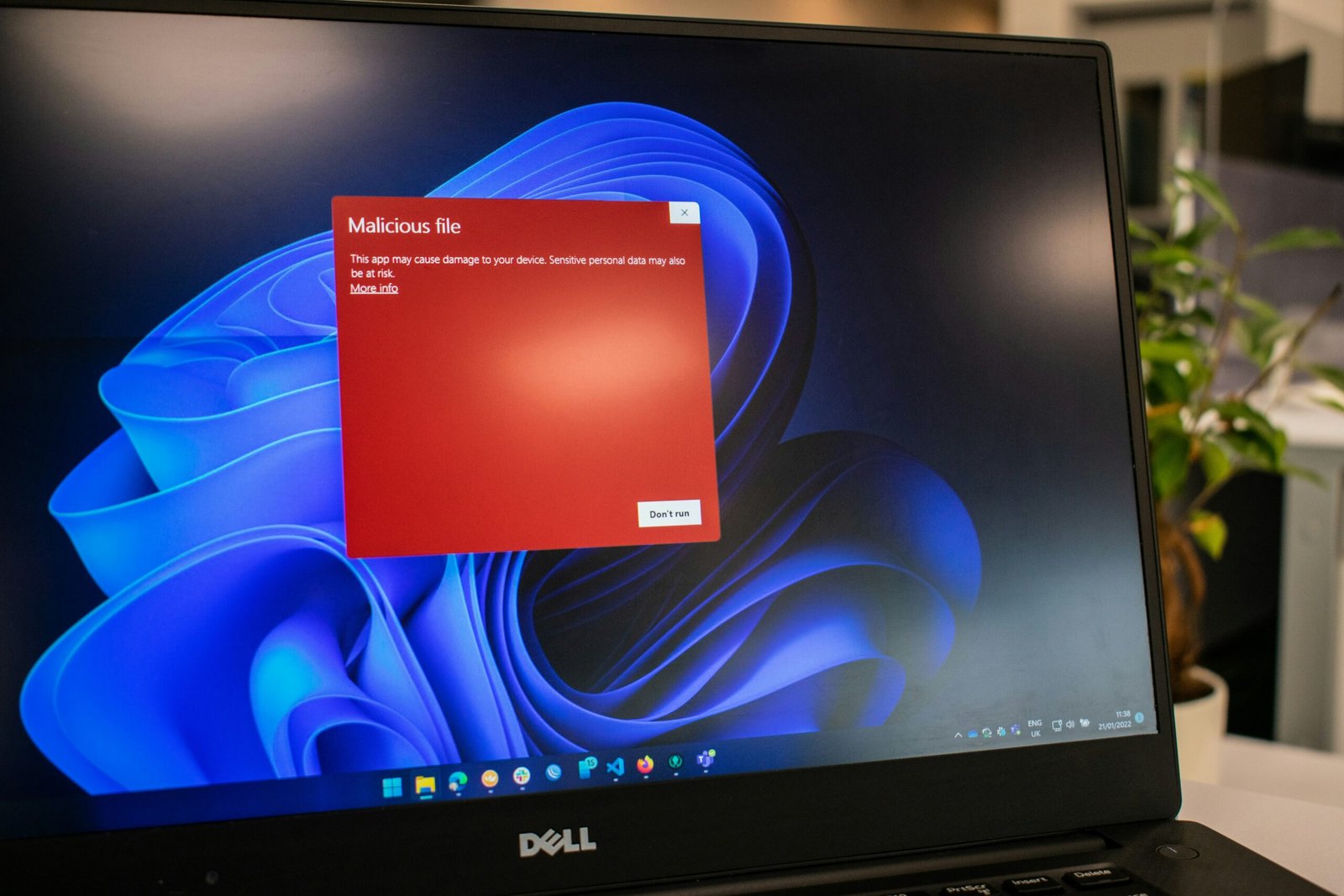
Malware, or malicious software, represents a persistent threat in the world of modern technology. These computer programs, designed to cause damage, steal information, or disrupt a computer's operation, can be very harmful if they are not detected and removed quickly.
In this article, we will explore what malware is, how to detect it, and most importantly, how to get rid of it effectively.
Understanding what malware is
Malware is a generic term used to describe any software designed to cause damage or disrupt the normal operation of a computer system. There are several types of malware, each with its own objectives and infection methods. Here are a few examples:
Viruses
Viruses are computer programs capable of replicating themselves and spreading to other files on a computer. They can corrupt or delete data, make a system unstable, or even completely unusable.
The worms
Worms are programs similar to viruses, but they have the ability to spread automatically across computer networks, often by exploiting security vulnerabilities.
The Trojan horses
Trojan horses are programs that present themselves as legitimate, but once installed, open a backdoor into a system, allowing hackers to remotely access the infected computer.
This article might interest you : How to detect a keylogger on your smartphone?
Spyware
Spyware: spy software , is designed to collect information from users' devices without their consent, such as internet browsing habits, login credentials, or personal data.
Ransomware
Ransomware is a type of malware that encrypts files on a computer system and demands a ransom for the decryption key. These attacks can paralyze a company's operations or cause significant data loss for individual users. In France, the CLOP ransomware is infamous as one of the most dangerous and widespread. A variant of CryptoMix, another notorious ransomware, it can block more than 600 Windows , disable security tools like Windows Defender, and subsequently encrypt the data on the device. Today, CLOP has evolved and targets entire networks, in addition to the computers of individuals and small businesses.
How to detect malware?
Early detection of malware is essential to limit potential damage. Here are some signs that may indicate the presence of malware on your PC:
- Very slow computer.
- Pop-up pop-up ads
- Unauthorized modification of browser settings
- File disappearance or corruption
- Abnormally high system resource usage
To detect malware, it is recommended to use up-to-date antivirus software. These programs are designed to scan for, identify, and eliminate potential threats on your computer.
Some tips for removing malware

If you suspect your computer is infected with malware, here are some steps to follow to remove it effectively:
- Update your antivirus software : Make sure your antivirus software is up to date with the latest virus definitions to ensure maximum protection against current threats.
- Perform a full system scan : Run a full system scan using your antivirus software to detect and remove any malware present on your computer.
- Use specific removal tools : Some malware can be more difficult to eliminate and may require the use of specialized removal tools. Look for cleaning programs recommended by reliable sources to help you with this task.
- Reset browser settings : If your browser has been compromised by malware, for example fake updates , reset its default settings to remove unwanted extensions or plugins.
- Backing up and restoring your files : If your files have been damaged by ransomware or any other type of malware, consider restoring from a recent backup to recover your data.
- Strengthen your computer's security : To prevent future infections, ensure your operating system, software, and applications are up to date, and adopt good online security practices such as avoiding suspicious links and attachments. Install a VPN for your PC to encrypt your connection data, mask your IP address, and detect malicious websites or suspicious links, thanks to the features offered by some quality VPN services.
In conclusion, prevention and a quick response are essential to protecting your PC from malware. By understanding what malware is, knowing how to detect it, and following simple steps to remove it, you can reduce the risk of infection and maintain the security of your computer system.


