

No more extra charges and surprise bills! With the digital revolution, our smartphones have become real data guzzlers. But don't panic! Discover some tips to tame your mobile data consumption .
On the agenda:
- Monitor your consumption ️
- Manage resource-intensive applications ⛔
- Use Wi-Fi whenever possible
- Change your habits
- And much more!
Ready to take on the challenge? Let's go!
1. Monitor your consumption
The first step to limiting your data consumption is to know it.
Most operators offer data usage tracking tools accessible from your customer account or directly via a mobile app. These tools allow you to view your mobile data consumption in real time, as well as its breakdown by application.
Alternatively, you can use a data counter. This is an application that allows you to measure the amount of data you use per day, per week, or per month. You can also set alerts to notify you when you are approaching your limit. There are many applications of this type, such as Data Usage, My Data Manager, or Data Monitor.

2. Enable data saver
Android and iOS have a built-in " data saver " mode that reduces background mobile data usage. This mode can limit automatic app syncing, image downloads, and high-resolution video playback.
3. Manage data-intensive applications
Some apps, such as video or music streaming services, can consume a large amount of mobile data. It's important to identify these apps and take steps to limit their usage. For example, you can:
- Disable autoplay of videos
- Reduce video quality
- Use offline mode whenever possible.
- Disable automatic data synchronization
4. Use Wi-Fi whenever possible

Wi-Fi is a great way to reduce your mobile data usage. Connect to a Wi-Fi network whenever possible, whether at home, at work, in cafes, or on public transport.
This article might interest you: Why isn't the mobile hotspot working?
5. Use less data-intensive alternatives
When you're on the go and don't have access to a Wi-Fi network, there are alternatives to limit your data usage. For example, you can:
- Use instant messaging applications that compress data, such as WhatsApp or Telegram.
- Make voice calls rather than video calls.
- Listen to streaming audio music rather than video.
- Use offline maps to get around.
6. Stay informed about your operator's offers
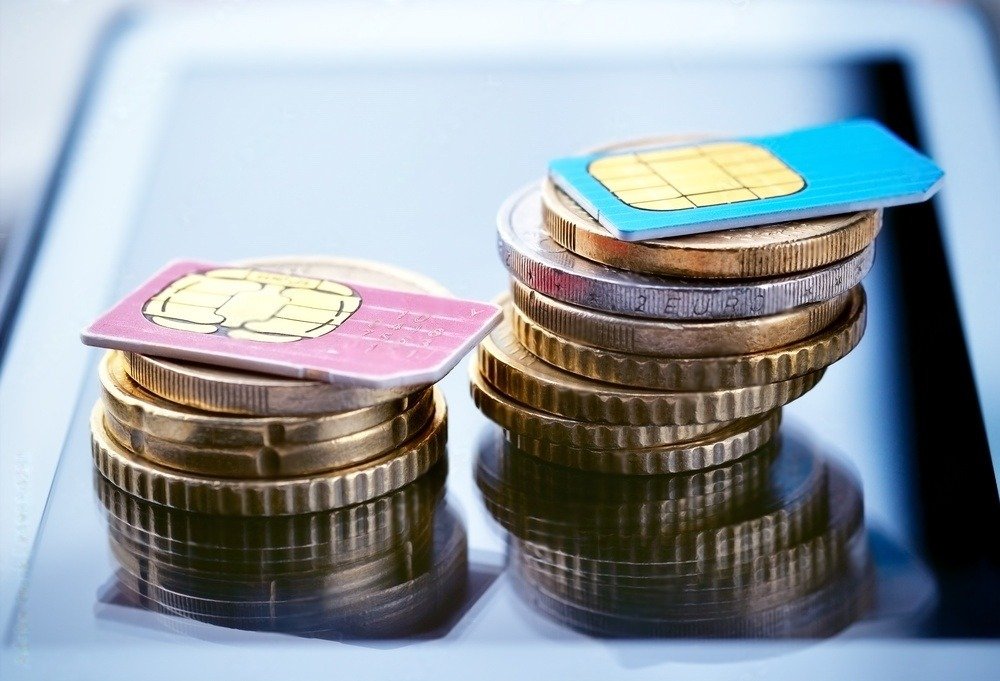
Many mobile operators offer options and plans tailored to the needs of users who consume a lot of mobile data. Don't hesitate to compare offers and choose the one that best suits your needs.
7. Change your habits
Finally, it's important to change your habits to limit your data consumption. Here are a few tips:
- Avoid watching streaming videos on your smartphone.
- Download large files only over Wi-Fi.
- Compress photos and videos before sending them.
- Turn off notifications for apps you don't use often.
By following these tips, you can easily limit your mobile data usage and avoid surprises on your bill. Remember that the best way to reduce your consumption is to stay vigilant and aware of your usage habits.
FAQ
What should I do if I've already exceeded my data allowance?
- Contact your service provider. They may offer additional options, such as a data pass or exceeding your plan's allowance.
- Use a public Wi-Fi network. You can find free Wi-Fi networks in many places, such as cafes, restaurants, and public transport.
- Reduce your data consumption. Follow the tips above to limit your mobile data usage.
How can I find out which apps are using the most data?
- Use your carrier's data usage monitoring tools. Most carriers offer tools that allow you to view data consumption by application.
- Check your app settings. Some apps allow you to limit their data usage.
Are there any applications that allow you to limit data consumption?
- Yes, there are many apps that can help you limit your data usage. Some of the most popular include Onavo Count, DataEye, and My Data Manager.
4. What should I do if I am travelling abroad?
- Activate data roaming. This will allow you to use your mobile plan abroad, but be aware that roaming charges can be high.
- Buy a local data plan. It's often the most economical solution if you're staying abroad for a long time.
- Use a public Wi-Fi network.
Are there any tips for saving mobile data when watching videos?
- Reduce the video quality. You can usually choose the video quality you want to watch.
- Use a video streaming app that compresses data. There are many apps that allow you to watch streaming videos while using less data.
- Download the videos over Wi-Fi and then watch them offline.
Are there any tips for saving mobile data when using GPS navigation?
- Download the maps via Wi-Fi and then use them offline.
- Use a GPS navigation app that does not require an internet connection.
- Disable the voice options in your GPS navigation app.


