
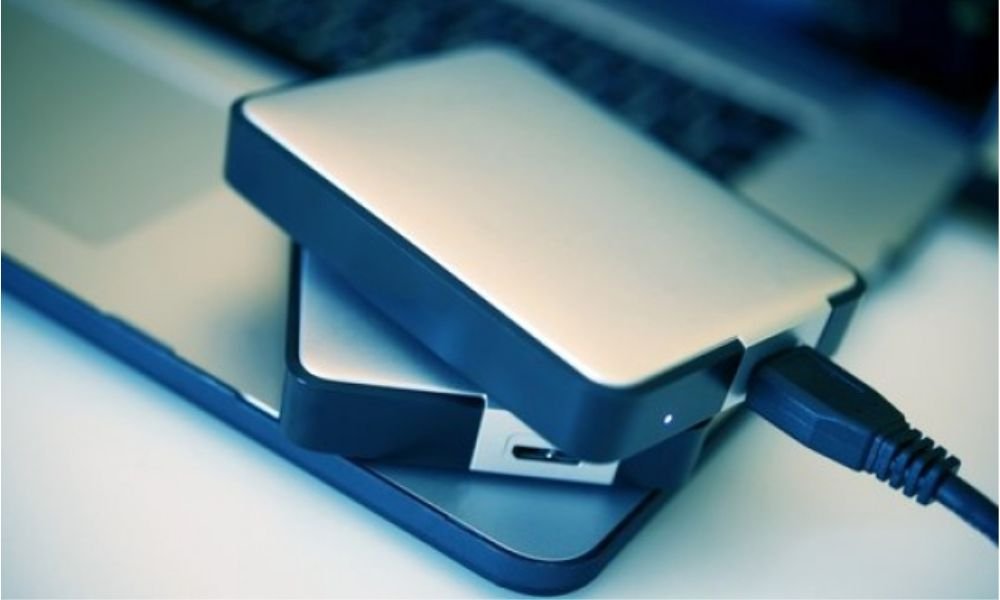
Have you recently upgraded your laptop or desktop computer and are now left with an old hard drive you don't know what to do with? Instead of letting it gather dust, did you know it's possible to transform it into a portable hard drive ? In this article, we'll explain how to create your own portable hard drive from an old PC hard drive . You'll discover just how economical and easy this solution is. Get ready to give your old hard drive a second life and enjoy all its benefits!
What you will need
Before you begin, make sure you have the following items:
- An old PC hard drive : Check the hard drive format (usually 2.5 inches for laptops and some recent desktops).
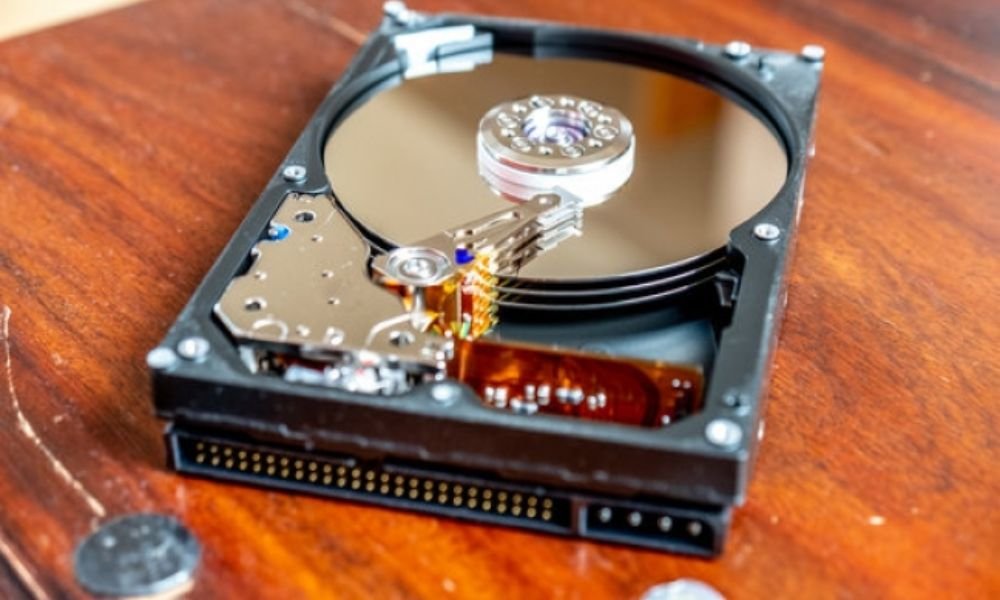
- An external hard drive enclosure : Choose an enclosure compatible with the size and interface of your hard drive (SATA or USB). Opt for a USB 3.0 model for faster data transfers.
- A Torx screwdriver : To your computer case
- A USB cable : To connect the external hard drive to your computer.
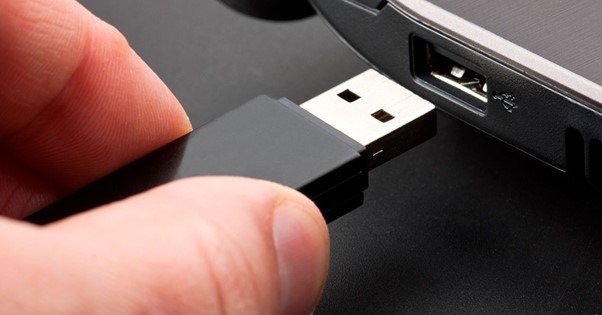
- A computer : You will need this to format and install the file system on your portable hard drive.
- An AC adapter (optional) : If your external enclosure is not powered by USB.
Steps to create your portable hard drive
1. Remove the hard drive from your computer:
- Turn off your computer and unplug it from the power outlet.
- Open your computer case by following the manufacturer's instructions (usually by removing screws or clipping latches).
- Locate the hard drive, which is usually secured by screws or mounting rails.
- Disconnect the data and power supply cables from the hard drive.
- Unscrew the hard drive from its bracket and carefully remove it from the computer.
This short video will be very useful to you:
2. Prepare the hard drive for the external enclosure:
- If necessary, carefully remove the hard drive from its internal printed circuit board (PCB).
- Insert the hard drive into the external enclosure following the manufacturer's instructions.
- Screw the hard drive into place to secure .
3. Connect the external hard drive to your computer:
- Connect the USB cable from the external enclosure to a USB port on your computer.
- If your external enclosure requires a power supply , plug in the AC adapter and turn it on.

4. Format and partition the hard drive (if necessary):
- Open your computer's disk management tool (accessible via File Explorer in Windows or Disk Utility in macOS).
- Select the external hard drive and check if it is formatted.
- If the hard drive is not formatted, format it using a compatible file system, such as NTFS ( Windows ) or exFAT (for cross-platform compatibility ).
- You can also partition the hard drive into multiple volumes if you wish.
5. Start using your portable hard drive!
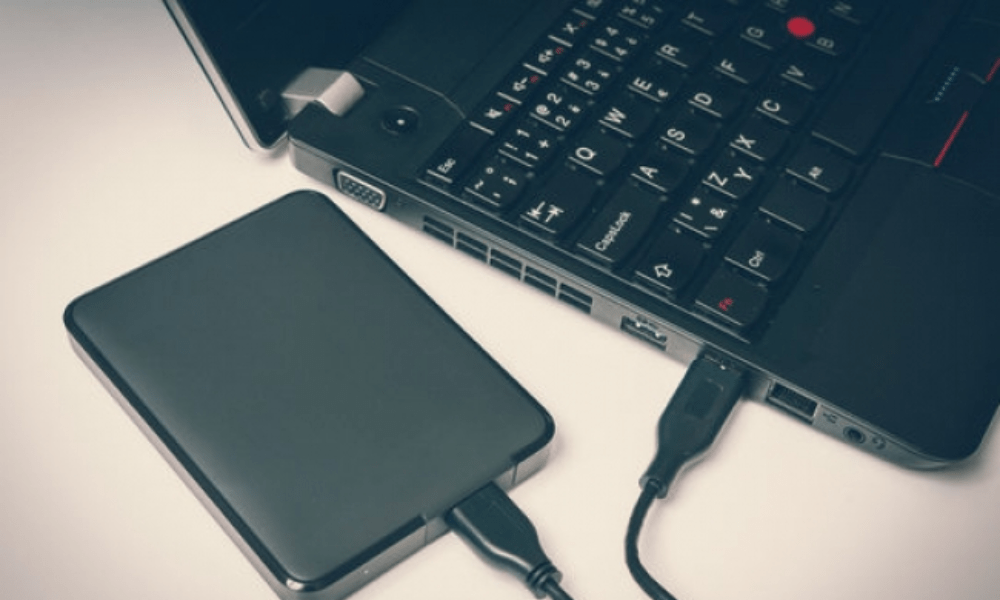
Once your portable hard drive is assembled and formatted, all you have to do is connect it to your computer to start using it. Simply plug the speaker's USB cable into an available USB port on your computer. Your operating system will automatically recognize the portable hard drive and display it as an external storage device . You can then transfer your files, create folders, and organize your data as you see fit. Always be sure to safely eject your portable hard drive before unplugging it to prevent data loss.
See also: How to repair an undetected internal hard drive on windows 10?
FAQ
Can I use any hard drive to create my portable hard drive?
Yes, you can use most internal hard drives to create a portable hard drive . Just make sure the enclosure you choose is compatible with the type of hard drive you have.
Is it possible to encrypt my portable hard drive for increased security?
Yes, it is possible to encrypt your portable hard drive to protect your sensitive data. You can use third-party encryption software or enable the built-in encryption features of your operating system.
Can I use my portable hard drive on different operating systems?
Yes, as long as the operating system recognizes the hard drive format ( such as NTFS, FAT32, exFAT ), you can use your portable hard drive on different operating systems such as Windows , macOS, and Linux.
What is the maximum storage capacity I can get with a portable hard drive?

The maximum storage capacity of a portable hard drive depends on the type of hard drive you use. Currently, external hard drives can reach capacities of up to several terabytes (TB ).
What is the lifespan of a portable hard drive?
The lifespan of a portable hard drive depends on several factors, such as the quality of the drive, usage, and storage conditions. Generally, a portable hard drive can last for several years if used and maintained properly.
Remember to always back up your important data regularly, even on a portable hard drive . Preventing data loss is essential to ensuring the security of your files.
In conclusion , creating your own portable hard drive from an old PC hard drive is an economical and practical solution for transporting your files and backing up your important data. By following the preparation and assembly steps, you can give your old hard drive a second life and enjoy all the benefits of a portable hard drive . Feel free to explore the different enclosures available on the market to find the one that best suits your needs. Happy building your portable hard drive!


