

Whether for work, entertainment, or gaming, having a high-quality portable screen can make all the difference. Have you ever used, or even seen, a tool that completely revolutionizes the way you work or play? Well, today I'm going to introduce you to a game-changing display technology the Arzopa Z1FC portable gaming monitor . This innovative device is designed to transform your productivity and entertainment experience like never before.
I had the opportunity to test it for several weeks, and in this article, I'll share my impressions. Initially, the monitor was provided to me with the intention of evaluating its image quality , performance , and usability , but as is often the case in our quest for excellence on this site, we always push the boundaries beyond expectations. Through this comprehensive review, I invite you to discover whether this versatile monitor has what it takes to become your best ally.

Presentation and features of the ARZOPA Z1FC portable monitor
If you haven't heard of the ARZOPA Z1FC monitor , now's the time to discover it. This compact and stylish monitor is designed to deliver an exceptional visual experience, whether for gaming, work, or entertainment. With its Full HD resolution of 1920×1080 pixels and a 144Hz refresh rate, it offers crisp, detailed images, ideal for gaming, work, and watching videos .
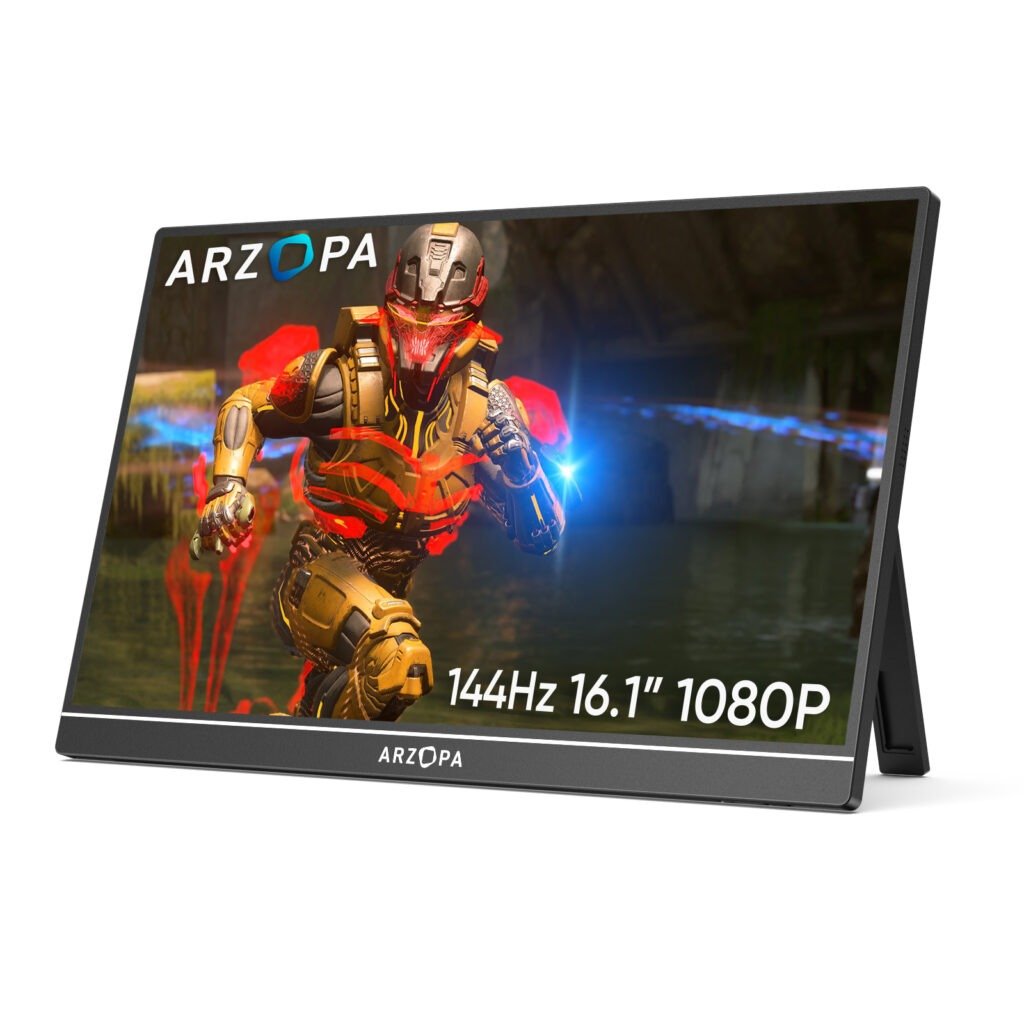
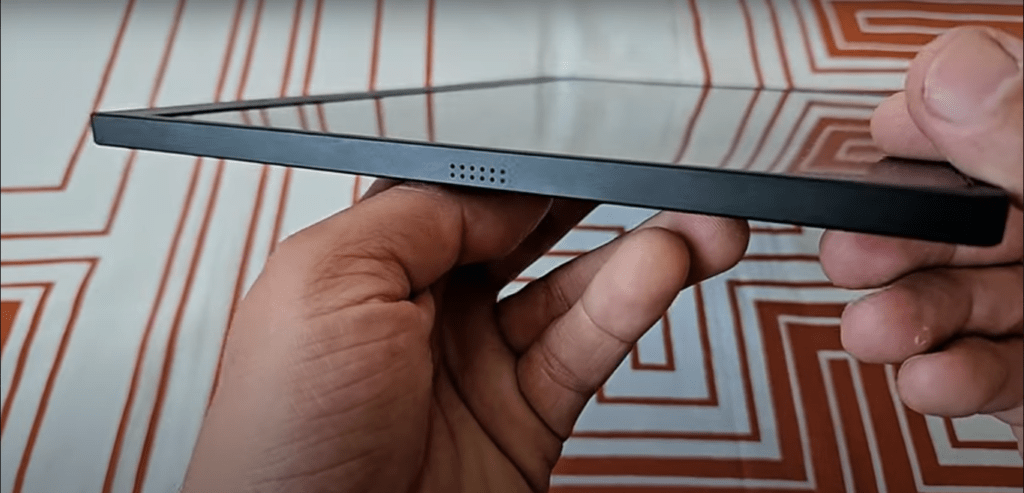
In terms of features, the ARZOPA Z1FC portable gaming monitor boasts a 16.1-inch IPS display , offering wide viewing angles and vibrant colors. Its premium aluminum construction makes it both lightweight and durable, weighing only 1.7 lbs and measuring just 0.3 inches thick . You can take it with you anywhere without any hassle.
In terms of compatibility, the ARZOPA Z1FC supports multiple devices such as PS5, Xbox, Switch, Steam Deck, PCs, and even phones. It features a built-in stand that allows for use in portrait or landscape mode, depending on your preference.
Furthermore, the portable monitor also offers exceptional audio quality thanks to its integrated 1W speakers (1W x 2) . You can enjoy clear and immersive sound during your gaming sessions or movie watching.
Having gained an overall perspective on the ARZOPA Z1FC portable monitor, let's now focus on unboxing and exploring this Plug and Play monitor , designed to simplify sharing and presentations.
Unboxing and first impressions
Unpacking the package
As is always the case with all the products I've had to test, the excitement was palpable as I gently slid the ARZOPA Z1FC portable monitor, 144 Hz | 16.1 " screen out of its cardboard box.
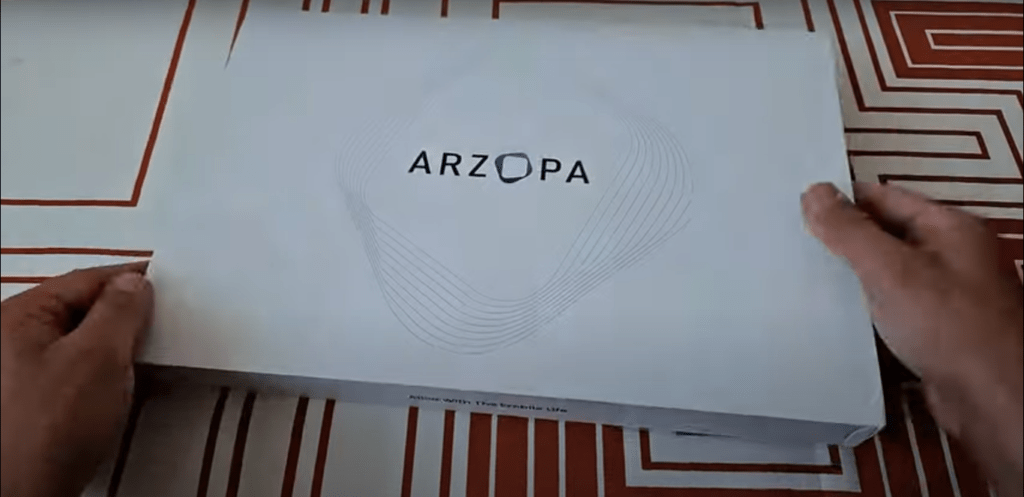
Upon unpacking the parcel, I was immediately captivated by the ARZOPA Z1FC portable monitor . Its compact size and elegant design caught my eye at first glance. The matte black finish it a modern and professional look, adding a touch of understated elegance that blends seamlessly into any environment.
You might like this article: The Best 4K Portable Monitors!
External analysis of the Z1FC

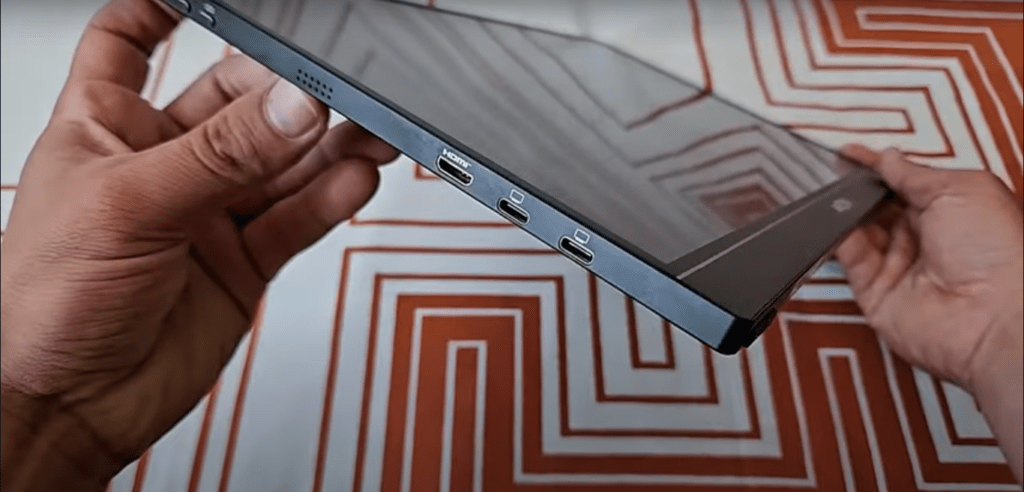
Another pleasant surprise was that Azorpa includes all the necessary accessories for its monitor to function properly. The package contained, of course, the ARZOPA Z1FC portable monitor, a USB-C to USB-C cable, a Mini HDMI to HDMI cable, a USB-C to USB-A cable , a user manual, a cleaning cloth, and a cover securely attached to the device that can be used for installation. The monitor is ready to use as soon as it's connected. Furthermore, the integrated stand was easy to deploy, allowing me to choose between portrait or landscape mode depending on my preference.
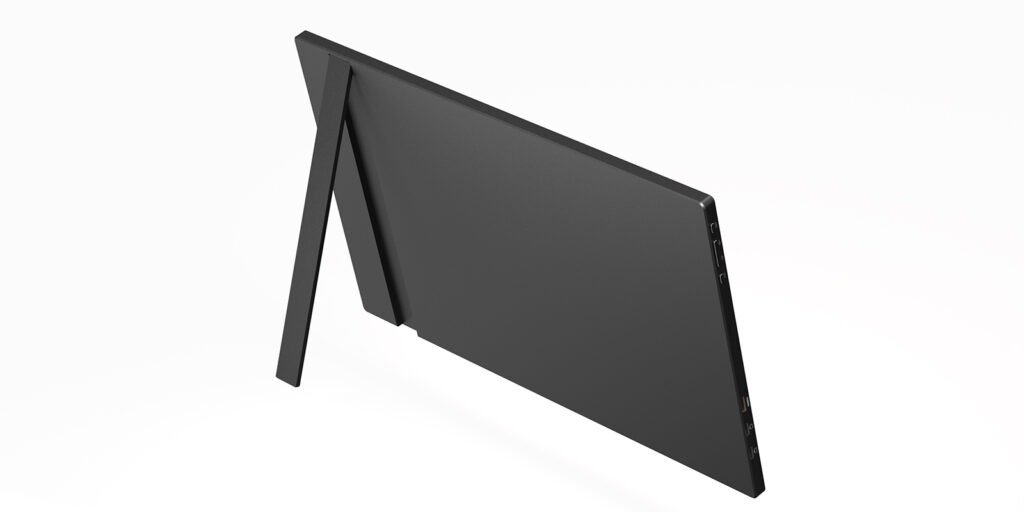
Upon closer inspection of the monitor, I noticed it features several ports, including a USB-C port that allows for connection, data transfer, and power power supply . It also has an HDMI port and audio outputs, offering considerable flexibility. Weighing in at a mere 0.771 kg and a compact design, the Z1FC easily slips into a backpack. It's perfectly suited for mobile use, whether commuting or traveling for work.
A feast for the eyes: display quality and performance
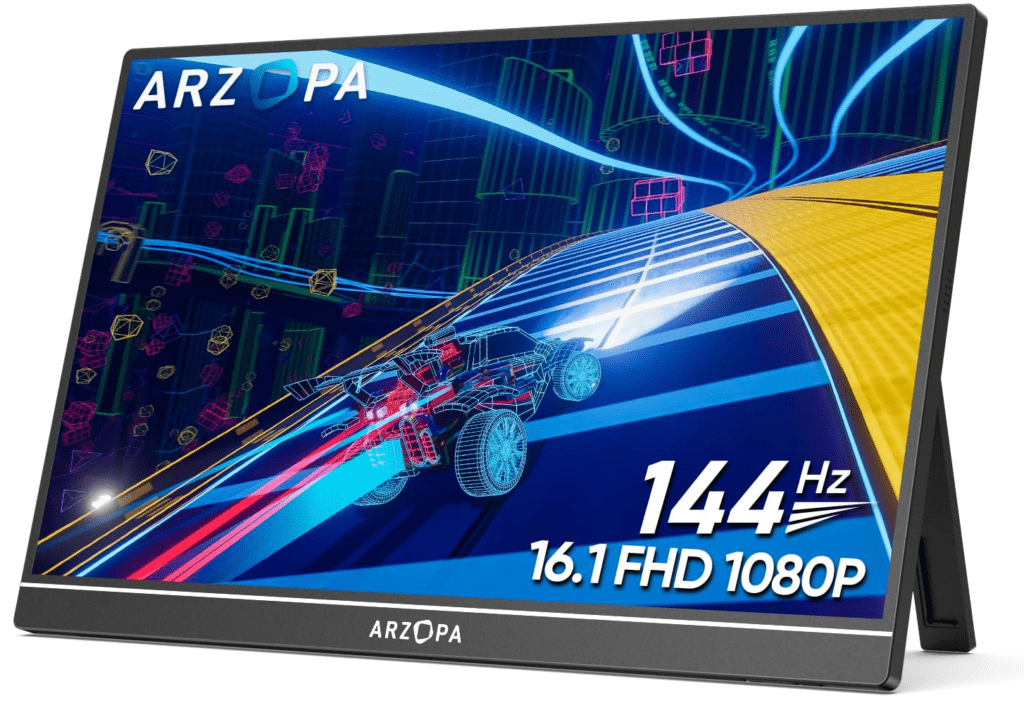
When it comes to mobile gaming, flexibility is key, isn't it? With that in mind, I set out to test the Azorpa monitor, a device that promises to revolutionize the way we play on the go. Like many others before me, I opted for a USB Type-C connection to link my Nintendo Switch to the monitor, hoping for seamless integration.
First impressions and innovative solutions
At first, I encountered an unexpected obstacle: nothing was displayed on the screen . I initially thought it was malfunctioning, but it turned out that the Azorpa monitor, lacking a built-in battery, requires an external power supply source . This discovery might seem disappointing for a device designed for portability, but don't be fooled. I quickly circumvented this challenge by connecting the monitor to an external battery, which allowed me to regain the much-desired freedom of movement.
The gaming experience transformed
Once powered on, the Azorpa monitor revealed its full potential. The Switch lit up, displaying vibrant colors and sharp details on a 16.1-inch display . It's a game-changing screen size, offering unparalleled immersion compared to the console's more modest panel. This experience broadened my horizons and redefined what it means . "
Immersive visuals: exploring display capabilities
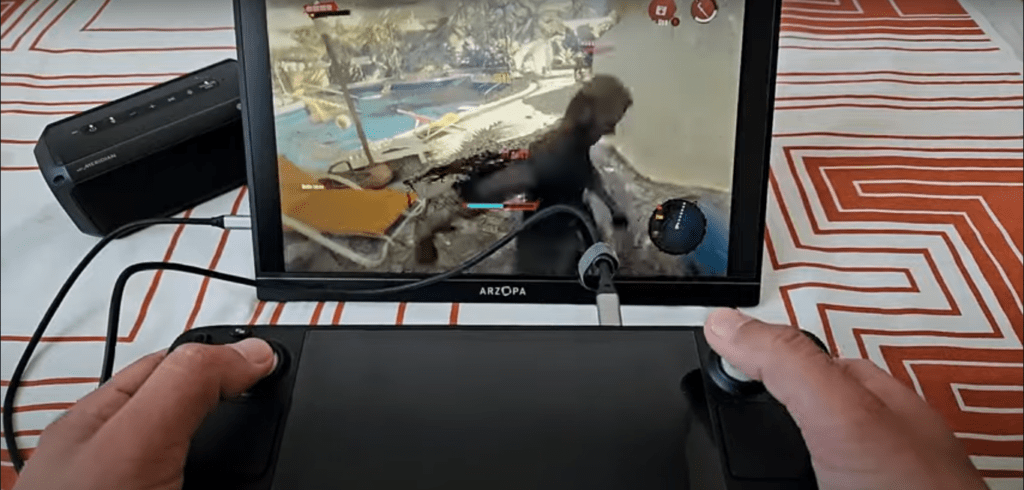
Whether you're working on complex design projects, editing photos and videos, or playing your favorite games, the monitor's exceptional color accuracy and wide viewing angles enhance your overall experience. The fast refresh rate and response time ensure smooth visuals, eliminating motion blur or lag, even during fast-paced action sequences.
Moreover, the Z1FC portable monitor is not limited to stunning visuals; it also offers a multitude of features to enhance your viewing experience:
1. Adjustable display modes
With a range of display modes, including Standard, Movie, Game, and Custom, you can optimize visuals to suit your preferences. Whether you're watching movies, playing games, or working on complex designs, you can easily switch between modes to get the best possible display settings.
2. HDR support
High Dynamic Range (HDR) support elevates your viewing experience to a whole new level. It enhances contrast and color accuracy, resulting in more realistic and vibrant visuals. From the deepest shadows to the brightest highlights, you'll witness every detail with stunning clarity.
3. Portable Multitasking
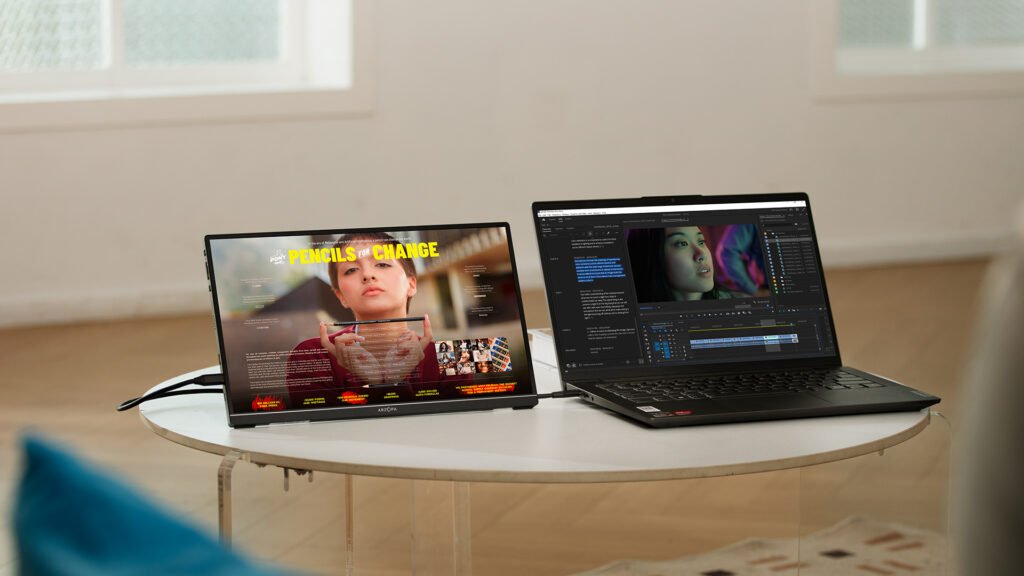
The ultimate portable monitor lets you effortlessly expand your workspace. Thanks to its USB-C connectivity , you can connect it to your laptop, tablet, or smartphone, instantly transforming your device into a dual-screen setup. This feature is a game-changer for professionals who need to multitask on the go, boosting productivity and efficiency.
One aspect of the Z1FC that leaves something to be desired is the lack of wireless connectivity . In a world where simplicity and efficiency are key, the ability to connect to smartphones wirelessly would have been a significant advantage. This would not only have simplified the connection process but also eliminated the uncertainty often associated with compatibility issues between different models.
See also: What Gaming Equipment for a Perfect Setup?
Audio quality: immersive sound experience
While visuals play a crucial role, audio is just as important in creating an immersive experience. The ultimate portable monitor doesn't disappoint in this department either.
Although the Arzopa Z1FC monitor isn't designed for high-fidelity audio, its small built-in speakers deliver clear and sufficiently powerful sound for listening to podcasts, YouTube, or video calls. Their vertical design provides pleasant stereo sound reproduction. However, the volume can quickly distort in the high frequencies at high levels.
In short, whether you're listening to your favorite music, watching movies, or engaging in intense gaming sessions, the monitor's audio quality ensures you won't miss a single detail. Furthermore, the ability to connect external speakers or headphones provides even more flexibility to tailor the audio experience to your liking .
Exploring the monitor's OSD menu
The Azorpa Z1FC monitor's on-screen display (OSD) , while packed with options, boasts improved ergonomics. It offers a range of audio settings, including mute and volume control, as well as a multitude of visual parameters such as contrast, sharpness, and brightness. The screen adjustments don't stop there: I, and you, can also customize the color temperature, saturation, and hue for a truly personalized viewing experience.
Beyond these basic features, the OSD menu stands out with its advanced options. It allows you to activate FreeSync technology , provided your source device is compatible, for smooth image synchronization. You can also adjust the blue light level, engage HDR mode for an expanded color gamut, reset the settings to their defaults, or change the menu language. It's worth noting that the French translation of the menu could be improved, as it contains some English and German language remnants.
Summary and recommendations
After several weeks of thorough testing , the Arzopa Z1FC portable monitor has proven to be a versatile companion , meeting a wide range of needs both in the office and on the go. Its image quality , combined with high performance , compact size, and ergonomic design, makes it a complete solution for enhancing any workstation or gaming setup.
Equipped with modern connectivity , the Z1FC will easily interface with a PC, laptop, game console, or even a smartphone. Its reliability and responsiveness will appeal to both creative professionals and demanding gamers. While it lacks advanced video features , its affordable price for the performance it offers makes it the ideal companion for versatile use.
The positive points:
- Excellent Full HD image quality
- High refresh rate
- Compact and elegant design
- 16.1-inch screen with IPS technology
- Lightweight and durable
- Supports multiple display modes
- Plug and Play functionality
The negative points:
- No built-in battery
- Lack of wireless connectivity
- The built-in speakers may distort at high frequencies at high volume


