Want to promote your Instagram and attract more followers ? You've come to the right place! In this article, we'll show you how to easily share your Instagram account and maximize your online visibility.
Step 1: Create a link to your Instagram profile

To share your Instagram account , you must first create a direct link to your profile. Here's how:
- Open Instagram in your web browser or mobile app
- Go to your profile by clicking on the human silhouette icon in the bottom right corner

- Copy your profile URL from your browser's address bar or by tapping the three dots in the top right corner of your profile on the mobile app and selecting "Copy profile link"
Step 2: Share your profile on other social networks

An effective way to promote your Instagram account is to share it on other social media platforms. Here are a few ideas on how to do this:
- Share your Instagram profile link on Facebook, Twitter, LinkedIn, or Pinterest
- Add the link to your Instagram profile in the bio of your other social media accounts
- Publish engaging content regularly and encourage your followers to follow you on Instagram
Step 3: Use relevant and popular hashtags
Hashtags are a great way to make your Instagram content visible to a wider audience. Use relevant and popular hashtags to increase your chances of being discovered by new followers.
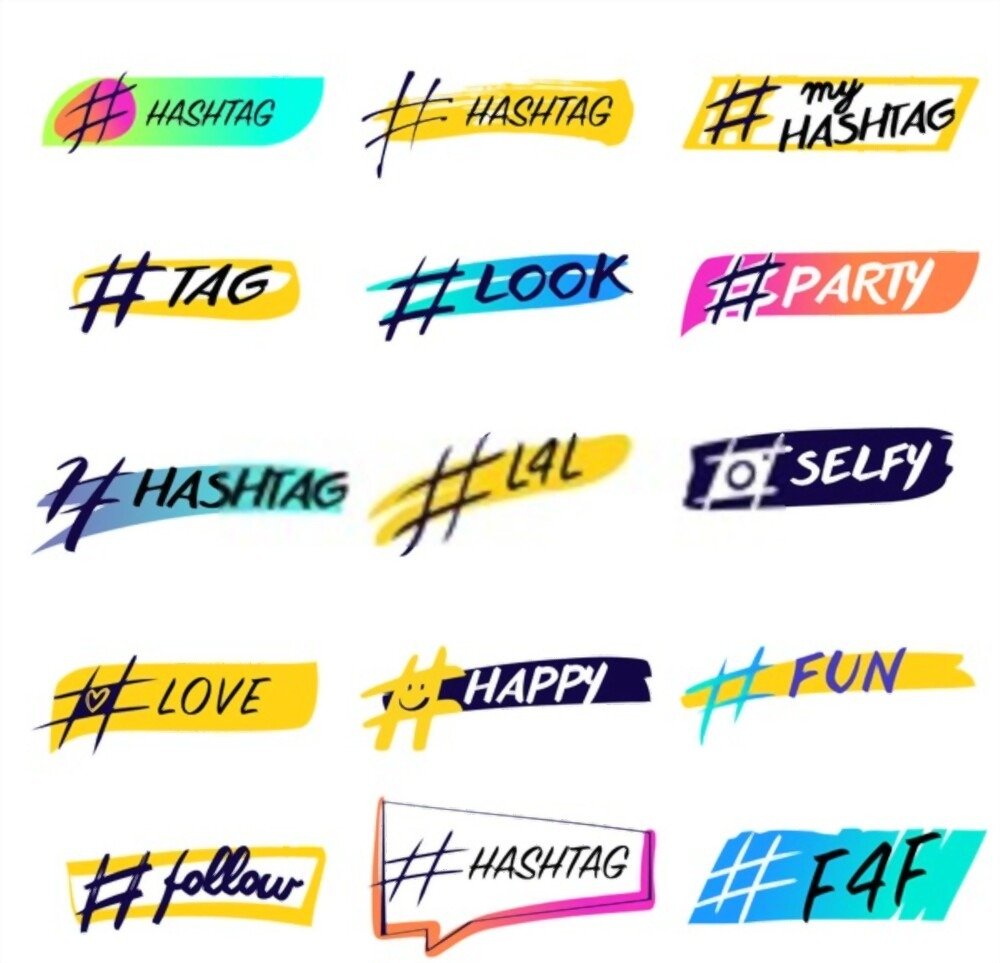
- Search for popular hashtags in your niche or area of interest
- Use online tools to find trending hashtags
- Vary your hashtags to reach different audience groups
Step 4: Collaborate with other Instagram users
Collaborating with other Instagram users can help you increase your visibility and attract new followers. Here are some collaboration ideas:
- Participate in challenges or contests organized by other Instagram users
- Organize shoutout exchanges with other accounts that have a similar audience
- Propose partnerships with influencers or brands in your niche

By following these steps, you'll be able to effectively share your Instagram account and attract new followers. Remember that the key to success on Instagram lies in the quality and consistency of your content. So, keep posting engaging and authentic content to build loyalty with your audience and attract new followers.
You might like this article: How to see follow requests sent on Instagram?
Step 5: Interact with your audience
Interacting with your audience is essential for building a strong connection with your followers and encouraging them to share your Instagram account with others. Here are some tips for engaging your audience:

- Respond to comments and private messages from your subscribers
- Like and comment on posts from other Instagram accounts in your niche
- Organize live Q&A sessions or polls to boost audience engagement
Step 6: Analyze your results and adjust your strategy
To optimize your sharing efforts and improve your visibility on Instagram, it's important to analyze your results and adjust your strategy accordingly. Here's how:
- Use Instagram analytics to track your account growth and audience engagement
- Identify the types of content that generate the most engagement and adapt your strategy accordingly
- Try different approaches to sharing your account and determine what works best for you.

By following these steps and taking a proactive approach to sharing your Instagram account, you'll significantly increase your visibility and attract new followers. Remember that success on Instagram depends on the quality of your content and your engagement with your audience. So, keep creating engaging content and interacting with your followers to ensure sustainable growth for your Instagram account.
Also read: How to properly use Instagram on a Mac!
FAQ
How do I get a verified badge on Instagram?
Getting a verified badge on Instagram is a way to confirm the authenticity of your account and gain the trust of your followers. Here are the steps to request a verified badge:
- Make sure your account meets the eligibility requirements: be authentic, unique, complete, and comply with Instagram's community guidelines
- Log in to your Instagram account and access your profile
- Tap the three horizontal lines in the top right corner of the screen, then select "Settings"
- Click on "Account" and choose "Request verification"
- Fill out the form with the required information and provide proof of identity
- Send the request and wait for Instagram's response
Please note that Instagram does not guarantee you will receive the verified badge and your application may be rejected. In that case, you can reapply after 30 days.
What tools can be used to schedule Instagram posts in advance?
Scheduling Instagram posts in advance can help you save time and maintain a consistent presence on the platform. Here are some popular tools for scheduling your posts:
- Instagram's native "Creator Studio" tool (available for business and creator accounts)
- Buffer
- Hootsuite
- Later
- Planoly
These tools offer various features, such as post scheduling, multi-account management, and performance analysis. Compare their offerings and choose the one that best suits your needs.
How can I increase engagement on my Instagram Stories?
Instagram Stories are a great way to interact with your audience and increase engagement. Here are some tips to improve engagement on your Stories:
- Use interactive stickers, such as polls, questions, and quizzes
- Share authentic and exclusive moments from your everyday life
- Create series of themed Stories to encourage subscribers to return regularly
- Use hashtags and locations to increase your visibility
- Collaborate with other Instagram users to reach new followers
By applying these tips, you will encourage subscribers to interact with your Stories and engage more with your content.
How to create a cohesive and aesthetically pleasing Instagram feed?
An attractive and consistent Instagram feed can help you attract new followers and strengthen your brand image. Here are some tips for creating a harmonious feed:
An attractive and consistent Instagram feed can help you attract new followers and strengthen your brand image. Here are some tips for creating a harmonious feed:
- Choose a theme or visual style for your content (colors, filters, composition)
- Use photo editing apps to improve the quality of your images
- Plan your posts using scheduling tools to visualize how your feed will look before you publish
- Maintain consistency in the frequency and type of content you publish
- Don't hesitate to experiment and adjust your strategy based on your audience's reactions
What are the best practices for using Instagram Reels?
Instagram Reels are a popular feature that allows you to create and share short, engaging videos. Here are some best practices for getting the most out of Reels:
Instagram Reels are a popular feature that allows you to create and share short, engaging videos. Here are some best practices for getting the most out of Reels:
- Create high-quality videos with original and interesting content
- Use relevant hashtags to increase your visibility
- Participate in popular challenges or trends to attract the attention of new subscribers
- Collaborate with other Instagram users to expand your audience
- Integrate Reels into your overall content strategy to vary the type of content you publish
Conclusion
Sharing your Instagram account and increasing your online visibility requires a consistent and thoughtful approach. By applying the tips and best practices presented in this FAQ, you'll be able to maximize your impact on the platform and build an engaged and loyal community. Remember that success on Instagram depends on the quality of your content, your engagement with your audience, and your ability to adapt and innovate.