Are you looking for a free tool that will allow you to download Twitter videos ? Have you already tried a variety of options, which unfortunately didn't work? Well, we've found the solution to your problems.
Downloading a Twitter video allows you to watch it offline and use it for other purposes. Whether it's posting it to your own account without using theretweet option or sharing it on another social network, almost anything is possible.
In any case, here are the best tools for downloading videos from the social network Twitter:
1. Twitter Video Downloader
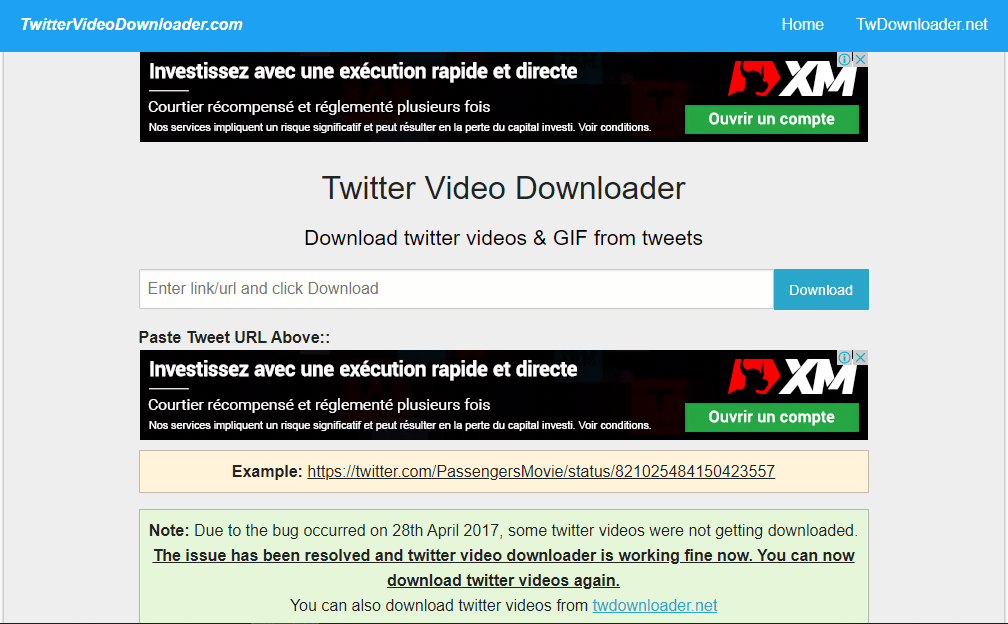
Here's the most efficient and easy-to-use tool. Twitter Video Downloader will allow you to download videos from Twitter's CDN servers.
To do this, follow these steps:
- Copy the URL of the tweet or video (you can copy it from the address bar or from the tweet sharing options below).
- Paste the video URL into the text box on the main page and click the download button.
- The tool will convert the tweet to MP4 format, which you can save anywhere on your device.
In addition to videos, Twitter Video Downloader also allows you to download GIFs.
2. DownloadThisVideo (@this_vid)
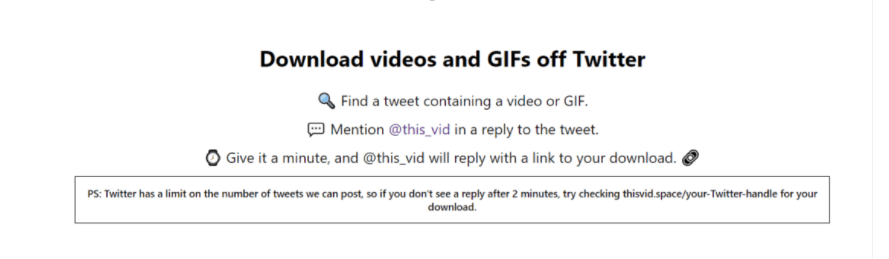
The DownloadThisVideo provides download URLs for videos embedded in tweets. On the official website, you'll find a wealth of information explaining the download process using this tool.
To download a video using DownloadThisVideo (@this_vid):
- Find a tweet containing a video or GIF.
- Mention @this_vid in a reply to the tweet.
- Please wait for approximately one minute and @this_vid will reply with a link that will allow you to download the video.
3. SaveTweetVid

SaveTweetVid represents another option if you want to save one or more videos locally from Twitter.
How do I use SaveTweetVid ? Simply follow these three steps:
- Copy and paste the link of the video you want to download into the search bar of the SaveTweetVid
- Click on "Download" to start the process
- Select the format you want (between MP3 and MP4) and repeat the download.
4. Download Twitter Videos
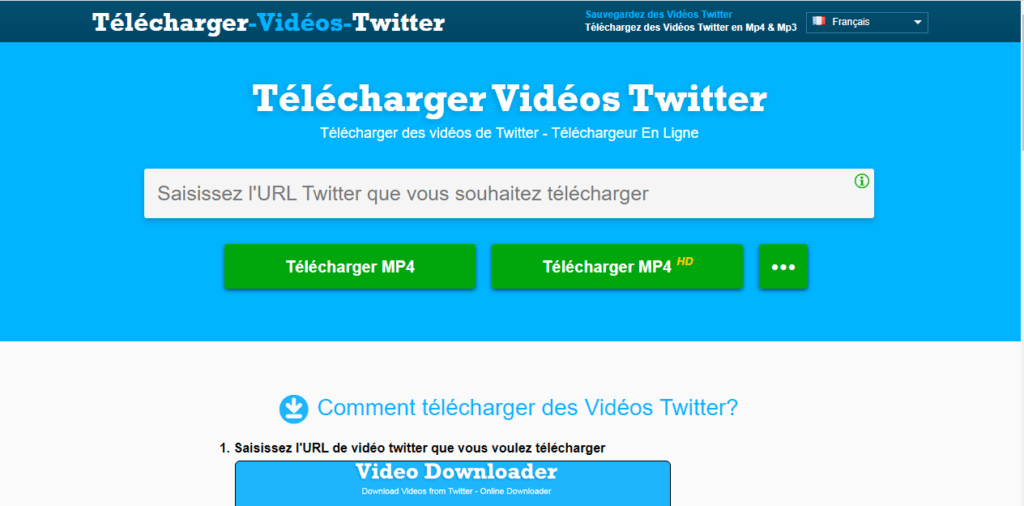
Download-Twitter-Videos has an easy-to-use interface.
You can open it in any web browser on your desktop computer, mobile phone, or tablet. As for video quality, you can choose between SD and HD formats.
Overall, this is a solid video downloader that works much like most of the tools featured in this article.
Read also: The best search engines without cookies and without history for incognito browsing
5. TWSaver

TWSaver allows you to record videos in three resolutions: SD, HD and UH.
Simply copy the video's Tweet link and paste it into the text box labeled " Enter Twitter URL " on the homepage. Once you've done that, select your desired resolution and click " Download".
Your video will be available offline in seconds.
6. GetfVid

GetfVid is a super fast and easy tool that lets you download videos from Twitter in an instant. Besides offering MP4 format, it can also convert videos to MP3 files.
How to use GetfVid? It's very simple:
Once you have copied and pasted the video URL into the appropriate field, click the download button. You will then see a preview of the video with another download button.
Click on it to launch and permanently download the video. If you are on a PC, you will inevitably have to follow the usual procedure (" save as") to be able to save the video.
7. Twitter Media Downloader
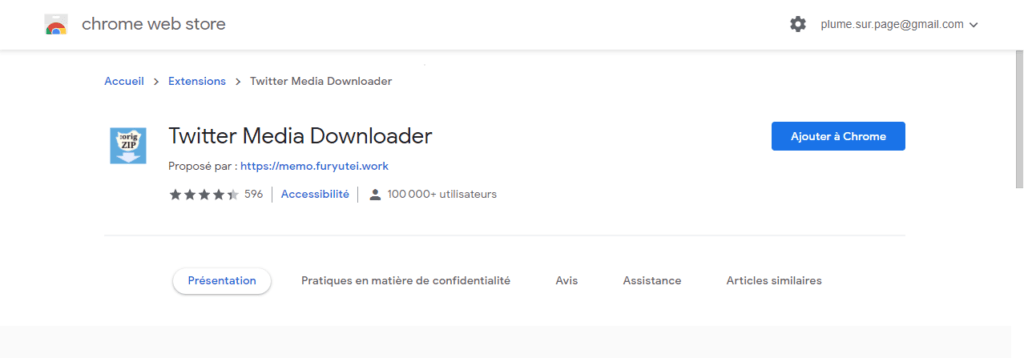
If you frequently use Google Chrome, you should try the Twitter Media Downloader extension (or plugin, if you prefer)
With the help of this tool, you can easily download videos without leaving the application/window, i.e., Twitter.
This tool also allows you to store entire media libraries from your account. Images and videos are saved locally and collectively as a compressed ZIP file.
8. TWDOWN.net

TWDOWN.net performs the same function as the other tools on this list. Besides MP4 files, you can also convert videos to MP3 files. Aside from that, the tool has no other distinguishing features.
9. SaveFrom.net

To save a Twitter video without downloading any software—that is, 100% online—SaveFrom.net is one of the best options. This platform allows you to download a video in the same quality as the one that was uploaded, meaning up to Full HD or 1920×1200.
It also has a mobile app for Android and an extension for Google Chrome, which are very useful for downloading videos from YouTube, Facebook, TikTok…
How to download a Twitter video with SaveFrom.net? It's actually very simple!
Simply open the SaveFrom.Net page, copy and paste the URL of the tweet containing the video you want to download, and then clickthe green " Download" button. After a few seconds, a thumbnail version of the video will appear, and you can choose your desired resolution.
For your information, the format is usually MP4 on Twitter, but other platforms will offer you many others.
10. sssTwitter

If none of the above tools work on your device (or if your preferred one is temporarily out of service), we recommend using sssTwitter.
The online tool works like all standard video downloaders and is compatible with all devices and browsers.

Why should you choose one of the websites above?
You've probably already guessed it! The service offered by most Twitter video conversion sites is very reliable, practical, and easy to use. Also, you don't need to spend a penny to get what you want, since all these tools are completely free.
For your information, the video download sites mentioned in this article do not host copyrighted content and do not support any unauthorized material. So, if you want to download a Twitter video without any hassle, we highly recommend them. Try one of them and you won't be disappointed!