
Are you expecting an important message but not receiving any texts on your phone ? Are you wondering why you're not getting texts and how to fix it? Don't worry, there are simple solutions to this problem. In this article, we'll explain the possible causes of this issue and the steps to take to correct it.
Possible causes of the problem and their solutions
There are several reasons why you might not be receiving text messages on your phone. Here are the main ones:
Airplane mode
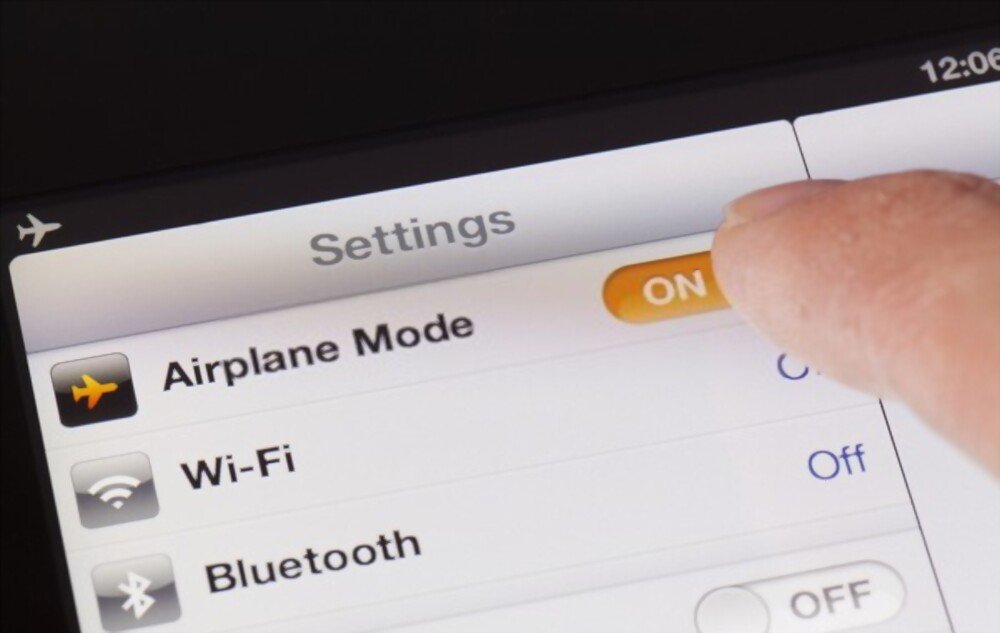
If your phone is in airplane mode, you cannot send or receive text messages because the mobile network is disabled. Simply turn off airplane mode to restore messaging services.
The phone plan or credit
If you have a limited or prepaid plan, you may have used up your text messaging quota or phone credit. In this case, you need to top up your account or pay your bill to be able to send and receive text messages again.
The network signal

If you are in an area with weak or no mobile network coverage, you cannot receive text messages. You must then move to a location with a better signal or wait for network coverage to improve.
SMS notifications
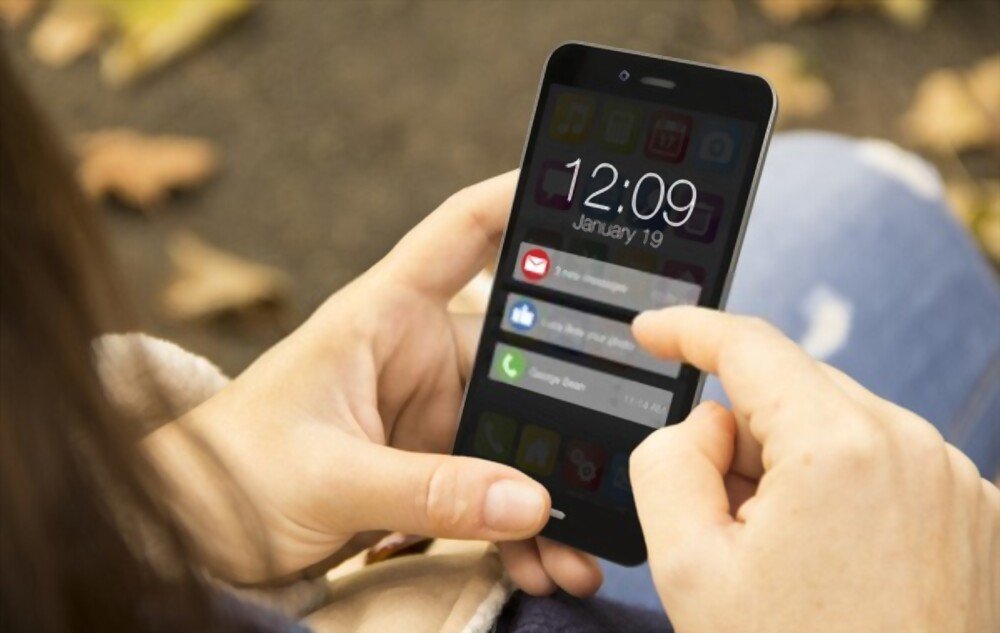
You may receive text messages but not be notified by a sound or image. To check if text message notifications are enabled, go to your phone's settings, then to notifications, and select your messaging app. Make sure notifications are allowed and customized to your preferences.
The SIM card
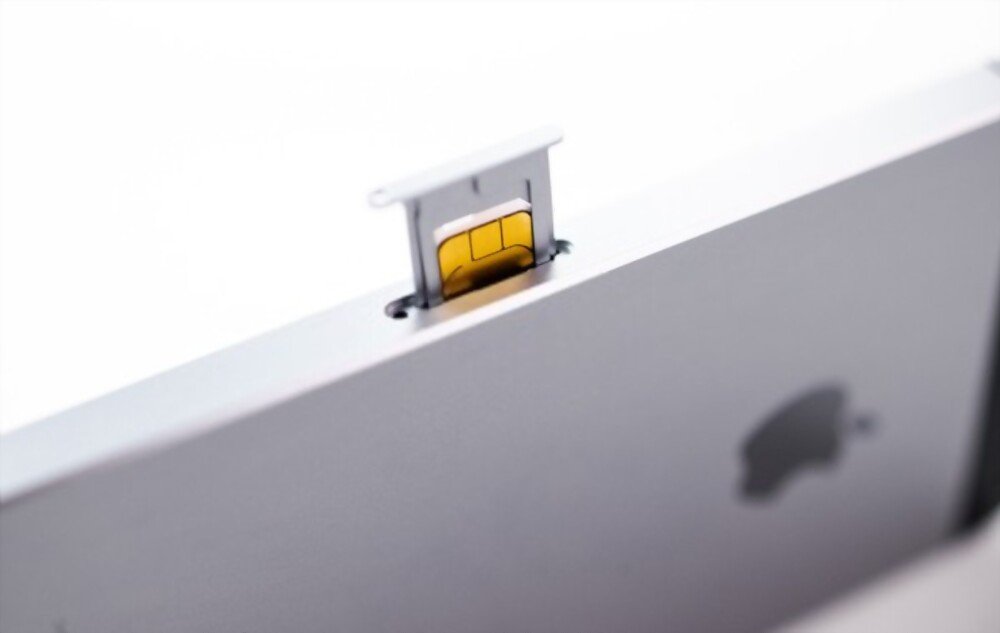
If your SIM card is inserted incorrectly, damaged, or incompatible with your phone, you will not be able to receive text messages. You should then check that your SIM card is properly positioned in its slot, clean it with a soft cloth, or replace it with a new SIM card compatible with your device.
The iMessage service
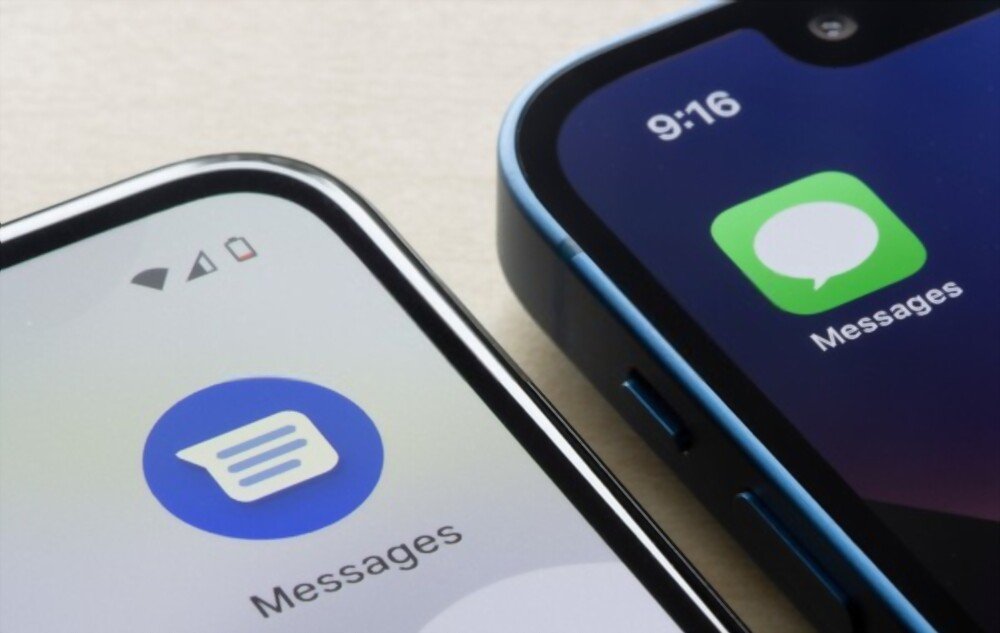
If you've switched phones and your old device was an iPhone, your text messages may be blocked by Apple's iMessage service. This is because iMessage stores your phone number and links it to your Apple ID. If you don't disable iMessage before switching phones, your contacts who use iPhones will continue to send you messages via iMessage instead of regular text messages. To disable iMessage, go to the Apple website and follow the instructions.
Click here to access Apple's website
Other solutions to solve the problem
If you have identified the cause of the problem, you can apply the corresponding solution from those mentioned above. If you don't know the cause of the problem or if none of the suggested solutions work, here are some other actions you can try:
Restart your phone

This is a simple yet effective method for resolving many technical problems. By restarting your phone, you reset its connection to the mobile network and the messaging application.
Update your messaging app
Your messaging app might be outdated or buggy. This can cause error messages like “ Google Play service has stopped .” To avoid this, make sure you have the latest version of the app by downloading it from the Play Store or the App Store.
Clear the data and cache of the messaging app
Your messaging application may be overloaded with unnecessary or corrupted data.
To free up space and optimize its operation:
- Go to your phone's settings.
- Then go to the applications, and find the messaging application.
- Go to storage and click on clear data and clear cache.
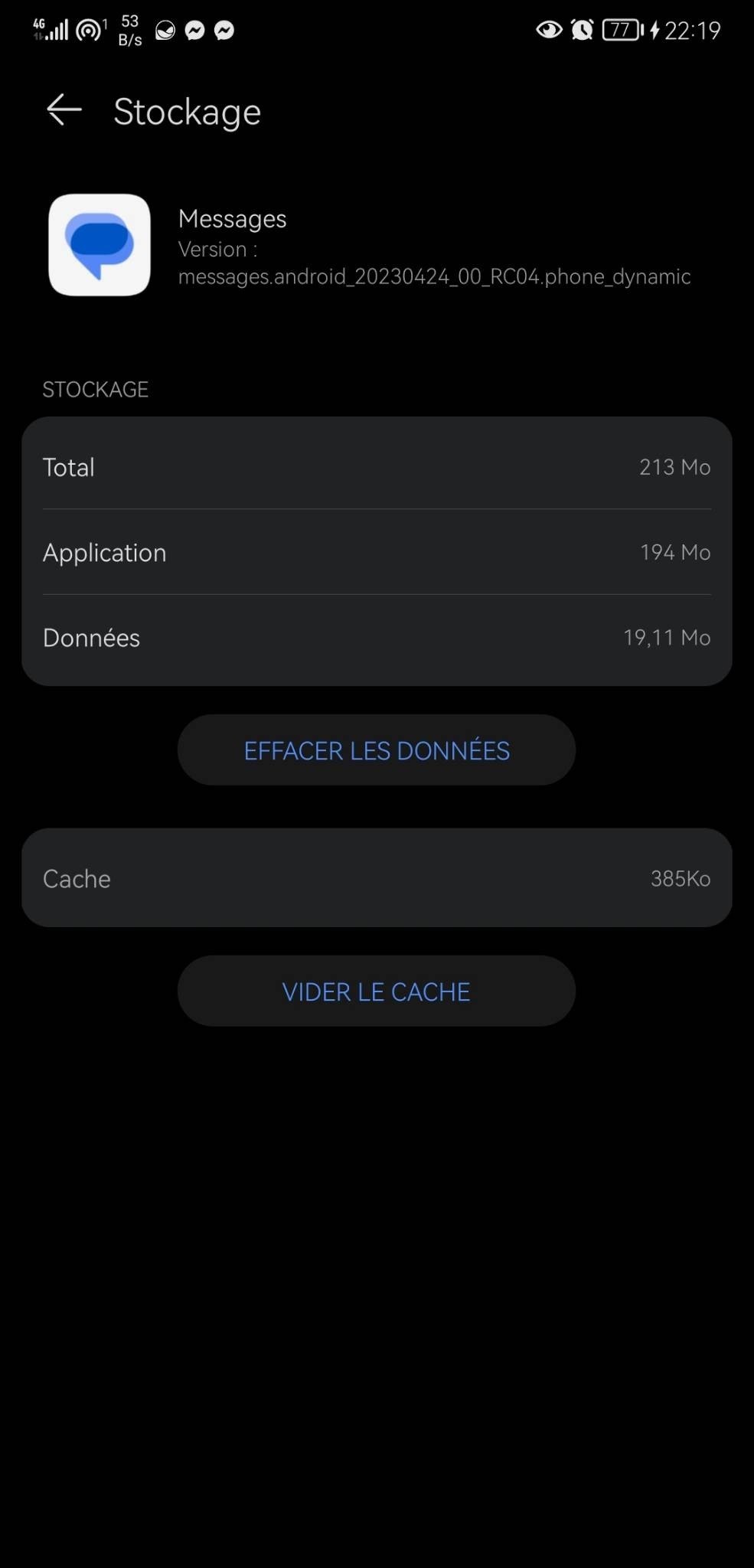
Warning: This operation may delete your saved text messages.
Contact your mobile operator
If none of the previous solutions work, the problem may be with your mobile provider. It could be a temporary network outage or an issue with your line or plan. In this case, contact your provider's customer service for assistance.
FAQ
Here are some frequently asked questions from internet users on this topic:
How can I tell if someone has received my text message?
There are two ways to know if someone has received your text message: delivery receipts and status reports. Delivery receipts are automatic messages you receive when your recipient has read your text. Status reports are icons that appear next to your text message once it has been sent and received. Both of these options must be enabled in your messaging app's settings and may vary depending on the phone model and mobile carrier.
How to recover deleted text messages?
There are several ways to recover deleted text messages on your phone. You can use a dedicated data recovery app, such as Recuva for Android , Dr.Fone, or EaseUS MobiSaver. You can also restore a previous backup of your phone if you have one via Google Drive or iCloud. Alternatively, you can contact your mobile carrier to request a detailed statement of your communications, including your sent and received text messages.
How to block unwanted text messages?
If you receive unwanted text messages from a specific number or an anonymous sender, you can block them using the built-in option in your messaging app. Simply open the conversation and tap the menu button (three dots) in the top right corner. Then select "Block number" or "Block sender," as appropriate. You can also report these messages as spam to help combat this problem.
How do I send a group text message?
If you want to send a text message to multiple recipients at once, you can use the group texting feature in your messaging app. Simply open a new conversation and add all the contacts you want to send the message to in the recipient field. Then compose your message and tap send. Your recipients will then receive an individual text message and can reply to it separately.
How do I send a text message from a computer?
If you want to send a text message from a computer without using your phone, you can use an online service that allows you to send messages over the internet. Several websites offer this service, either for free or for a fee. For example, you can use TextMagic, SendSMSnow, or SMSFactor. Simply enter the recipient's number, the message content, and click send.
Conclusion
You now know why you're not receiving text messages and how to fix this problem. We've looked at the possible causes of this malfunction and the solutions to apply to correct it. We've also summarized the steps to follow in a table and answered frequently asked questions on the subject.
We hope this article was helpful and that you were able to restore messaging service on your phone. If you are still having trouble receiving text messages, please contact your mobile operator or a phone repair professional.


