If you're planning to tinker with your PC and are wondering which processor to buy based on your graphics card , you've come to the right place!
Yes, many hardware beginners and gamers make this mistake which costs them (literally) dearly by imagining that only the graphics card is essential for gaming.
However, the GPU and CPU must be compatible . To help you choose the right PC processor for your PC graphics card, we offer this article which will help beginners avoid these mistakes.
3 beginner mistakes to avoid when buying your processor!
A processor powerless against a powerful graphics card
You've been dreaming of this super-powerful graphics card for gaming, allowing you to play all the games you want , with maximum graphics and a minimum of 60Hz!
But when you launch the game, disaster strikes! It's as if your graphics card is completely useless. Have you checked your processor's power?
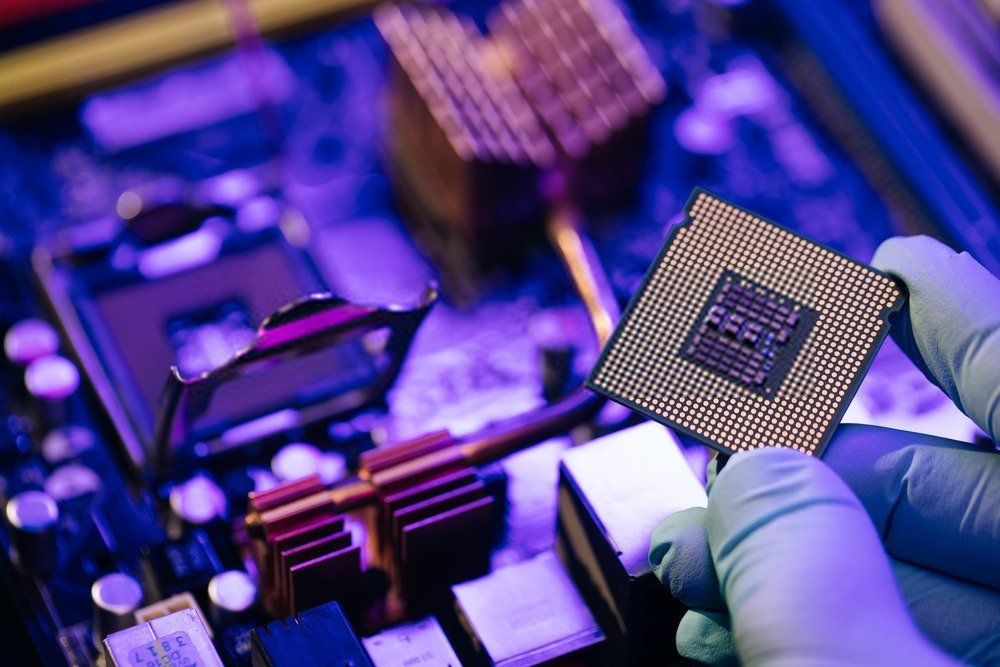
Yes, that's a common mistake among hardware beginners . Keep in mind that it's your computer's processor that performs the calculations.
In other words, if your graphics card sends it too much data to process and it doesn't have the capacity to do so, your gaming graphics card is automatically throttled !
At that point, you cannot exploit the potential of your new GPU, which is a shame considering the cost of a gaming graphics card.
This applies to all those who carry out graphic projects on a PC.
Do not calculate the GPU-CPU balance
Now that you know that the computing power of the two PC components needs to be balanced , how can we know if they are compatible?
Initially, you can do it visually. Indeed, those familiar with hardware and technology will know if the frequency (GHz) and the number of cores are suitable for their graphics card.
Secondly, there are websites that allow you to enter your computer components and obtain a score like this one: https://pc-builds.com/calculator/
Finally, although it is not a mistake but rather a lack of consistency, it is interesting to optimize the components of your PC as much as possible by choosing the same manufacturer for your processor as for your graphics processor, such as with an AMD processor, you would opt for an AMD graphics card and not an Nvidia graphics card.
Ignore the processor socket!
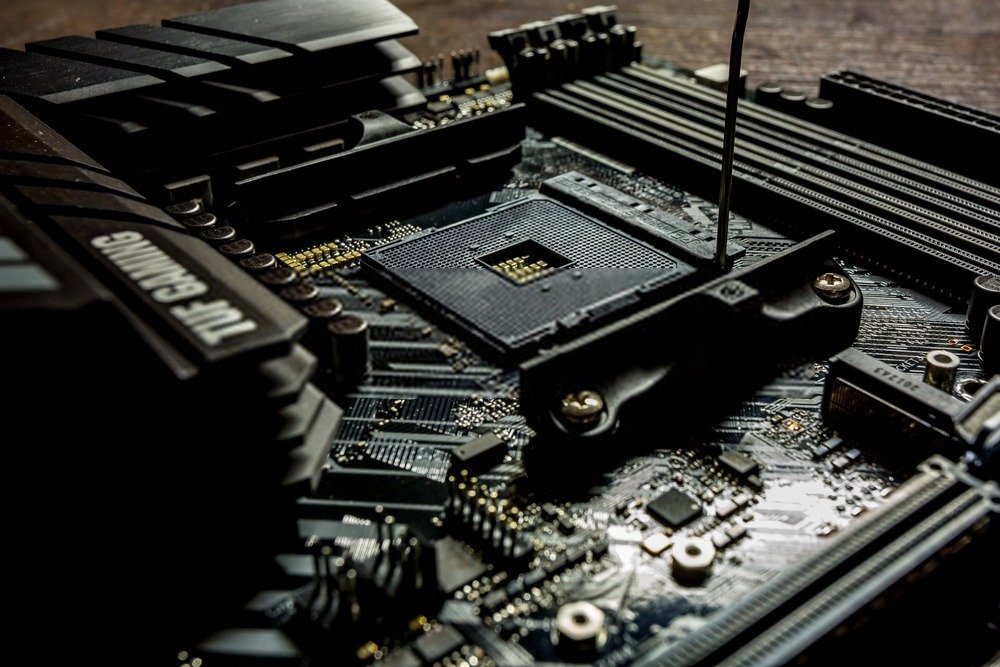
Excited at the prospect of acquiring their new processor, many beginners returned disappointed from the store upon discovering that it could not be integrated into their motherboard…
The processor socket is the slot on your motherboard into which it is installed. You understand that purchasing a processor compatible with this socket is essential for using your components.
What is the purpose of a powerful processor?
To give you an idea, the most common sockets are LGA1155 , LGA1150 and LGA1151 (for Intel).
As we defined above, if you own a powerful graphics card and want to exploit its full potential, you will need to invest in a CPU of at least i5, i7 or FX quality.
If that's the case, it means you're a gamer and want to play resource-intensive games, so it's essential for you to have a graphics processor suitable for gaming .
Graphic designers, photographers and video editors are not to be outdone and will need powerful processors to use their professional software.
In any case, don't be fooled by the packaging; make sure your graphics card and processor are well-balanced and offer good value for money.
How to choose the right PC processor?
Now that we have defined the main mistakes you could make as a beginner on your desktop computer hardware, we offer you a buyer's guide so that you can choose the right processor for your PC , suitable for your graphics card.
Determine the processor's power
The first question that comes to mind when we talk about computer processors is: what is the processing power of a particular processor? How do we determine it? This is described on the packaging with two elements:
- The processor frequency
- The number of processor cores
We invite you to take a closer look at these two components just below!
The processor frequency

When you look at the technical specifications of a processor, you come across a value in GHz .
This corresponds to your processor's frequency, which determines its calculation speed. It's quite simple: if you want a powerful processor for a powerful graphics card , this number needs to be as high as possible!
Check the clock speed of your graphics card and compare it to that of your processor. The two components of your gaming PC need to be balanced.
We recommend using a processor with a slightly higher clock speed than your graphics card. For everyday use, 1.2 GHz to 2.5 GHz is perfectly adequate; however, for gaming, you'll need at least 3 GHz for demanding video games.
However, this processing frequency becomes inefficient beyond 4GHz simply because no processor can exceed that. Therefore, the number of cores in your processor is another important factor to consider.
The number of processor cores
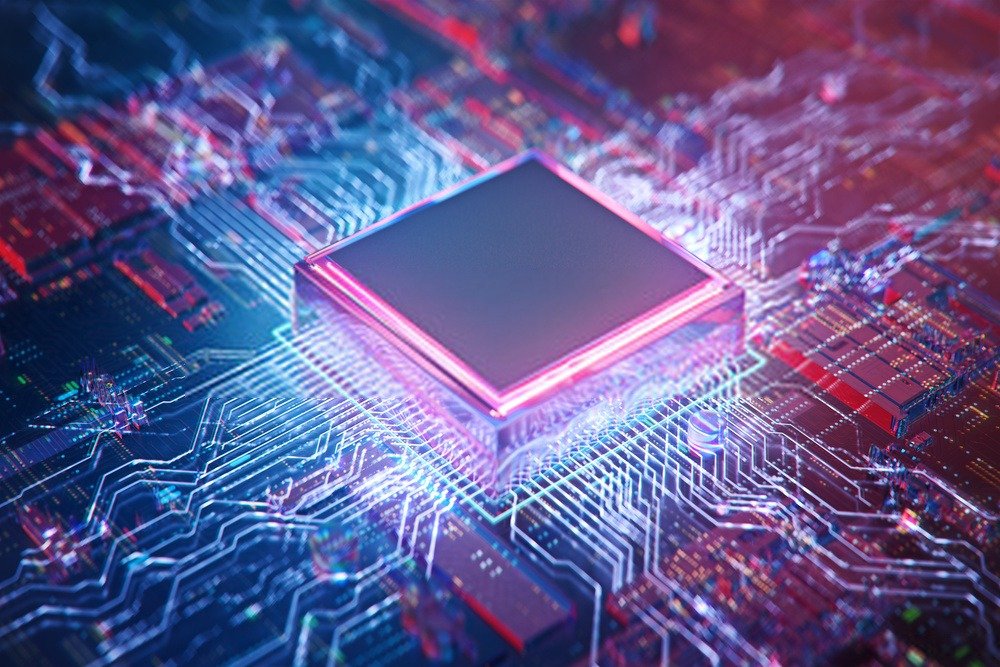
More important than frequency, the number of cores will determine the high performance of your processor and gaming PC CPU cores represents the number of processing units present in your chip. But what is the purpose of this?
When you play games, your processor doesn't just run your graphics card; it also calculates a whole bunch of data and software open in the background.
Thus, a large number of cores allows for the processing of multiple tasks at the same time (which is why your smartphones have an impressive number of cores, up to 8 cores).
Therefore, it's more advantageous to have an Intel processor with four cores and a clock speed of 2.5 GHz than a 3.5 GHz single-core processor . This is a crucial point to consider, one that beginners often overlook: don't focus solely on the clock speed.
TPT consumption
A secondary but important factor if you don't have an effective cooling system (fan and liquid cooling) is your processor's TPT power consumption.
The more powerful your processor, the more energy it consumes, and therefore the greater the risk of overheating. Ensure that your cooling system, whether fan-based or liquid-based, is efficient enough to prevent overheating and the unfortunate loss of your PC's processor, and even your entire computer in the worst-case scenario.
The cache memory

Like human beings, your gaming PC needs:
- Long-term memory represented by the hard drive
- Short-term memory (cache memory of your components, RAM…)
Therefore, your gaming processor needs sufficient cache memory to store and process recently sent information.
It's simple: if you don't have cache memory, your game won't even start and will just lag. Hence the importance of having enough cache memory that's compatible with your gaming graphics card.
Rest assured, it is very rare that with a powerful processor you will end up with a ridiculous cache memory of 2MB.
In general, for a classic processor of 1.2 to 2.5GHz , the cache memory is 2 to 6MB for a maximum of 25MB.
System bus speed
We're starting to get into the slightly complex hardware details. As a beginner, we'll simplify these details as much as possible to help you determine whether or not your processor is suitable and compatible with your gaming graphics card.
System bus speed is a measurement expressed in gigatransfers per second . Your processor needs the assistance of your RAM (random access memory) to perform its calculations. A constant transfer occurs between these two computer components; therefore, the higher the transfer speed, the faster your processor can perform calculations.
As with cache memory, we want to reassure you: most system bus speeds are 5 GT/s, which is very good for graphics software and gaming . You don't need to worry about it.
However, beware of unpleasant surprises for your CPU!
Our FAQ on the balance between processor and graphics card!

It is perfectly normal that some questions remain unanswered, especially on a subject as specific as the relationship between graphics card and processor .
That's why we suggest we conclude this beginner's guide by answering all the questions you might have about these PC components!
What budget is needed for a processor?
As you might expect, computer components aren't cheap. However, it's important to remember that (if you choose them wisely) they'll last you for several years.
Obviously, the price will depend on how you intend to use it! We don't recommend starting with a cheap, low-end processor. Initially, it might not be compatible with your powerful graphics card.
Secondly, you will be limited as soon as you want to do something a little complex (gaming even on games requiring few resources, photos, videos…).
As we mentioned, your processor will be partly dictated by your graphics card.
However, expect to pay around €150 for a quality processor . For gaming with resource-intensive games, you'll need to spend at least €300.
Which brand should I choose between Intel and AMD?

The gaming processor market can be summed up as the competition between two brands: AMD and Intel. Theoretically, you won't notice any difference choosing one CPU over the other; however, be aware that if you bought a pre-built gaming PC with an integrated processor and graphics card, the socket might only be compatible with the brand already installed in your gaming PC.
Indeed, it is the processor socket that will largely determine the purchase of it between the 2 brands, the latter taking great care that you do not have a choice on your motherboard to take one over the other.
How can I tell if my processor is compatible with my graphics card?
As we have seen, it is important that your processor and gaming graphics card are balanced so that you can enjoy the power of the CPU and GPU with complete peace of mind .
But how do you know if your gaming components are? First, we talked about the processor frequency which should be similar to the graphics card frequency in GHz .
We also advised you to have a slightly higher frequency for your gaming processor than for your graphics card.
In any case, once installed, you can test the balance of your two hardware components using websites like the following: https://pc-builds.com/calculator/
For gamers, sites like https://www.systemrequirementslab.com/cyri/ will allow you to find out if your graphics card-processor combination will be able to support the next game you want to play.
What should you look for when choosing your graphics card?
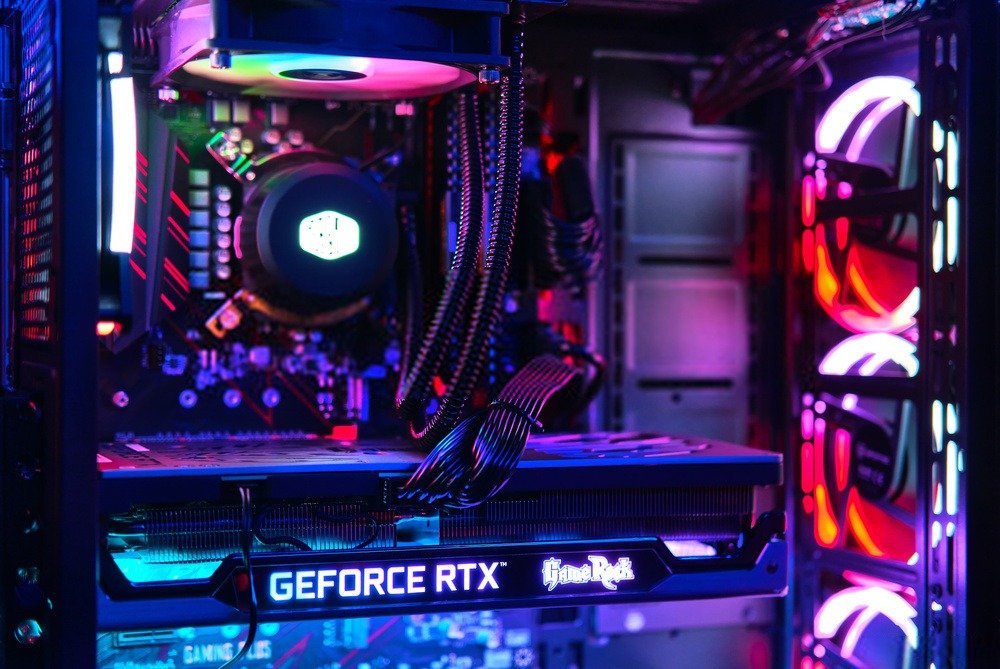
To ensure your processor is fully compatible with your graphics card, you first need to know more about the important specifications of the card.
If you plan to play the latest releases in 4K and 120Hz, you will need to choose from the latest generation of graphics cards, which are constantly becoming more powerful and optimized, both in terms of power and consumption!
There are also differences between AMD and Nvidia models. It's hard for a young geek to grasp all of that!
Power and speed of a graphics card
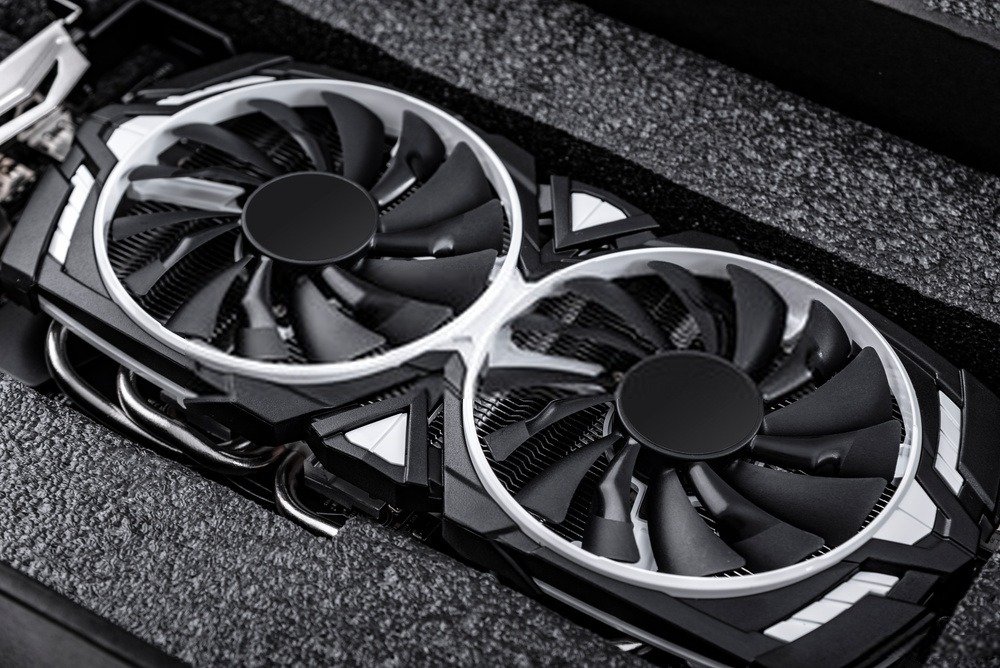
For each graphics card model, there are characteristics that will allow you to gauge performance.
In other words:
- TFLOPS of raw power
- CUDA hearts
If you compare these features on two graphics cards of the same generation, you'll know which one is the most powerful!
For example, a higher number of frequency cores, TFLOPS or CUDA on one of them will tell you which one wins.
With new generations of graphics cards like the Nvidia RTX, there are new indicators to monitor!
This is the case with Nvidia RTX graphics cards with Turing architecture, in which we now have measurements of giga-rays per second and RTX-OPS.
It is therefore necessary to compare all the characteristics mentioned, in these cases the Tensor Cores and the RT Cores.
The quantity and type of memory on graphics cards
While raw power is an important factor when choosing a graphics card, the type of memory and its bandwidth (measured in GB/s) should also be taken into account!
And be careful, because a graphics card with the same graphics processor can vary in performance depending on the amount of memory! So be careful…
Connectors, power supply outputs and video

Don't make the mistake of buying your graphics card based solely on the performance it can offer!
The number of connectors offered by the card will determine how you can use it! Are there enough connectors to accommodate multiple PC monitors? What is the maximum resolution supported? And what about compatibility?
Maximum consumption
To find out the maximum power consumption allowed by the card, the overclocking possibilities and the power requirements, refer to the TDP .
Cooling system
Pay attention to standard cooling systems, as the noise level at full graphics card performance will depend entirely on them; if you hate noise, be careful!
Manufacturers' Editions and SLI
For each new release, the two giants AMD and Nvidia complement their models with customized editions in various aspects and often include interesting options!
Among other things, an improved cooling system, more ports and connectors, and the possibility of overclocking!
How do I change the processor and graphics card in my computer?

Once you've purchased your CPU and graphics card, all that's left is to install them! Installation can be tricky if you're not used to working with laptops or desktops and their internal hardware. However, it's easier than it looks.
Indeed, depending on the model of your gaming PC (laptop or desktop), you will first need to open it. Normally, you will then be faced with the fan.
With a screwdriver you will disassemble it and finally be able to access the processor just below the ventilation system.
For more details, we invite you to search for your PC model and watch an explanatory video.