

We are constantly seeking the best performance, and this is also true when deciding to buy a computer. Should we choose a desktop or a laptop? What do we need? Today, there is the most suitable solution for most people: the all-in-one PC.
Good to know before making a purchase:

- An all-in-one PC takes up less space than a desktop computer, but remains less practical than a laptop depending on the uses.
- The screens on some all-in-one PCs are touchscreens. This allows you to work on many things, but also to use it like a tablet for games, videos, or even design and graphic design work.
- They are suitable for the widest range of users, both professionals and individuals, but have some shortcomings, particularly when you are looking for a desktop computer solely for playing your online games.
Comparison of the best all-in-one PCs

Are you looking for an all-in-one PC? Here's a complete and detailed comparison of the best models on the market!
1. Lenovo Ideacentre AIO 3: The all-in-one desktop computer you need!
Features and Reviews
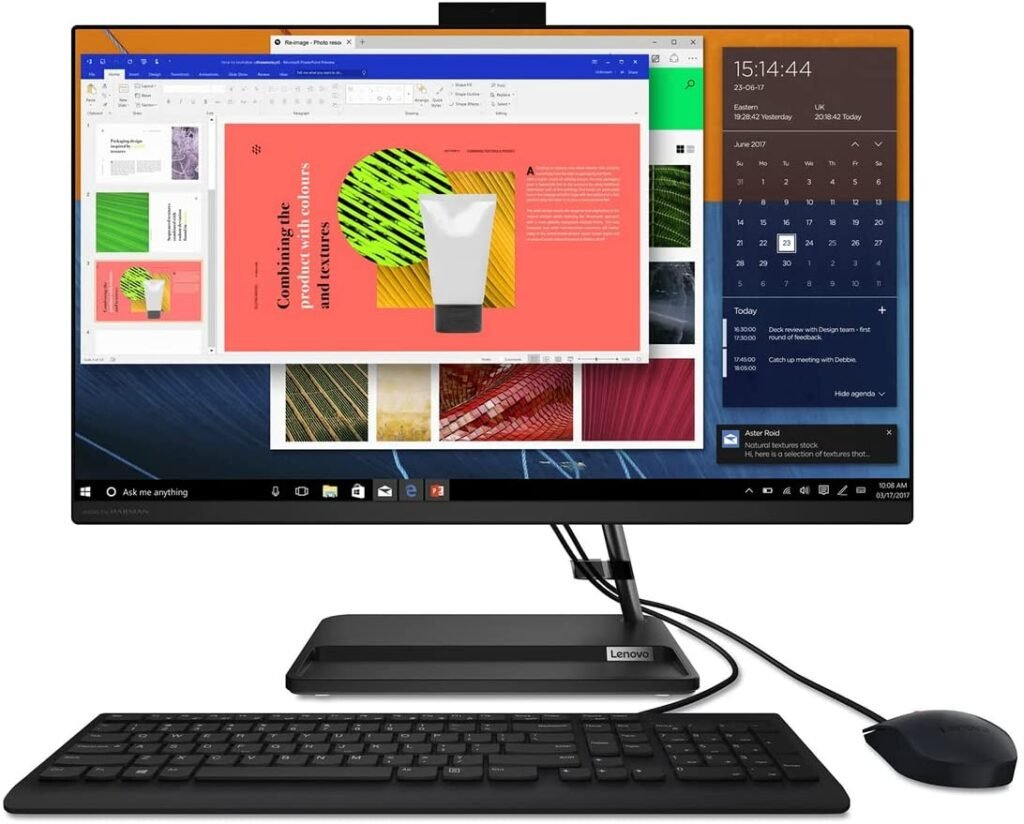
The IdeaCentre AIO 3 27ALC6 all-in-one PC features an AMD Ryzen 5 5500U processor, delivering cutting-edge performance and exceptional power. With its 27-inch , 250-nit FHD LED display that delivers crisp, clear images, the IdeaCentre AIO 3 27ALC6 is designed to provide an outstanding work and play experience!
The Lenovo Ideacentre AIO 3 PC boasts an estimated boot time of under 20 seconds… Incredible, isn't it? Its ultra-fast SSD (512GB storage) allows your programs to run in record time, and its 16GB of installed RAM ensures smoother operation.
To protect your privacy, the IdeaCentre AIO 3 27ALC6 features the TrueBlock privacy shutter, which is very convenient and allows you to close the webcam when not in use. In terms of connectivity, it has four USB ports, two of which are USB 2.0 and the other two USB 3.0.

2. MECHAZER Z1: The ultra-high-performance All-In-One PC that's turning heads
Features and Reviews
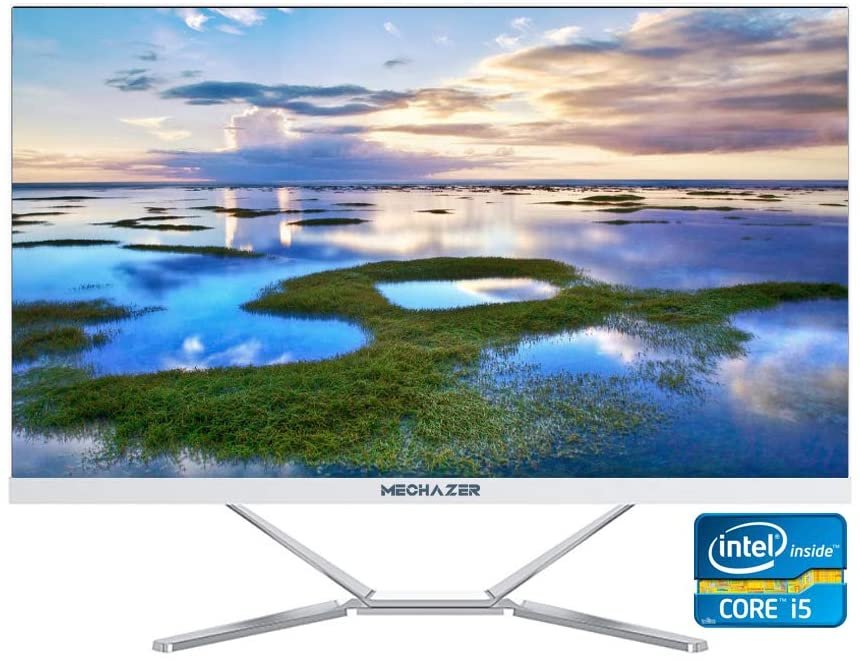
The MECHAZER Z1 desktop computer is powered by an Intel Core i5-3340M processor with a speed of 3.4 GHz. Whatever the task, the smooth and fast performance of this PC makes things easier and saves you valuable time.
The MECHAZER Z1 all-in-one PC features a nearly borderless 23.8-inch LED-backlit screen Windows 10 Pro (64-bit) and is also compatible with Linux. It has 256 GB of storage and 8 GB of RAM.
Like any good PC, it supports Wi-Fi and Bluetooth wireless connectivity. It comes with a streamlined stand that doesn't take up much space on your desk. For sound, the MECHAZER Z1 PC features two 3-watt stereo speakers , providing quality audio. Connectivity options include six USB 2.0 ports, one HDMI port, and one VGA port.
3. Lenovo IdeaCentre AIO 3 24IMB05: The 2-in-1 desktop computer designed to make you productive

Features and Reviews
Also part of the "IdeaCentre AIO 3" range, the Lenovo 24IMB05 model stands out primarily due to its Core i5-10400T . Its 23.8-inch FHD screen offers high-quality images and exceptional immersive performance.
The IdeaCentre AOI 3 24IMB05 all-in-one PC features a 512GB SSD with a rotational speed of 7200 RPM. It also has 16GB of RAM. It runs Windows Windows Home and, in terms of connectivity, includes an HDMI port and two USB 2.0 ports.

4. HP Pavilion 24-k1010ng: A mega-powerful All-in-One PC!

Features and Reviews
" Power that puts all other models in its shadow "... This is the slogan accompanying the HP Pavilion All in One PC. It is indeed equipped with the 11th generation Intel Core i5-11500T Family processor, making it one of the most powerful all-in-one computers on the market.
It features a very fast 512GB SSD and a 24-inch Full HD screen that delivers excellent image quality. The HP Pavilion All-in-One PC comes with Windows 10 Home and 8GB of DDR4 RAM, providing impressively smooth performance .
This all-in-one PC comes with a host of pre-installed software such as Microsoft 365 , McAfee, and Netflix! It features two HDMI inputs and five USB 3.0 ports! In terms of design and functionality, the HP Pavilion All-in-One PC boasts a pop-up webcam that retracts when not in use and a B&O speaker that delivers near-perfect sound.

5. MECHAZER Z1 Pro: The all-in-one PC that provides you with great comfort
Features and Reviews
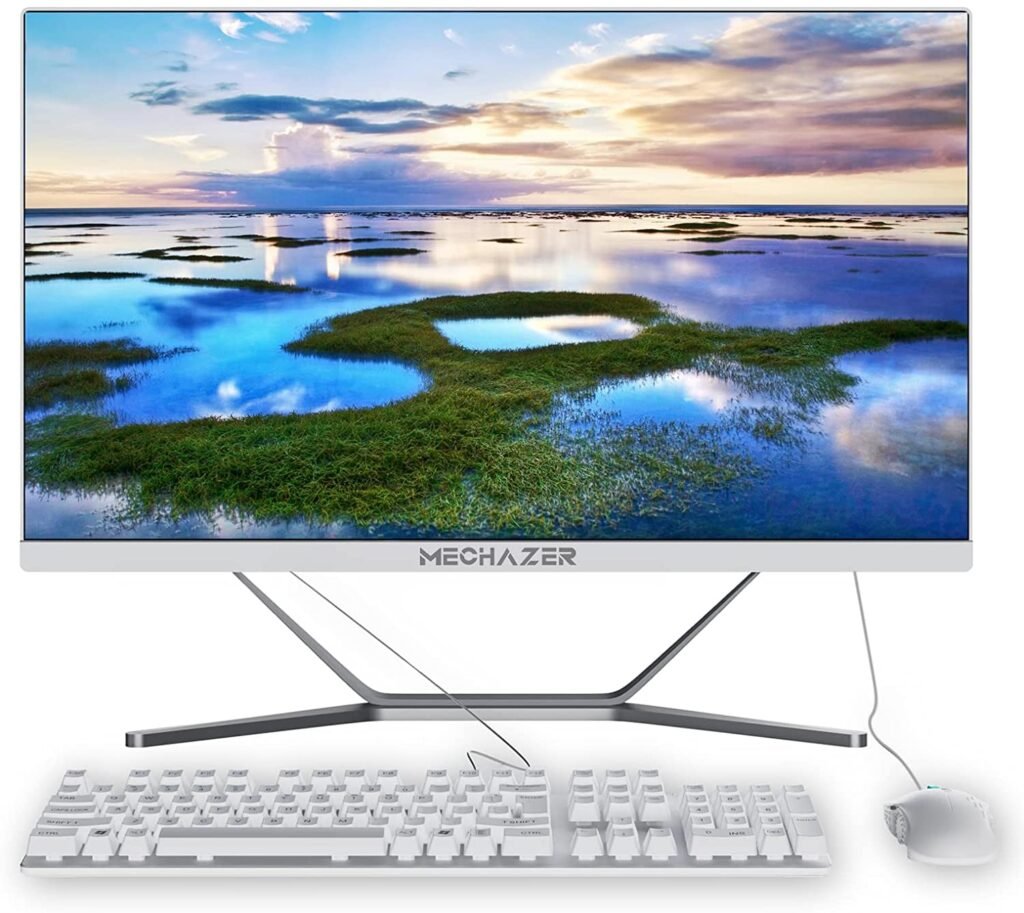
Equipped with a 23.8-inch LED-backlit screen with a 1920 x 1080 FHD resolution, this MECHAZER Z1 Pro is a true work tool. Sporting a sleek and elegant design with its three-sided borderless screen, it offers all the comfort you need for work and entertainment.
Furthermore, it includes the Windows 10 (64-bit) and also supports Linux. The MECHAZER Z1 Pro all-in-one computer comes with a wired mouse and keyboard (QWERTY). It features a 480 GB SSD and 8 GB of RAM.
The MECHAZER Z1 Pro PC features an Intel Core i7 350M processor with a speed of 3.6 GHz! Like other models in the PC Family series , this all-in-one computer includes wireless connectivity (Bluetooth/Wi-Fi) and offers a wide range of ports. It boasts an HDMI port, two USB 2.0 ports, and four USB 4.0 ports!

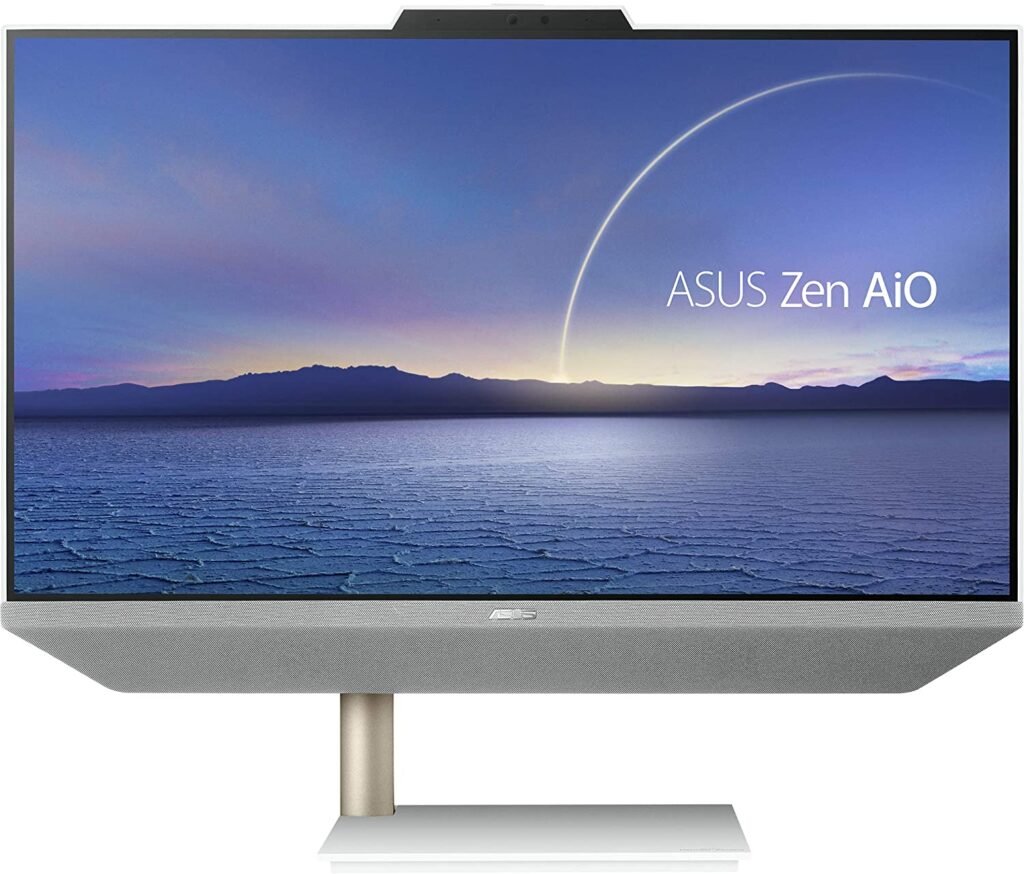
6. ASUS Zen AiO 24: The all-in-one PC with extraordinary performance!
Features and Reviews
Equipped with a 23.8-inch FHD LCD screen , the ASUS Zen AiO 24 A5401 is an all-in-one desktop computer ideal for professional work and everyday entertainment. It's perfect for anyone who appreciates a sleek and refined design. Furthermore, its elegance is further enhanced by an off-center metal stand on the left side.
It features certified fabric-wrapped B&O speakers that deliver high-quality sound and an incredibly immersive multimedia experience. The ASUS Zen AiO 24 all-in-one PC is powered by a 10th-generation Intel Core i5-10500T processor and runs Windows 10.
It has 8GB of RAM and 512GB of PCIe SSD . In addition, it features an infrared (IR) HD webcam for easy facial recognition. So you don't need to remember a password… Simply set up your all-in-one PC, bring your face close, and you have access to all your data! The PC has an HDMI output port and two USB 3.2 Gen 1 ports: Type-A and Type-C.

What exactly is an all-in-one PC?
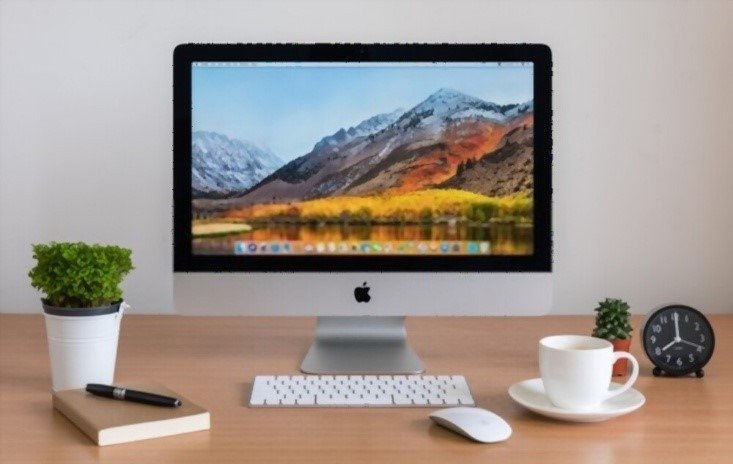
An all-in-one PC (or all-in-one in French) is so named because it brings together all the components of a desktop computer on a single device.
Indeed: the screen, the tower, the keyboard and the mouse are now all one. Everything is grouped in one place, like on laptops, which has many advantages and disadvantages.
Although having everything on a single unit is convenient in terms of saving space, it can prove problematic when the PC encounters some technical issues.
What are the differences between an all-in-one PC and a desktop or laptop computer?
The first thing to consider is the cables. While a traditional desktop computer can have around ten different cables (for the tower, the screen, the mouse, additional devices, etc.), with an all-in-one PC you only need to plug the power supply cable into the mains, since all the other components are already integrated into the device!
The all-in-one PC is also more compact than the classic desktop computer because of this: saving space and saving time on connections!
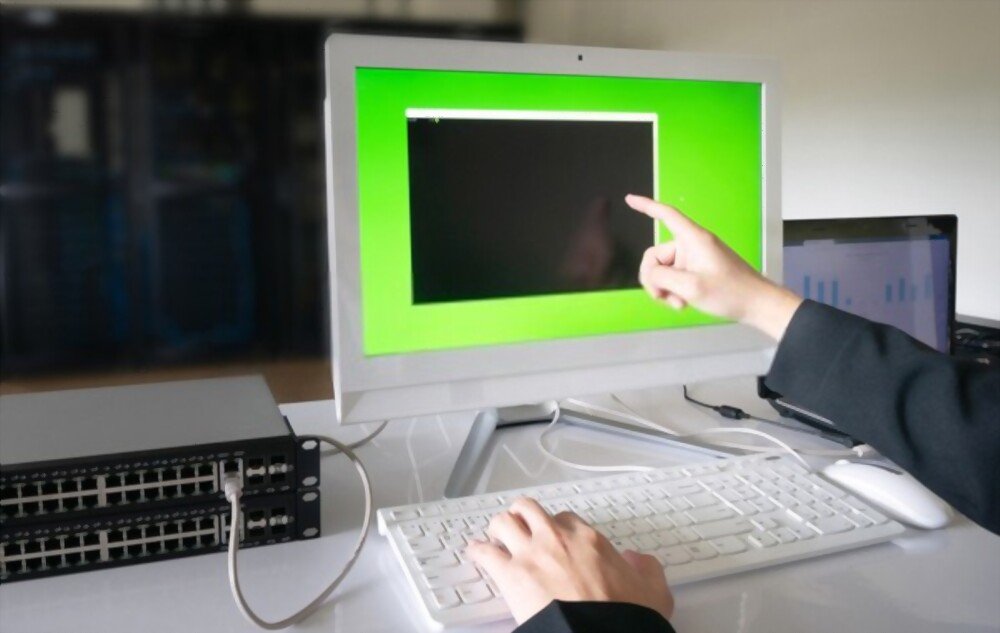
Regarding the differences with a laptop, let's first note the performance. An all-in-one PC is designed to combine the best of both devices: it will therefore be more powerful than a laptop in terms of memory and processor, for example.
Let's not forget to talk about the battery: integrated on a laptop, it allows you to use it even when it is not plugged into a power supply ; this is not the case for an all-in-one PC.
The advantages of an all-in-one PC
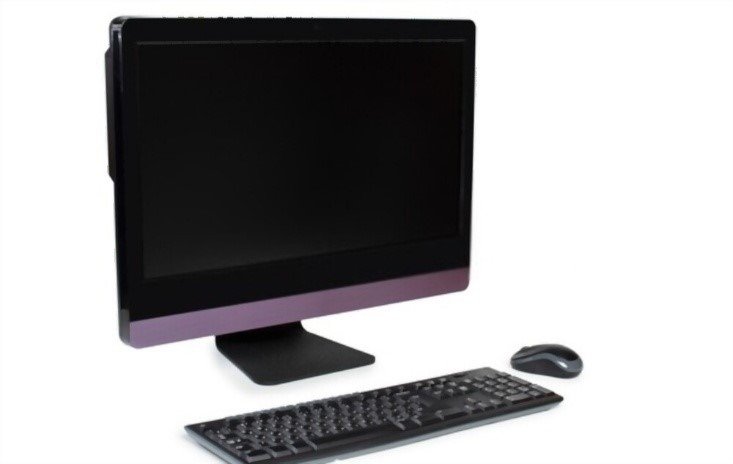
- Space saving: no more tangled cables and wires everywhere!
- More compact and aesthetically pleasing design than a traditional desktop computer or laptop
- The screen can be rotated, allowing for use in landscape or portrait mode
- The touchscreen is very convenient on some models
- No integrated battery, making it lighter
The disadvantages of an all-in-one PC
- Beware of breakdowns! If one part needs to be replaced, the entire device needs to be checked!
- Not suitable for uses requiring a gaming PC
- The non-integrated battery prevents it from being moved without turning it off
As you've probably gathered, buying an all-in-one PC can be a great alternative when you want a office tool that doesn't take up too much space on your desk; one that's more aesthetically pleasing and easier to set up and maintain than a traditional desktop computer! Furthermore, its touchscreen options and the possibility of a rotating screen make the device more practical and interactive if you use it for graphic design or drawing!
On the other hand, if a part needs to be changed, you run the risk of having to change the entire device, because all the components are on a single-piece structure.
Is an all-in-one PC suitable for all uses?
As seen previously: NO , an all-in-one PC will not necessarily be the best suited to all the uses you will make of it.
For family use, i.e. for surfing the Internet, looking at photos, videos or playing certain games, they are also very good: the interactive touch screen which exists on some models allows you to enjoy them even more.
For gaming , you'll need to consider a dedicated gaming PC to fully enjoy your online games. All-in-one PCs lack the speed and memory to optimally install, store, and load these games, so they aren't recommended for strictly gaming use .
As you might have guessed, this all-in-one PC is primarily aimed at professionals. Everything has been designed with them in mind, from saving space and time to the touch and rotating screen features.
Whether you work in pure office work (secretarial, accounting); or in IT fields (web designer, community manager, SEO expert); or even in more artistic activities (graphic designer, content creator, photographer/retoucher), these all-in-one PCs have been created to make your life easier.
Criteria to consider before making a purchase!

What screen size is best?
Given the number of hours we spend in front of our screens today, it is essential to choose screens that are suited to our needs and uses.
When looking to buy an all-in-one PC, as with all other PCs, you also need to consider the screen size you want. Are you more comfortable with a large screen or do you prefer screens that don't take up too much space?
PC screen sizes are usually indicated in inches (1 inch is approximately 2.5 cm), and you have a choice of several sizes, from 5 to 27 inches (approximately 12.5 cm to 67.5 cm).
Also consider how you will use your PC: will you only use it for office work or any other work requiring a computer tool, or will you use it more for entertainment (watching videos, drawing, playing games)?
22- to 27-inch screens are the most common on the market, but a 15- to 19-inch screen size is generally sufficient for office work; for video games, it is better to opt for a large screen of at least 24 inches to enjoy optimal quality.
What other information should we know about the screen?

Also consider the resolution and aspect ratio of your PC screen.
Resolution refers to the number of pixels displayed in height and width on your screen (1900 x 1080 pixels being a high-definition screen). Having a high resolution allows you to have more space on your computer desktop and very good image quality.
It should also be noted that "very high definition" resolutions are available (QHD: 2560 x 1440, 4K: 3840 x 2160, 5K: 5120 x 2880, Ultrawide: 3840 x 1080) but choosing the highest resolution is not recommended depending on the screen size in inches that you choose.
The aspect ratio, meanwhile, refers to the screen size. You have the choice between 4:3 and 16:9 (the latter being the most common and being the widescreen ratio).
Good to know: to learn more about high-resolution PC screens, check out our comparison of the best 4K monitors !
Which processor should I choose?
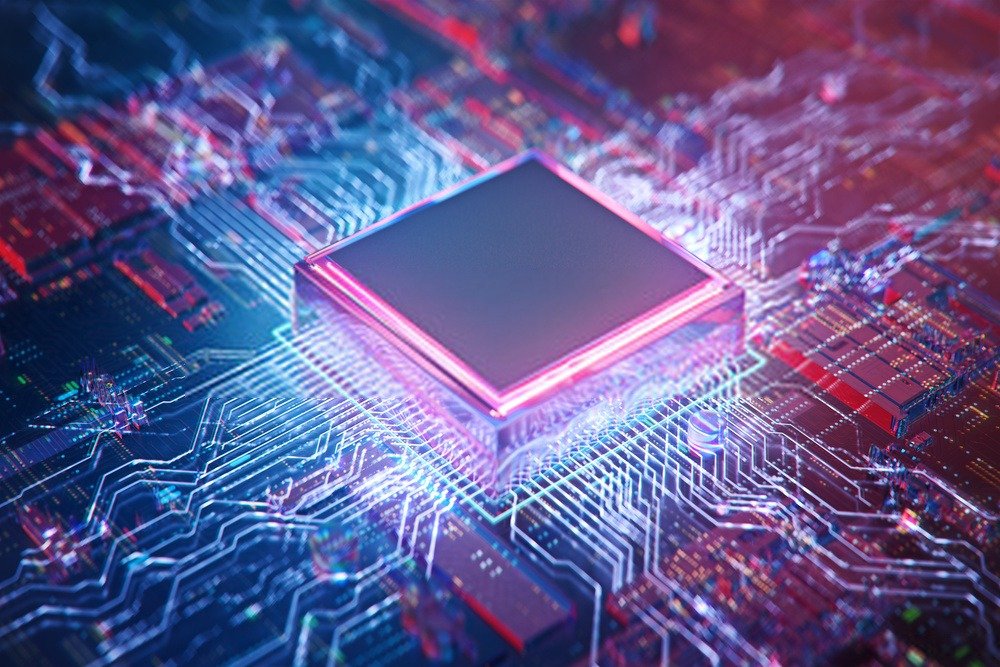
When choosing a new all-in-one PC, try to pay attention to its processor: being the central component of your PC, it is what allows your computer to function correctly and to satisfy you regardless of your use.
Functioning as the brain of the PC , it is therefore important to know which processor is included in your all-in-one PC before you buy it.
For many years, Intel and MHD have been innovating more and more to remain at the forefront of processor sales. With 1 to 8 cores (2 cores: Dual Core , 4 cores: Quad Core , 8 cores: Octo Core ), or even 18 or 64 cores for the latest generations, the number of cores your processor has allows it to be more efficient by being able to perform several tasks at once.
Although there are other manufacturers, it is highly likely that your PC will be equipped with one of these two processors when purchased.
Don't panic : You don't need to be an expert to choose the right processor! Just ask the salesperson or retailer for advice; they'll be able to help you make the best choice based on how you'll be using your PC!
Depending on how you intend to use your all-in-one PC, it's wise to consider the processor it's equipped with. Indeed, not all processors are equal in terms of power and speed.
Intel and AMD equivalencies and uses:
• Intel Celerion/Pentium Silver or AMD Ryzen 3: correspond to entry-level.
• Core i3: corresponds to the entry-level model. This software will only be Dual Core .
• Intel Core i5 or AMD Ryzen 5 : This corresponds to the mid-range. This software will be perfect for basic office tasks, if you don't use too many advanced applications.
• Intel Core i7 or AMD Ryzen 7: These represent the higher end of the range. They are recommended for all advanced uses of photo editing or video editing software, for example, but it is essential to ensure that they are paired with a dedicated graphics card.
• Intel Core i9 : just like the i7, it corresponds to the higher range.
Key takeaway: An Intel Core i5 or AMD Ryzen 5 processor will be more than sufficient for basic, everyday use. For more demanding tasks, opt for a Core i7/Core i9 or Ryzen 7 processor for higher performance. You can consult our dedicated page on PC processors .
However, be careful to ensure that your graphics card is compatible with the processor you wish to choose.
What storage capacity should I choose?
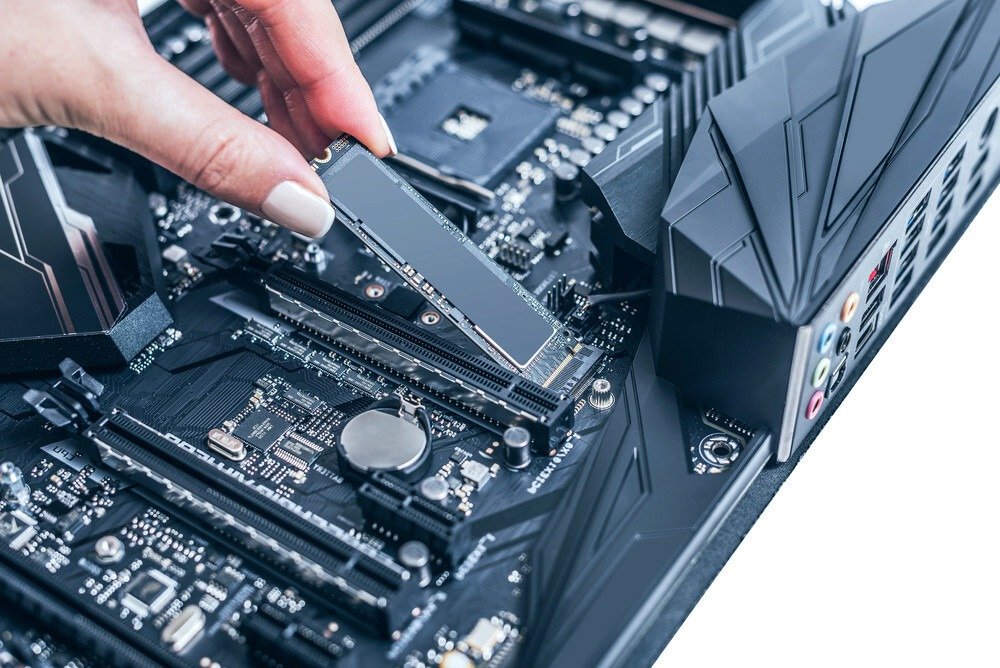
Depending on how you use your PC, you should carefully choose the storage capacity of your device. Indeed, if you plan to store a lot of data on your computer (photos, videos, software, spreadsheets, documents, etc.), you will certainly need a large amount of storage space.
There are three types of memory to distinguish in a computer:
• RAM: or " Random Access Memory ," which temporarily stores your data
• The HDD: or your computer's hard drive , on which you can store, more or less permanently, the data you process; the software you use or the work you have done (spreadsheets, photo editing, etc.)
• The SSD: or " Solid State Drive ," which is also a hard drive, except that it has no moving parts and is much faster than a traditional hard drive.
Regarding RAM:
When you buy an all-in-one PC, you should pay close attention to these components if you need a lot of storage space for your activities.
Indeed, the required RAM space is not the same for all uses:
• If you only use it for office work: 8 GB of RAM will be necessary and sufficient.
• For simple tasks and basic photo editing: between 16 GB and 32 GB of RAM will be required
• If you use a lot of software and do advanced editing: 64 GB will be the minimum to have enough memory capacity
RAM capacities today range from 1 GB to 128 GB.
Regarding HDD and SSD hard drives:
The first notable difference is how these two hard drives operate: HDDs are older-generation storage devices that function mechanically (with a moving read/write head to access data). SSDs, on the other hand, are more recent and operate with a system of instantly accessible memory chips on which your data is stored.
Whereas previously desktop and laptop computers were only supplied with HDDs, all-in-one PCs generally only contain SSDs (only a few offer both).
Depending on the model range of your all-in-one PC (entry-level, high-end), the storage capacity will vary. For example, you can find all-in-one PCs with only 128GB of SSD storage and others with over 500GB, or even 2TB.
Frequently Asked Questions:
I work from home, is an all-in-one PC suitable?
Yes of course.
If you use your PC as a purely office tool (example: in the office) or if you need it for computer graphics and design work, it's possible!
It will simply be a matter of choosing the best screen size, the best resolution and the best processor as seen above.
Also note that it is perfectly possible to install a blue light filter on your screen, in order to protect your eyes as much as possible if you use a computer for a prolonged and repeated period, as is generally the case when working from a PC.
Also, make sure you adopt the best posture in front of the screen, and choose a suitable seat or armchair if you spend a lot of time there, as well as taking breaks to rest your eyes and tense muscles.
Are all-in-one PCs compatible with all other peripherals?
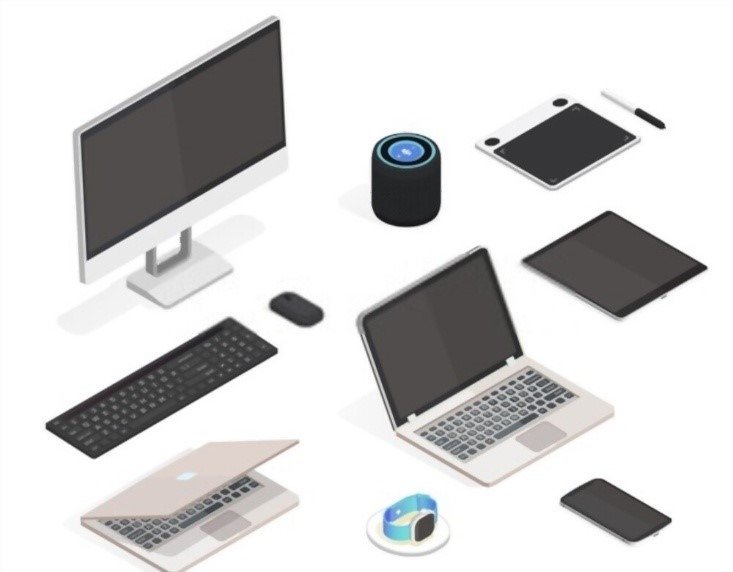
Generally, all-in-one PCs come with a keyboard and mouse upon purchase. However, you are free to change them if their design doesn't suit you (for a QWERTY keyboard, a backlit keyboard, an ergonomic mouse, a wireless mouse, etc.).
As for the webcam and microphone , these are also integrated directly into the PC. No need to buy them to use them!
For all other peripherals (printer, scanner, external hard drive, Internet modem , etc.), it works just like on a regular computer: you have to install them and connect them with or without a wire!
Can I improve its performance?
If you have extensive knowledge of computers and machines, you could potentially try to boost the performance of your all-in-one PC.
However, since all the parts of the device are in the same place (one-piece structure) like on a laptop PC, to change even the smallest part you will inevitably have to disassemble a large part of the all-in-one PC.
Whether it's upgrading the RAM, changing or adding an SSD, or upgrading the processor, it will involve significant modifications to the machine. All these modifications come at a cost, and it's sometimes more advantageous to simply buy the most powerful all-in-one PC from the outset, the one that truly meets your needs from the start.
In any case, hire a professional to make all these changes if necessary.


