For total immersion, the PC monitor you choose is crucial! Have you ever considered getting a curved monitor? PC gamers have discovered some features that make them truly indispensable. From visual comfort to their curves and design , the latest curved monitor models have more than one trick up their sleeve!
No need to waste any more time, here are the best curved monitor models compared this year! If you'd like to know more, you'll find a complete buyer's guide and FAQ below!
A comparison of the best curved PC monitors!
Here you'll find curved PC monitors you shouldn't miss! Several brands are available. We've selected 5 models offering the best value for money.
The 3 best curved screens in our ranking!

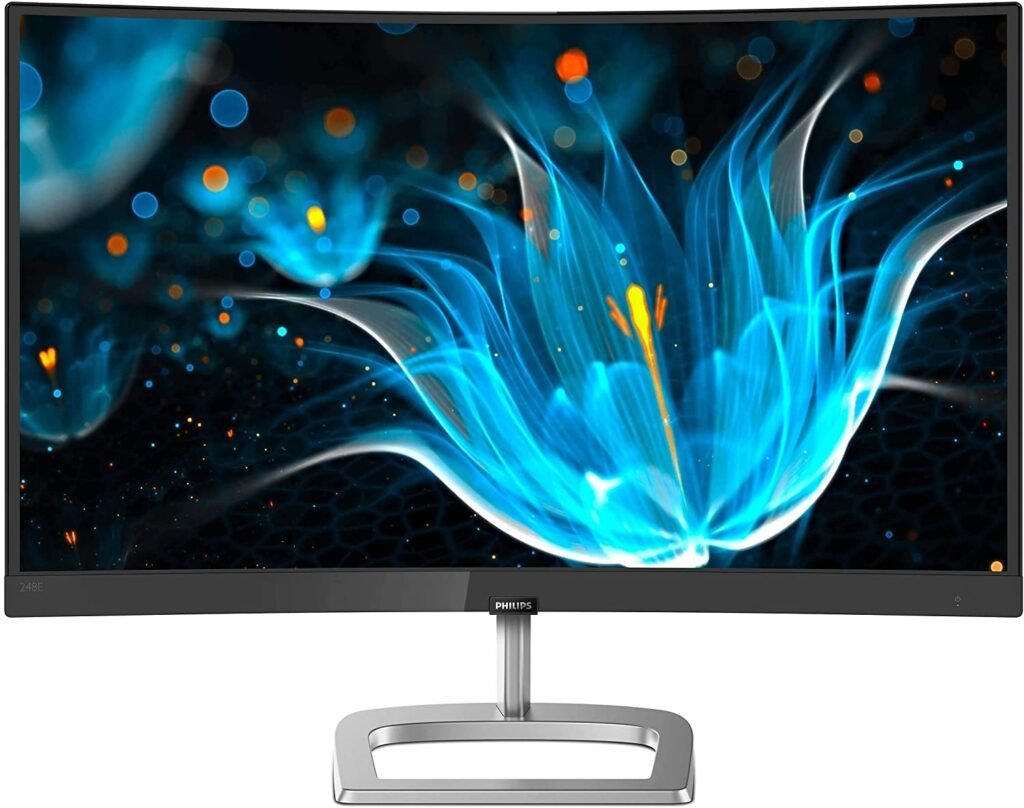
1. Philips' inexpensive curved screen
Features and Reviews
If you're looking for an affordable curved monitor for an immersive gaming experience, this one is for you! It boasts a wide range of features, including Full HD 1920 x 1080 resolution, a curved IPS panel, Ultra Wide Color for realistic color reproduction, and a fast refresh rate with FreeSync 75Hz technology. It also includes HDMI and VGA connections.

2. The affordable Samsung curved screen

Features and Reviews
Guaranteed visual comfort thanks to the full advantage of the 1800R curvature. It's less than 12 mm thin and supports a 1920 x 1080 pixel resolution. Samsung's Eco-Saving lets you reduce power consumption and protect the environment. 60 Hz refresh rate. Available in sizes from 24 inches to 49 inches to satisfy even the most demanding users!

3. The MSI curved monitor designed for gamers

Features and Reviews
Here's a curved PC monitor for gaming with high resolution, a 165Hz refresh rate, and a 1ms response time . You can easily customize all the contrast details.

4. LG's Extra Large Curved Screen

Features and Reviews
With its 35-inch ultrawide monitor, LG offers a stunning curved PC screen. Its high-definition 3440x1440 resolution delivers remarkable visuals, ideal for both gaming and trading. This monitor is especially recommended if you want to split your screen for multitasking. You can also adjust the height, ensuring optimal viewing from any angle.

5. The best Ultra Wide curved screen!

Features and Reviews
It's difficult to summarize in a few words what this Samsung ultrawide monitor offers… It features Metal Quantum Dot HDR technology for maximum color gamut with a 1-millisecond response time and a 144Hz refresh rate. Measuring 49 inches, its accessories also include a DisplayPort, a Mini DisplayPort, and FreeSync HDMI.

4. AOC C24G1: The Best Curved Gaming PC Monitor

Features and Reviews
Ideally designed to display high-quality images and provide total immersion in your video games, the C24G1 Curved Gaming Monitor has a 1500R curvature and a 24-inch diagonal screen. Its 170° viewing angle and 1080p Full HD resolution offer a wider view of the action in your game.
For added comfort and convenience, the height can be adjusted up to 130 mm thanks to its removable stand. Furthermore, the C24G1 Curved Gaming Monitor incorporates the latest technologies to provide you with an exceptional gaming experience. These include AMD FreeSync technology, which synchronizes images for smoother visuals, and Flicker-Free technology, which improves screen brightness
Its ultra-fast 1ms response time and 144Hz refresh rate let you enjoy a smooth, tear-free gaming experience. It features one VGA input, two HDMI inputs, and four USB 3.0 ports.
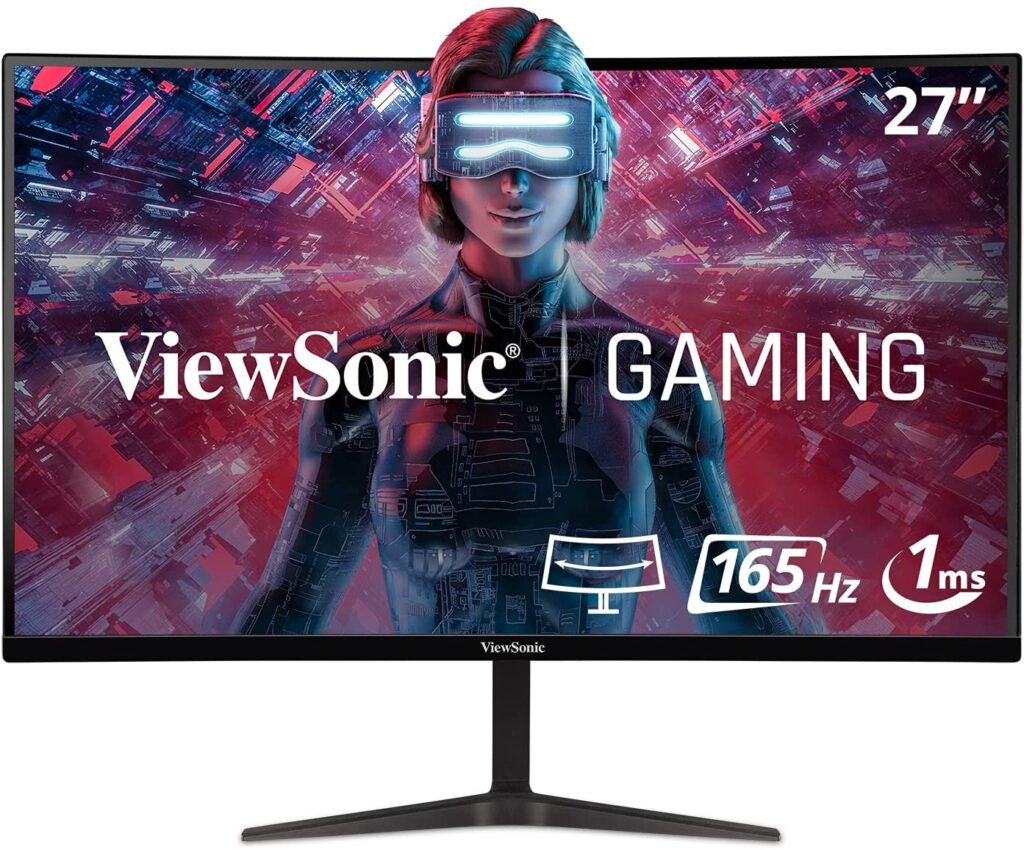
5. ViewSonic VX2718-2KPC-MHD: The curved screen that offers you a sensational immersive experience
Features and Reviews
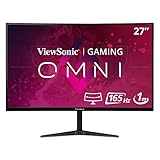
The ViewSonic VX2718-2KPC-MHD features a 1500R curved panel, delivering an immersive and extraordinary viewing experience. Its 165Hz refresh rate ensures high-quality images for comfortable viewing. With a 27-inch screen and an ultra-fast 1ms MPRT response time, the ViewSonic VX2718-2KPC-MHD offers incredibly smooth pixel transitions between colors.
Thanks to its Adaptive Sync technology, all types of eye strain are eliminated to guarantee smooth visuals, no matter how fast the game action unfolds. With a 2560 x 1440 resolution, this monitor delivers a clear and sharp image, free from distortion, while maintaining the same 16:9 aspect ratio. The monitor offers great connectivity flexibility with both HDMI and DisplayPort inputs.
FAQ—Discover all the details about the curved PC monitor
What exactly is a curved PC monitor?
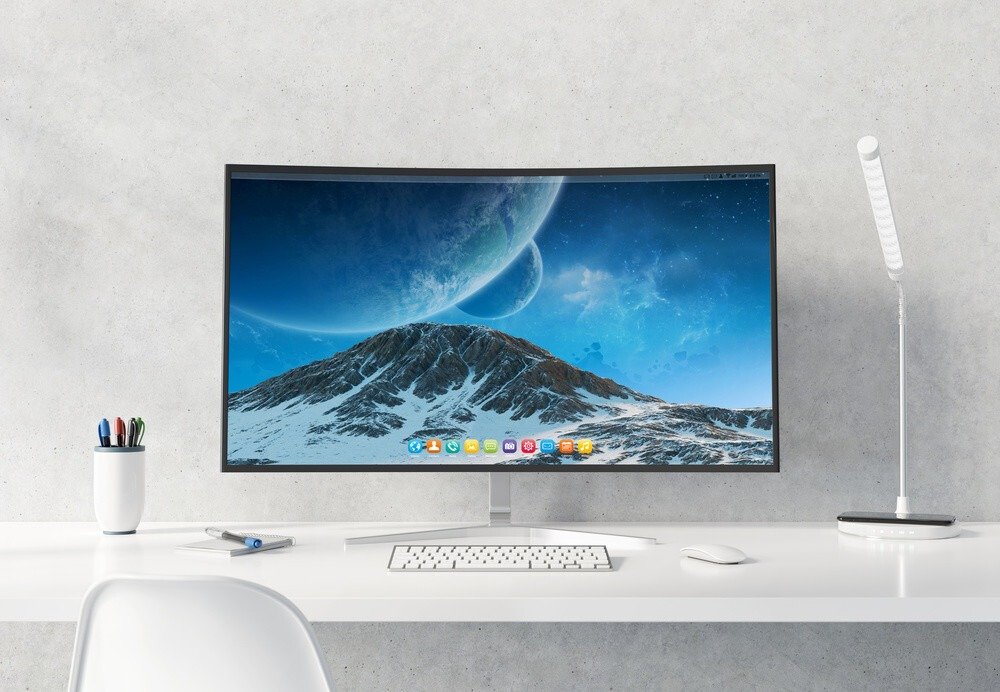
It's a very thin monitor with a concave design, curved inwards. It has elongated, rectangular curves like regular computer screens, but with a wide panoramic view. However, thanks to its curved shape, a curved PC monitor offers a completely different and immersive resolution.
The curved screen offers cutting-edge technology!
In the design and development of technological devices, care must be taken to ensure that the creation of curved screens isergonomically, so that the monitors adapt to the human eye and not the other way around. Some specialists believe that observing the curve of a curved PC screen increases activity in the brain's leisure center!

What are the advantages that a curved screen can offer me?
If you've just bought a curved monitor for your computer, expect to discover the following new features:
- Increases immersion: The curvature is adapted to the human eye and, as such, allows for an overview of the screen surface.
- The feeling of having a larger screen: the distance between your eyes and the curved screen is constant at every point of the panel as long as you are in the center, giving the feeling of a larger screen.
- No glare: Curved PC monitors are designed to eliminate light reflection. So you can be sure you can play anywhere!
- Reduces eye strain: they minimize the emission of blue light waves.
- Anti-flicker: Curved screens incorporate technology that reduces screen flicker, relieving your eyes if you play for hours!
- A breathtaking design: Beyond their technical advantages, curved monitors boast a spectacular aesthetic.
What are the disadvantages of curved screens?
Nothing is perfect; every product, regardless of its performance, has drawbacks. However, it's worth noting that those of curved screens are minor.
- Thanks to their curved shape, curved screens have difficulties for wall mounting, unlike flat screens which can be easily mounted.
- Also due to the curvature, a curved screen will tend to produce a glare effect when viewed from certain angles.
The best cheap curved screens!
Can a curved PC monitor produce a 3D effect?

Curved PC monitors create a strange perception that resembles a 3D effect, but this is due to the curvature of the monitor's edges, which increases the perceived depth of field. Samsung, for example, uses a depth processor to mitigate this effect.
Is it true that a curved PC monitor consumes less energy than a flat monitor?
Want to save a little on your electricity bill when browsing on your PC? Then we recommend curved screens! Unlike flat screens, they generally emit less light due to their curved edges.
Is a curved PC screen more immersive than a curved TV screen?
You should know that curved screens are much better suited for PC use than for TV use.
When you are seated and aligned with the center of the curved screen, it allows you to fully enjoy this equidistant point which promotes an immersive experience, and allows you to work or play without other distractions.
Is a curved screen suitable for PC gaming?

As we've seen, the features are numerous, and the player's immersion will be total. The best curved PC monitors have a high refresh rate, meaning they can display a significant number of images per second. If you're looking for a gaming monitor to get the most out of the graphics, we highly recommend our comparison of 4K PC monitors.
Do you know the story of the appearance of the first curved PC monitor?
In 2009, NEC/Alienware, in collaboration with Ostendo Technologies (California, USA), launched a 43-inch curved screen that provided a better gaming experience, as it covered 75% of peripheral vision!
Whether for computers or smartphones, sales of curved screens have seen considerable growth in recent years .
Note that the main argument for curved screens is that they can increase immersion. By bringing the edges of the screen closer together, this promotes optimal viewing and provides depth and sharpness.
The best-selling curved PC monitors of the year!




Buying criteria for choosing your curved PC monitor
Choosing a curved monitor can be difficult when analyzing the products offered by manufacturers. Between HP, LG, and Samsung, the top brands of these monitors are battling to revolutionize the viewing experience. If you're unsure which model to choose, don't worry. We'll guide you. You'll need to consider certain purchasing criteria before making your decision.
Here they are:
- The size
- The resolution
- The refresh rate
- The connection ports
- The curvature
- The screen footer
The size

The size of your screen is an important factor. Curved screens are no exception. The larger your screen, the more you'll enjoy the immersive and immersive experience these monitors offer. It's therefore recommended to buy a model of at least 24 inches.
Good to know: There are Ultrawide PC monitors with a size approaching 49 inches for the largest models!
The resolution
As we just explained, while size is important, it's meaningless if the image displayed on the screen doesn't have good resolution. The best curved screens offer the highest definition and exceptional image sharpness. That's why it's best to buy a model with a resolution of 1920×1080 pixels (Full HD).
The refresh rate
If you're looking for a PC monitor for gaming, choose one with a high refresh rate. We recommend looking at PC monitors with 144 Hz or 240 Hz.
The connection ports
The more ports your curved screen has, the more uses you can make of it. The most important are HDMI, USB, and VGA ports.
The curvature
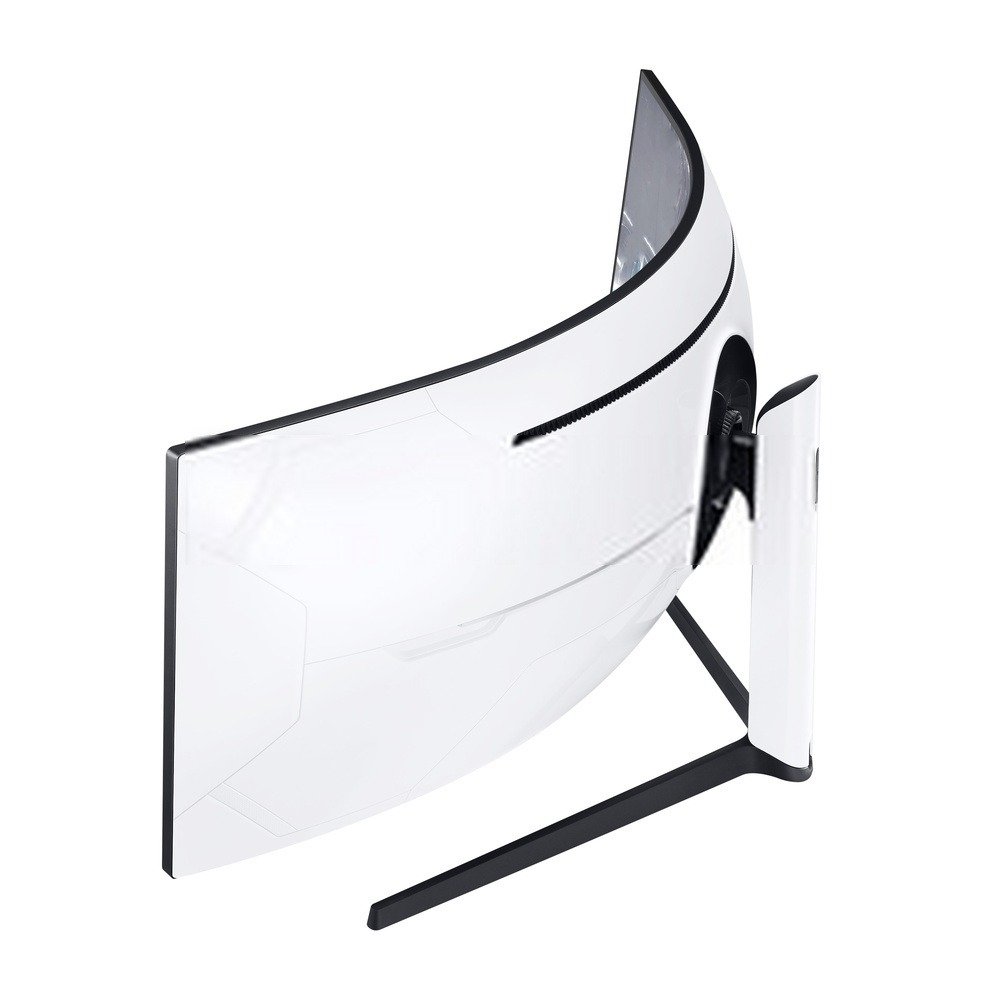
Since we're talking about curved screens, it's natural to pay attention to the curvature angle. If the radius is very small, there will be almost no difference compared to flat monitors. If it's too large, it can distort the image. The curvature value most recommended by brands is 1800R.
Your screen support
A good, sturdy, ergonomic and easy-to-adjust stand allows you to adjust the tilt, height and angle of your screens, achieving different effects depending on the objectives you are looking for at any given time.
What other factors should be taken into account?

Other factors that will determine your purchase of a curved screen include the following:
- Brightness: This is the ability of a monitor to display black, white, and intermediate colors, a factor measured in candelas per square meter (cdm²). Common measurements found on the market range from 350 to 450 cdm².
- Color depth: This is a unit of measurement that determines a screen's ability to display a wide range of colors. When creating an image, it's best to display multiple colors on your screen. A color table with 8 primary colors is not the same as one with 16 million shades. Curved screens offer a wide range of colors invisible to the naked eye.
- Contrast : In short, it's the clear difference between maximum white and maximum black. This value measures the difference between a black pixel and a white pixel at the same moment. If you're looking for a monitor with high contrast, you should look for a high number, generally expressed as 2000:1.
- Resolution: This refers to the number of pixels that can be displayed on the curved screen. The standard recommended resolution nowadays is FullHD: 1920×1080 pixels.
Conclusion
Curved screens are improving the user experience without affecting image quality, resolution, or sharpness; with this type of screen, you get more immersion!
Most of these screens have a curvature radius of 1800R. They offer numerous image advantages, such as reducing the distortion effect of flat-screen monitors, and they also reduce eye strain. They are particularly useful for gamerswho demand high-quality graphics and a high refresh rate!