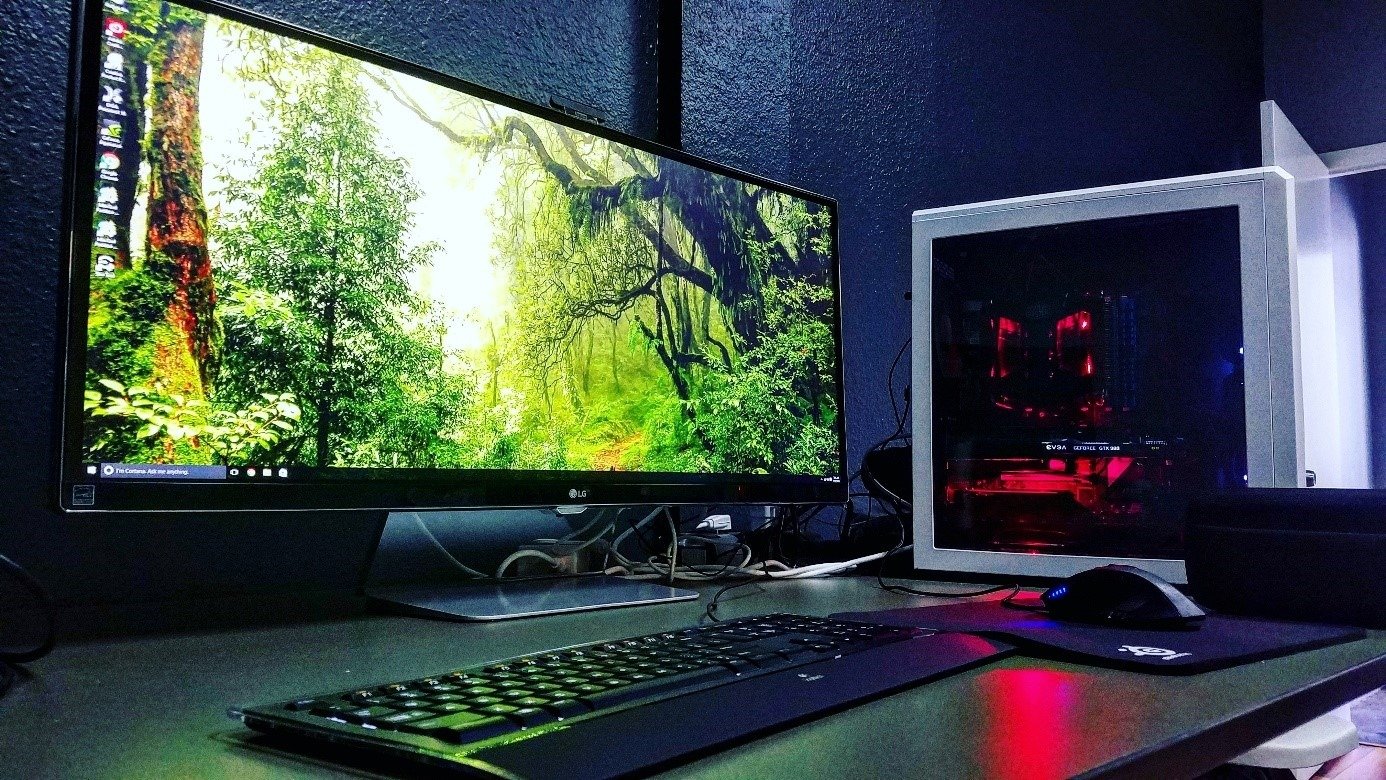
Whether it's for a computer monitor or a television screen, we all want the best possible image resolution and quality. To achieve this, you don't have hundreds of options. Indeed, OLED screens are the best on the market in terms of color and resolution.
These can now be found on mobile phones and tablets!
Comparison of the best OLED PC monitors

Whether you're looking for impeccable image quality on your PC or TV, an OLED PC monitor is the best solution for you. Discover the two best OLED monitors right now !
1. SUPERFECT: The portable OLED screen that optimizes your creativity
Features and Reviews
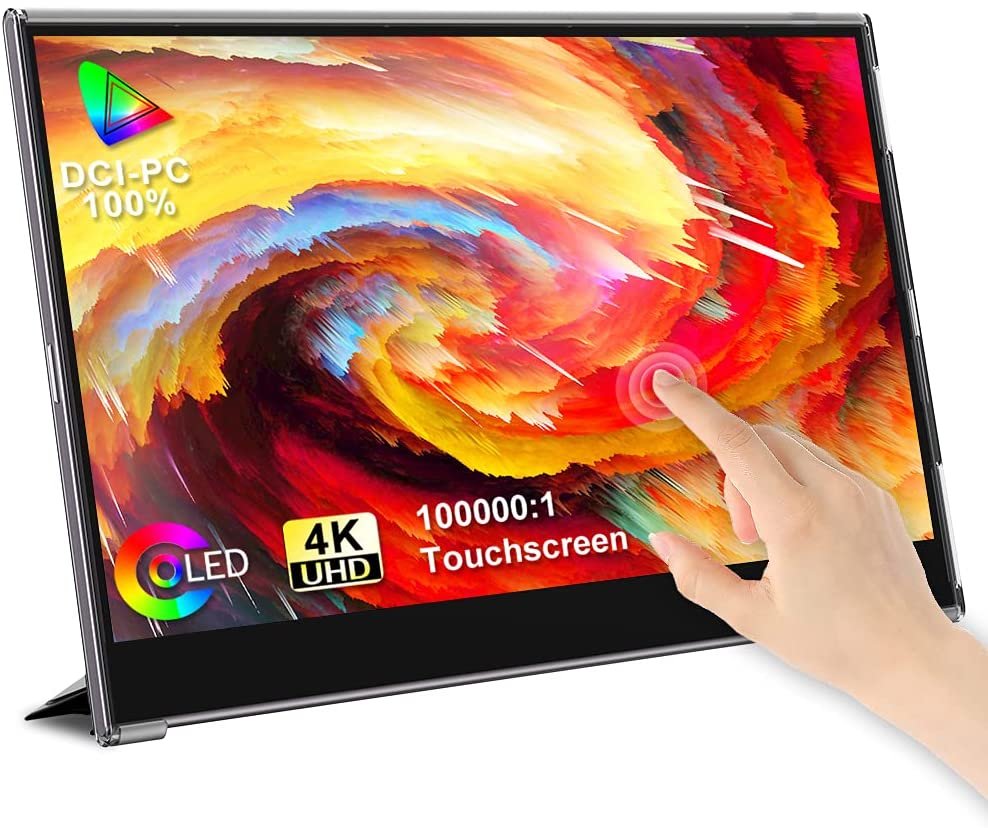
The UPERFECT portable monitor with OLED screen features backlit pixel technology that delivers superior color accuracy and contrast. Boasting Ultra HD 4K resolution and an unlimited color palette, the screen measures 15.6 inches. The portable monitor has a built-in 5000 mAh battery that provides approximately four hours of battery life when not powering multiple devices simultaneously
Its ultra-thin and ultra-light design is very practical and allows you to take it with you wherever you go. Its 1ms response time makes it 30 times faster than a standard LCD screen. In terms of connectivity, it features a USB Type-C port and is compatible with a variety of devices.

2. LG OLED55B8: The best OLED screen currently available
Features and Reviews
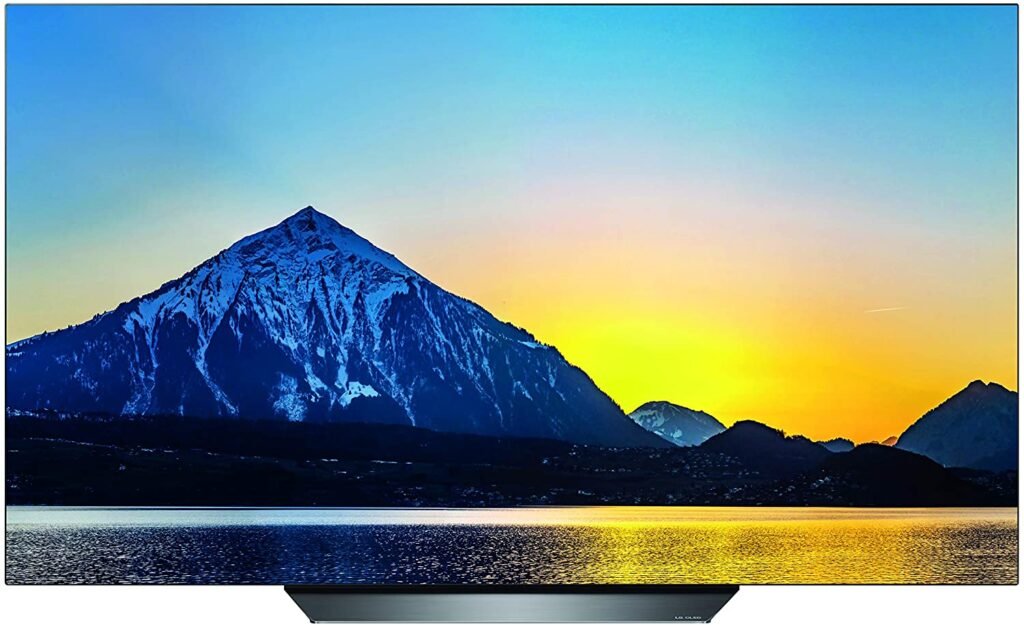
The latest addition to our TV selection, the LG OLED55B8, impresses at first glance with its elegant design. Its 55-inch screen and 4K resolution offer a truly immersive and satisfying viewing experience. The LG OLED55B8 features the A7 Gen2 Intelligent Processor, which enhances and optimizes image quality.
It also features Cinema HDR technology with Dolby Vision, allowing you to get the best possible picture. Furthermore, the LG OLED55B8 monitor boasts a 60Hz refresh rate, an A++ energy rating, and four HDMI inputs. Without a doubt, if you're looking for the best PC monitor currently available, consider yourself there!

What is an OLED screen?
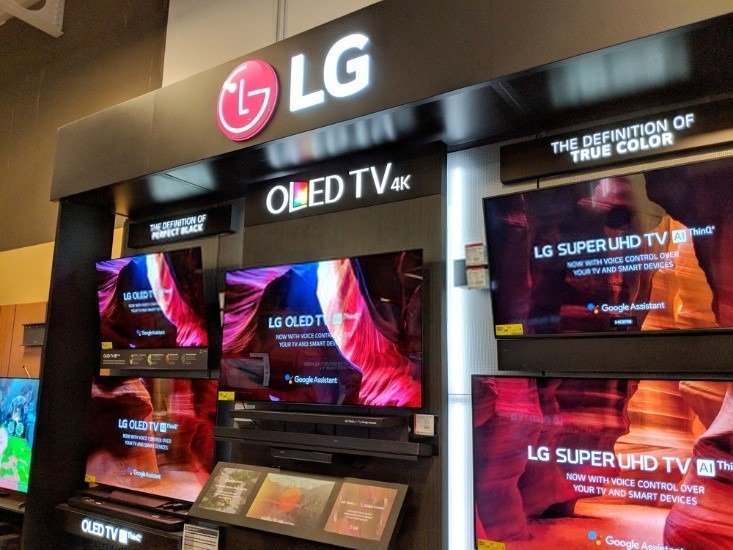
OLED stands for "Organic Light-Emitting Diode" and refers to screens with a LED backlighting technology that produces a significantly better image than traditional LCD screens. Why? Simply because each pixel in the image has its own light-emitting diode, resulting in superior image quality. This technology is already very common in high-end screens and among the best TVs on the market. Therefore, it's no surprise to see it increasingly prevalent in modern screens.
The advantages and disadvantages of an OLED screen
Like all technologies, OLED has advantages and disadvantages that are important to understand when choosing the best OLED screen on the market. It's already clear that this type of very bright screen offers many more benefits than traditional technologies. It's worth noting that OLED screens of the past are not the same as those of today, and this LED lighting technology still has much to prove.
The advantages

The advantages of the best OLED screens are as follows:
- Lower energy consumption: indeed, LED diodes consume very little energy, which both reduces the bill and limits the TV's heat output, thus increasing its lifespan.
- High-end image quality: present on the best screens on the market, OLED transmits an unparalleled image, especially in terms of color perception, which is perceived as vibrant.
- Responsiveness: OLED screens are much more responsive and allow for higher, more realistic refresh rates. An OLED screen can often display a minimum of 60Hz up to 144Hz, which is very appealing to gamers and their gaming consoles.
The disadvantages
There aren't really any disadvantages to OLED screens. The only downside is that they are very fragile because they still use liquid crystals.
Therefore, a bad impact can quickly and irreversibly damage the image by completely turning off the pixels in the affected area. Another major drawback is the price of a 4K UHD OLED screen. It can sometimes cost several thousand euros for a television of this type.
Our OLED screen buying guide
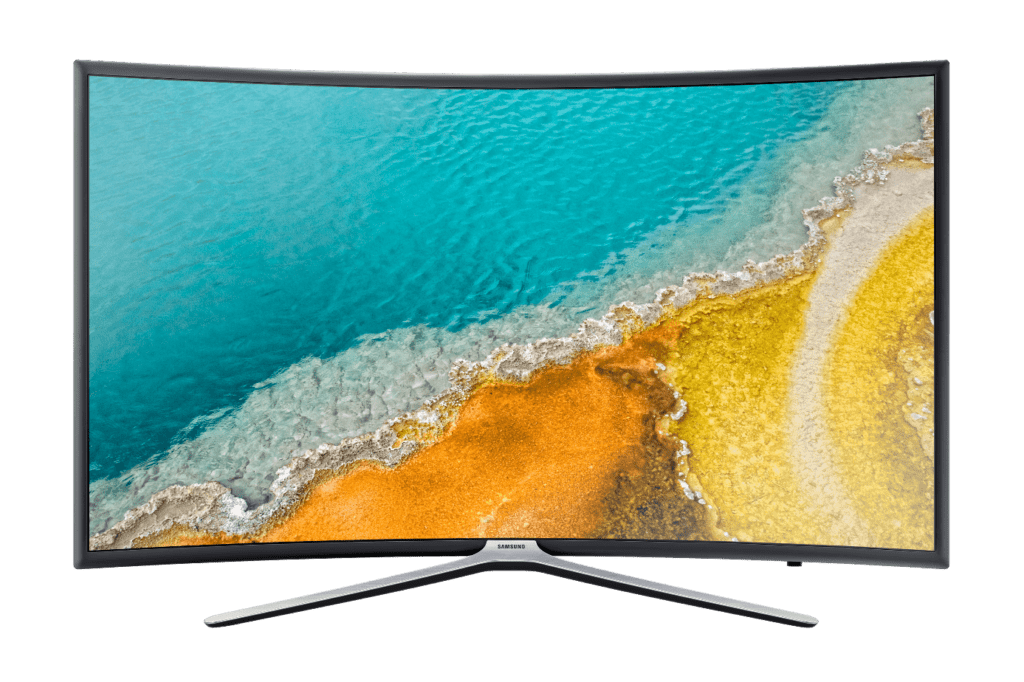
You now have a clearer idea of what an OLED screen is. Now, let's review the important criteria to consider when buying one. Before that, keep in mind that your choice should primarily be based on the screen's features in relation to your own needs.
The screen size

When purchasing an OLED screen, it's important to pay close attention to its size. Why? Well, because it's much more enjoyable to experience vibrant colors on a large screen than on a small one, especially since below a certain size, it's impossible to find 4K UHD screens.
If you don't want to miss any details of the content displayed on your screen, we recommend going for a 32-inch monitor. Of course, this choice will depend on the size of your room.
For this reason, choose an OLED screen that will be suitable for the dimensions of your room. If you have a small room, you will need to opt for a small screen!
If you want an ultrawide monitor, unfortunately OLED technology for ultrawide screens is not yet available on the market…
Response time
Generally, OLED screens have a better response time compared to other screens. We're talking about an average response time of 0.05 ms, which means you'll benefit from impeccable image sharpness, whatever the circumstances.
If you're a gamer, an OLED screen would be the perfect choice! For your information, the average response time for most people is 30ms… the difference is simply phenomenal!
Screen resolution

A screen's resolution determines the quality of an image. Since the best OLED screens all have a high resolution, measured in pixels, all the images they produce will be detailed and pleasing to the eye.
If this is your first time, we recommend you go for a 4K UHD PC monitor, i.e. 3840 x 2160p.
Beyond that, only the most discerning users will find it worthwhile, as 8K cameras are becoming increasingly rare, and higher resolutions even more so. For your information, standard HD is equivalent to 720p, Full HD is equivalent to 1080p, Full HD+ is equivalent to 1440p…
The scanning frequency
Also known as the refresh rate, the scan frequency refers to smoothness and indicates the number of times per second an image is displayed on a screen. The best OLED screens support high frequencies such as 60Hz or 144Hz. For your information, the higher the scan frequency, the smoother the image will be!
The screen quality
Now that you know the important elements that differentiate the best OLED screens from the worst, let's take a closer look at the details that could also influence your choice!
Brightness
Brightness is a crucial factor when purchasing an OLED screen. It is measured in units derived from luminance (cd/m²) and is fundamental to achieving backlit images with good readability. For optimal performance, choose a model with a brightness of around 400 cd/m².
Contrast
Contrast is the element that measures the brightest and darkest parts of a screen. Simply put, if 1500:1 is specified as the contrast ratio, it means there are 1500 times more bright areas than dark areas. If you like that, go for screens with high contrast ratios!
However, be aware that you can't watch TV in a room that's too bright, as you'll see your own reflection in the deep black of the screen. Generally, high contrast is ideal for setting up a home theater!
Saturation
Saturation is the element that determines the intensity of colors in an image. The higher it is, the more vibrant the colors. Conversely, the lower it is, the duller the colors on an OLED screen appear, which is often undesirable, even if it is more realistic. For your information, the color of images displayed by OLED screens is already quite vibrant and natural. Increasing saturation is unnecessary and risks distorting the image.
OLED screen FAQs
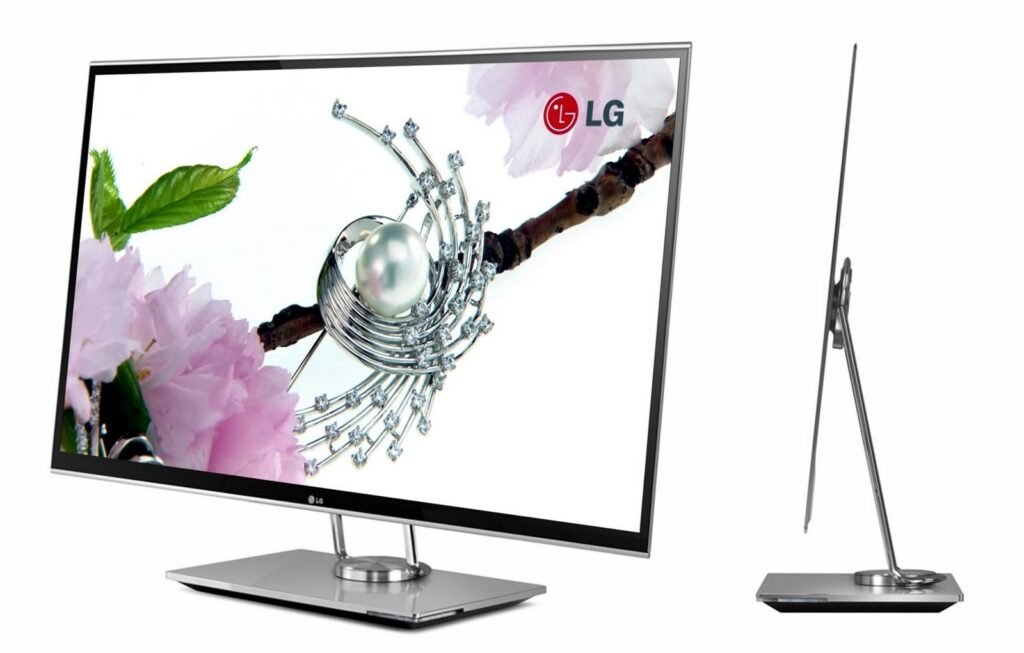
Even if you know how to select the best OLED screens on the market, some questions may still remain. These can be curious or practical. Therefore, we've compiled a short FAQ of the most frequently asked questions from users who have already purchased an OLED screen or are about to. So, if you still have any doubts, you can take a look at these questions and their answers, which will surely shed some light on the matter.
What is the difference between QLED and OLED?
There's no difference between the two. QLED is simply the name Samsung uses for its own OLED technology, which is exactly the same as everyone else's. This term is primarily a marketing tool to differentiate themselves from the flood of OLED TVs and OLED PC monitors on the market. It's worth noting that Samsung TVs are increasingly available with high-performance Smart TVs. So, don't look at Samsung QLED screens any differently than you would at standard OLEDs, as they use the same type of panel.
Does OLED mean 4K?
The best OLED screens are indeed 4K UHD compatible, but this isn't the case for all OLED TVs. In fact, OLED can also display standard Full HD. While OLED technology significantly improves image quality, it doesn't necessarily improve resolution. This can lead to the illusion that the resolution is better on a Full HD OLED screen compared to a standard 1080p screen. Since OLED simply means that each pixel has its own diode, it's completely independent of resolution. However, the higher the resolution, the more stunning the OLED image becomes.
Does OLED cause eye strain?
A common criticism leveled at OLED and QLED TVs is that they cause eye strain. And it's absolutely true. Indeed , it's normal that with such bright screens and vibrant colors, eye strain is more frequent because of the increased blue light emitted. However, this will only be the case if you sit in front of your screen all day. You can also take precautions by lowering the TV's brightness in the dark or by wearing blue light blocking glasses.
How do I connect an OLED screen?
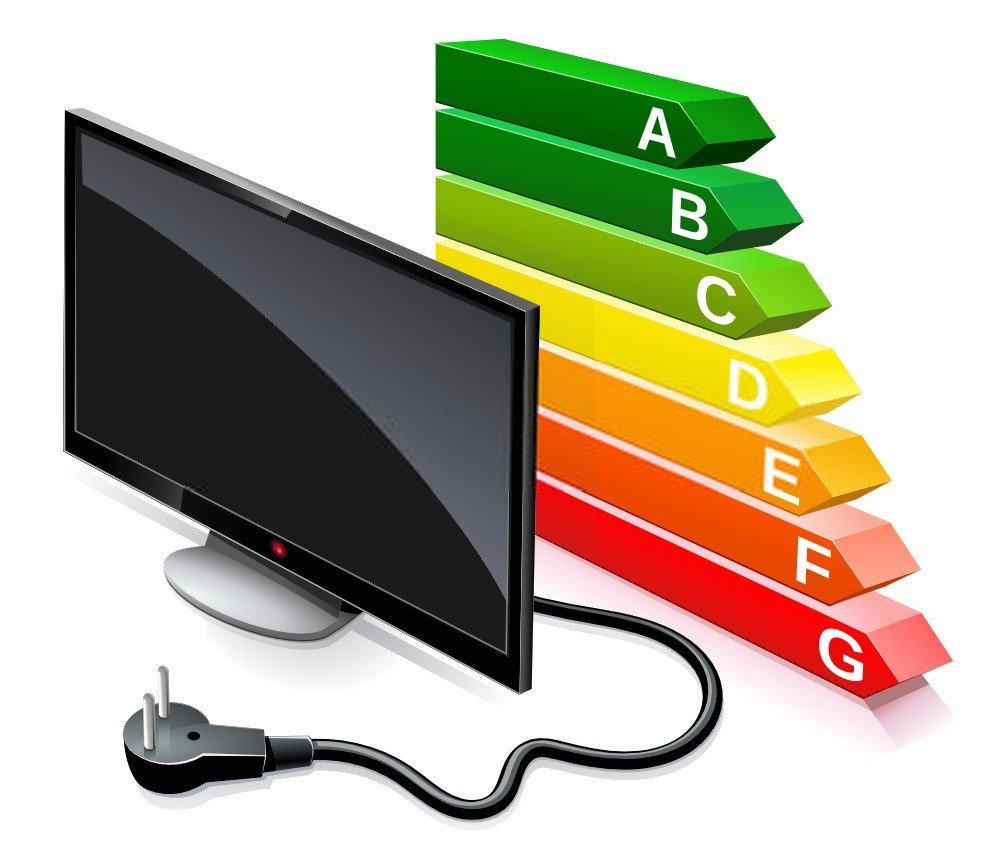
Connecting OLED screens is very straightforward. They most often connect using an HDMI cable. However, thiscable isn't without its drawbacks. You must ensure that the input and output devices are compatible and connected with the correct cable. For example, you can't connect a state-of-the-art OLED TV with a first-generation HDMI cable. This might not work, or you won't be able to enjoy your television's maximum resolution. Generally, everything is explained by the manufacturer, and all the necessary cables are included in the box of a new screen (usually, but beware of unpleasant surprises).
What is the budget for an OLED screen?
If you want to choose the best OLED screens on the market, they will certainly be quite expensive, costing several thousand euros for 8K. However, this technology is still too underdeveloped for everyday use. Therefore, expect to pay around €600 to €1000 for a high-performance television. Half that price for a computer monitor. Now, you don't necessarily need 4K UHD on an OLED, but for the best screens, that's what we recommend.
What is the difference between OLED panels and other panels?
You understand what an OLED panel is, but what about the others?
You can find:
- TN panels: they are incredibly responsive and highly valued by competitive gamers. Their refresh rate can reach up to 360 Hz, which is enormous. However, this comes at the cost of lower image quality.
- IPS panels: These panels offer a good compromise between OLED and TN panels. Their main drawback is their price, but this price is decreasing year after year.
- TA panels: they allow for excellent image quality with beautiful contrast, but they are not very responsive as they have the highest response rate on the market.