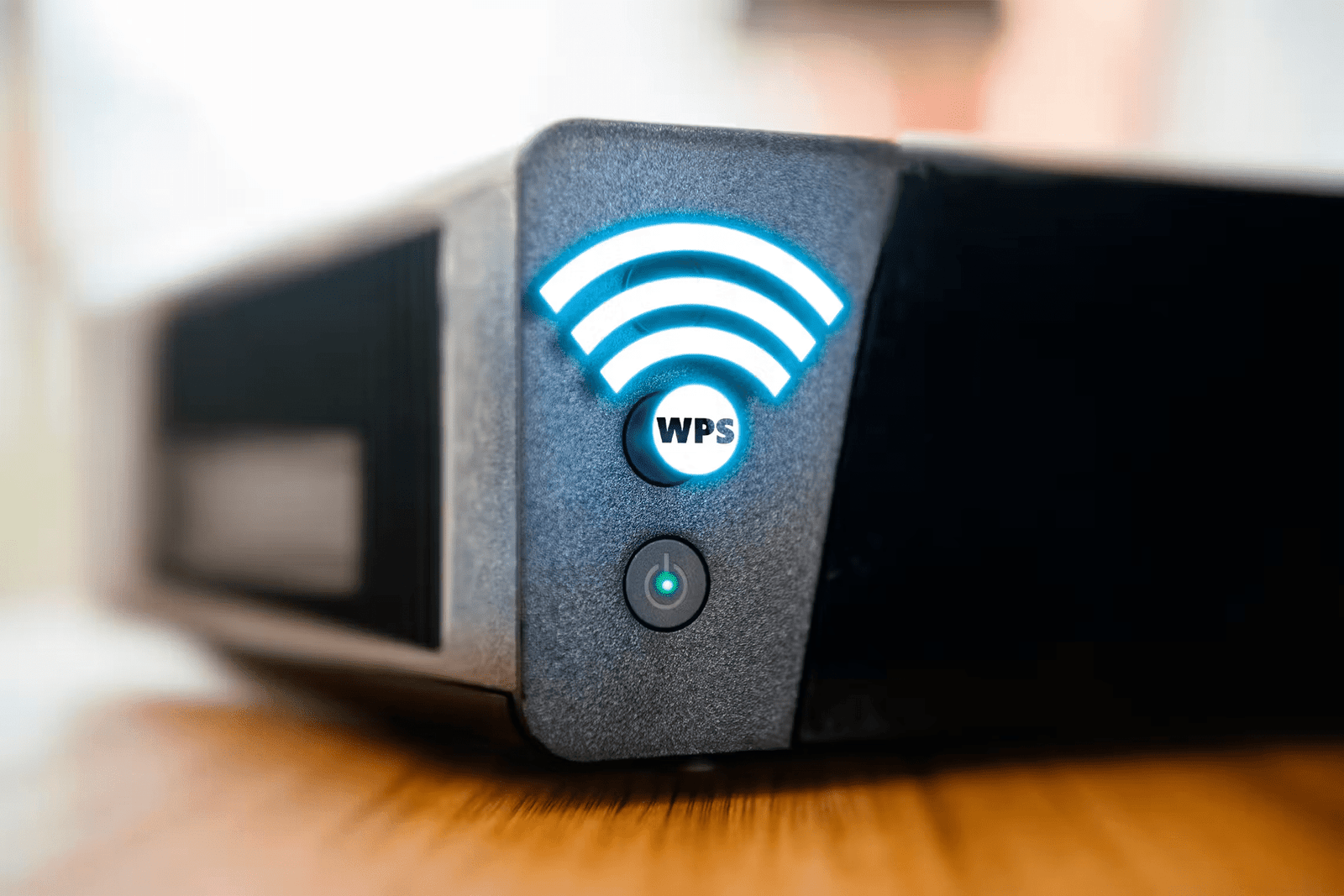
In the digital age, internet connectivity has become essential for most of us. Whether for work, entertainment, or communication, we increasingly rely on our connected devices. However, securing your Wi-Fi network is crucial to protecting your personal data and preventing malicious intrusions. This is where Wi-Fi Protected Setup (WPS) comes in.
What is WPS?
WPS, short for Wi-Fi Protected Setup , is a security standard developed by the Wi-Fi Alliance to simplify connecting devices to a secure Wi-Fi network. It is an alternative to traditional methods based on entering a complex security key, which is often a source of errors and frustration for inexperienced users.
How does WPS work?
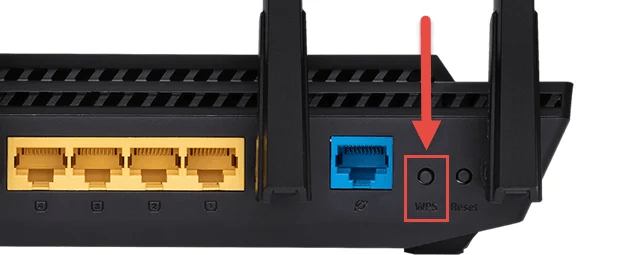
WPS uses an automatic pairing process between a device and a Wi-Fi router. There are two main methods for using WPS: the push-button method and the PIN code method.
Push-button method
The push-button method is the most common way to activate WPS . It requires that both your router and your device support this feature. Here's how it works:
- Make sure your Wi-Fi router is turned on and your device is nearby.
- On your router, look for the WPS button. It may be labeled " WPS " or have a symbol representing two arrows in a circle.
- Press and hold the WPS button on your router for a few seconds.
- On your device, go to Wi-Fi settings and look for the WPS option .
- Press the WPS option and wait for your device to automatically connect to the Wi-Fi network.
This method is simple and does not require entering the network password . However, it must be performed within a limited time after pressing the WPS button on the router.
PIN code method
The PIN code method is another option for using WPS. It also requires that your router and device support this feature. Here's how it works:
- On your router, look for the WPS PIN code . It may be printed on a label or accessible via the router's configuration interface
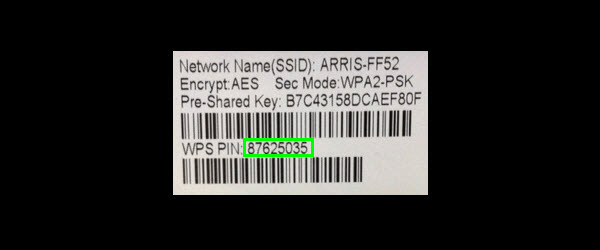
- On your device, go to Wi-Fi settings and look for the WPS option.
- Select the WPS by PIN option and enter the PIN displayed on your router.
- Wait for your device to automatically connect to the Wi-Fi network.
This method offers an alternative if your router doesn't have a physical WPS button . However, it's important to note that the WPS PIN code can have security vulnerabilities, so it's recommended to disable it if you're not using it.
See also: How to configure a wireless router?
Is WPS safe?
WPS has been criticized for its potential security vulnerabilities, particularly in the PIN code method. Brute-force attacks on the WPS PIN code can allow unauthorized individuals to connect to your Wi-Fi network.
For this reason, many manufacturers have chosen to disable WPS by default on their latest routers. Some devices, such as recent Android smartphones, no longer even include WPS functionality. Therefore, it's important to check if your router and devices support WPS before using it.
If you decide to use WPS , it is recommended to take certain measures to strengthen the security of your Wi-Fi network:
- Disable WPS if you are not actively using it. This reduces the risk of security vulnerabilities.
- Use strong and unique Wi-Fi passwords for your network. Avoid using passwords that are easy to guess .
- Regularly update your router's firmware. Firmware updates may include important security patches.
- Enable WPA2 or WPA3 encryption on your Wi-Fi network. These protocols offer better security than the outdated WEP.
- Monitor devices connected to your network and frequently check connection logs to detect any suspicious activity.
Conclusion
WPS offers a simple and convenient way to secure your Wi-Fi network, especially for non-technical users. However, it's important to be aware of WPS's limitations and take additional steps to protect your network from malicious intrusions . By combining WPS with other security measures, you can enjoy a Wi-Fi connection that is both convenient and secure.