Have you ever dreamed of sharing your gaming passions with the world and building a community around you? Streaming has become an accessible and popular way to have fun and interact with other gamers. But to provide your viewers with the best possible experience, having the right equipment is crucial.
Whether you are a beginner or experienced streamer, this article will guide you through the essential elements to put together a high-performance PC setup tailored to your needs.
1. The PC: The heart of your streaming setup
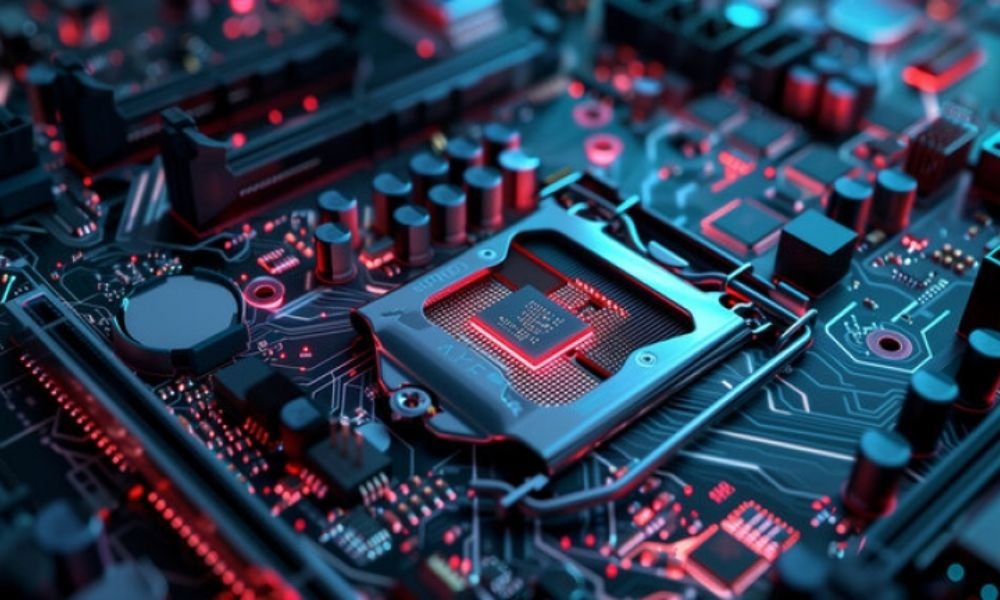
Choosing the right PC is crucial for ensuring smooth, high-quality streaming. Here are the key points to consider:
- Processor: Opt for a powerful processor with at least 6 cores and 12 threads, such as an Intel Core i5 or AMD Ryzen 5.
- Graphics card: The graphics card is essential for encoding and streaming your video. An NVIDIA GeForce GTX 1660 Super or AMD Radeon RX 5700 XT is a good starting point.
- RAM: 16GB of RAM is the minimum standard for streaming, but 32GB will give you more flexibility for resource-intensive tasks.
- Storage: An NVMe SSD will offer ultra-fast loading and data transfer speeds, thus optimizing your streaming experience.
2. Capture your game and your webcam
To immerse your viewers in your world, you will need to capture your gameplay and your webcam.
- Capture card: If you are streaming on console, an external capture card is required to connect your console to your PC.
- Webcam: A high-quality HD (720p) or Full HD (1080p) webcam will allow you to interact with your viewers live.
3. Sound: An often overlooked element

High-quality sound is essential to provide an enjoyable experience for your viewers.
- Microphone: A microphone dedicated to streaming, such as a Blue Yeti or HyperX SoloCast, will greatly improve the quality of your voice.
- Sound card: An external sound card can be useful for fine-tuning sound control and reducing background noise.
4. Streaming software: The conductor of your broadcast
Streaming software is the link between your hardware and your streaming platform.
- OBS Studio: This free open-source software is a popular choice among streamers, offering great flexibility and advanced features.
- Streamlabs OBS: An alternative version to OBS Studio, more intuitive for beginners and offering additional customization tools.
5. Internet Connection

A reliable and fast internet connection is essential for streaming, but also for gaming, especially video games where latency can ruin the experience. A quality router, such as those offered by Netgear or TP-Link, with features like dual-band and Wi-Fi 6, can provide a stable and fast connection.
It is also recommended to have an internet plan with a speed of at least 100 Mbps to ensure no lag during gameplay. Latency should also be low, ideally below 20 ms, for an optimal gaming experience.
6. Don't forget the accessories!
A few accessories can improve your comfort and the quality of your stream.
- Keyboard and mouse: ergonomic keyboard and will allow you to play and interact with your cat comfortably.
- Chair: A comfortable seat is essential for long streaming sessions.
- Lighting: Good lighting will allow you to be clearly visible to your viewers.
Conclusion
By choosing the right equipment and fine-tuning your setup, you'll offer your viewers an immersive, high-quality streaming experience. Remember that investing in good equipment can save you time, improve your productivity, and set you apart from the competition.
Go for it and make your streaming dreams come true!