
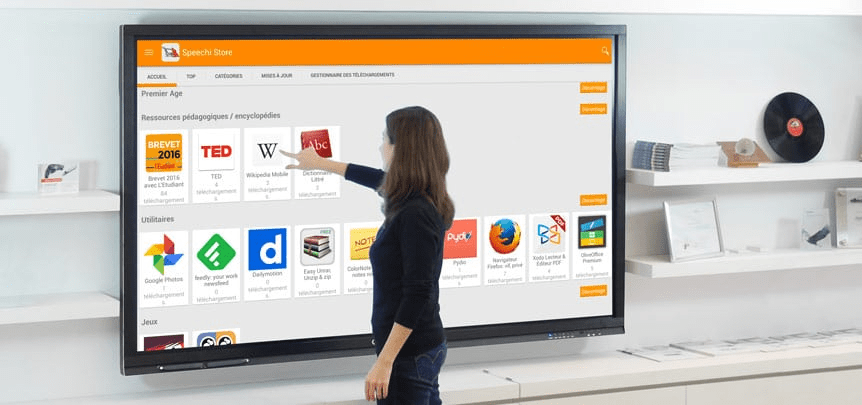
Imagine an office without the mountains of sticky notes piling up, without whiteboards where dry markers make it difficult to read notes, without the frustrations associated with non-interactive PowerPoint presentations.
Welcome to the future of productivity, where interactive screens take over. No more sticky notes, because these sophisticated technological tools are revolutionizing the way we collaborate, organize our ideas, and present our projects.
What is an interactive screen?
An interactive screen is much more than just a monitor. It's a dynamic tool that combines the functionalities of a computer, a projector, and a whiteboard into a single intuitive platform.
Thanks to advanced technologies, such as an interactive Android screen, it is possible to touch, write, draw and even manipulate digital objects directly from the screen.
The Advantages of an Interactive Screen
Simplifying Collaboration
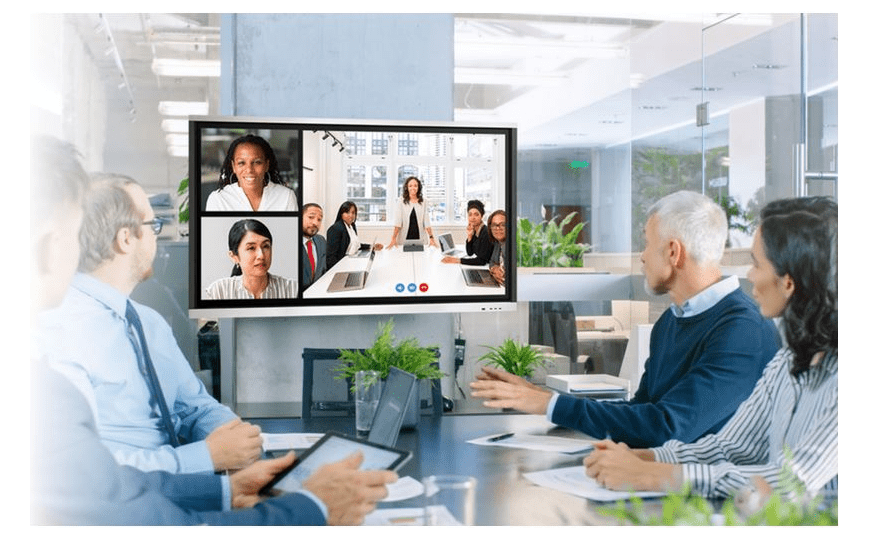
Interactive screens greatly facilitate collaboration. For example, the Samsung Flip allows multiple users to interact with the screen simultaneously, each able to add their own notes, drawings, or annotations in real time.
This interactivity makes meetings more dynamic and engaging, which can lead to faster and more effective decision-making.
Centralization of Information
No more scattered sticky notes and lost handwritten notes!
With an interactive screen, all information can be centralized and organized digitally. This not only saves paper but also ensures that all important information is backed up and easily accessible.
The Android interactive display offers built-in cloud storage options, allowing access to documents and presentations from anywhere.
Flexibility and Accessibility
Interactive displays are compatible with a multitude of applications and software, making them incredibly versatile. Whether you need to switch seamlessly from a PowerPoint presentation to a YouTube video or an Excel spreadsheet, it's all possible effortlessly.
In addition, models like the Samsung Flip allow external devices to be connected via HDMI, USB or Bluetooth, making integration with existing systems simple and quick.
How does the interactive screen improve productivity?

Reduced Preparation Time
One of the main ways interactive displays boost productivity is by reducing meeting and presentation preparation time. With an Android interactive display , it's possible to prepare and store all the necessary digital content in advance.
This means you can start your presentation in seconds, without having to search for cables or adapters.
Dynamic Interaction
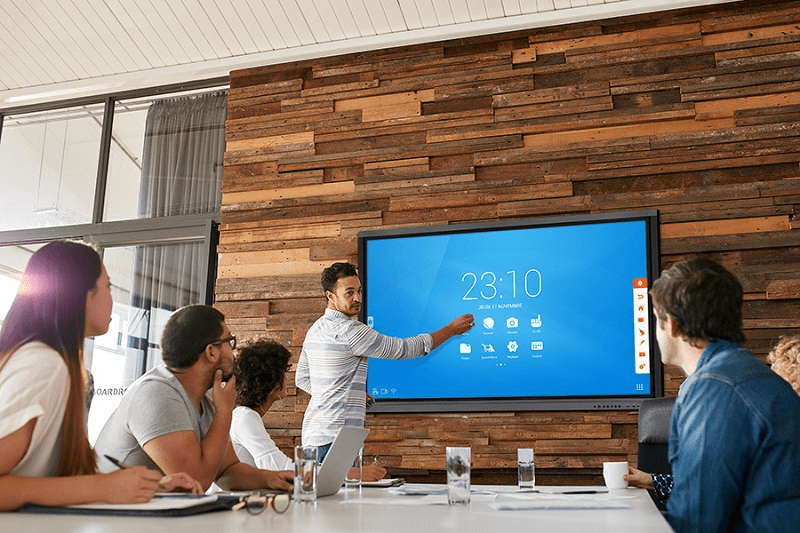
Interactive screens make presentations and brainstorming sessions much more interactive. Instead of simply displaying slides, you can manipulate objects on the screen, add annotations in real time, and even invite participants to interact directly with the content.
This makes the sessions more engaging and helps to maintain your audience's attention.
Cost Savings
While the initial investment in an interactive display may seem high, the long-term savings are significant. Think of all the money saved on office supplies, such as sticky notes, markers, and paper.
Furthermore, reducing the need to travel for meetings, thanks to the possibility of conducting interactive remote conferences, can represent substantial cost savings.
Practical Use Cases
In Education
Interactive screens are becoming increasingly popular in classrooms. They allow teachers to create interactive lessons that captivate students and facilitate learning.
For example, a math teacher can use an interactive screen to demonstrate complex concepts in real time, making lessons more understandable.
In Business
In the business world, interactive displays are used for meetings, presentations, and brainstorming sessions. This screen transforms any office space into an interactive meeting room. Teams can collaborate more effectively, even remotely, using integrated video conferencing tools and screen-sharing features.
In Health
Interactive displays are also finding their place in the healthcare sector. They are used for remote medical consultations, training, and even for displaying critical medical data. A surgeon can use an interactive display to view scans and plan procedures with greater precision.
Conclusion
The era of sticky notes and static whiteboards is over. With the emergence of interactive displays, such as the Android interactive display and the Samsung Flip, workplace productivity is poised for a true revolution.
These tools not only simplify everyday tasks, but also transform the way we collaborate and innovate. Adopting this technology is a step towards a more interconnected and efficient future.
Interactive displays are not just high-tech gadgets. They are the future of productivity, allowing you to get the most out of every meeting, presentation, and collaborative work .
So why bother with sticky notes when you can dive into interactivity?


