Remote work has become the norm for many. According to a Gallup poll, 8 out of 10 people work in a hybrid or remote manner. With the development of remote work setups, the demand for reliable tools to support collaboration and communication is increasing.
Besides video conferencing and chat applications, screen recording software has also become an indispensable tool. Whether you're creating tutorials or simply want to record a video conversation with colleagues, screen recording can be extremely useful – and in 2024, it might even be the most important tool.
What is screen capture software?
A screen recorder is software that records activity on a computer. It records all movements, changes, and sound on the screen and allows the recording to be saved as a video file.
Screen recorders are perfect for creating video tutorials, capturing online meetings, or simply recording a video clip of something you want to share with others. They can even be used to record gaming sessions and create content for streaming platforms like Twitch or YouTube.
Screen recording has been around for years, but recent advancements have made this tool more accessible than ever before. Today, you can take advantage of powerful screen recording software that's available for free and offers many valuable features.
What to look for in screen capture software
When choosing a screen recorder, you should consider the following features:
- Compatibility : Is the screen recorder for PCs and Macs? Is there a mobile app available? Or is it an online screen recording tool?
- Recording options : Does the software offer recording in different formats (e.g., MP4, AVI)? Does it support video streaming and audio capture? Also check if it can record both webcam and computer audio.
- Editing tools : Does it allow editing of recordings using basic or advanced functions, such as adding text, annotations, and transitions?
- Sharing options : Can recordings be shared directly from the program or exported to YouTube/Vimeo/other platforms?
- Price : Is the software free or paid? Does it offer a subscription plan?
Here are some of the best screen recording software available in 2024:
1. Movavi Screen Recorder
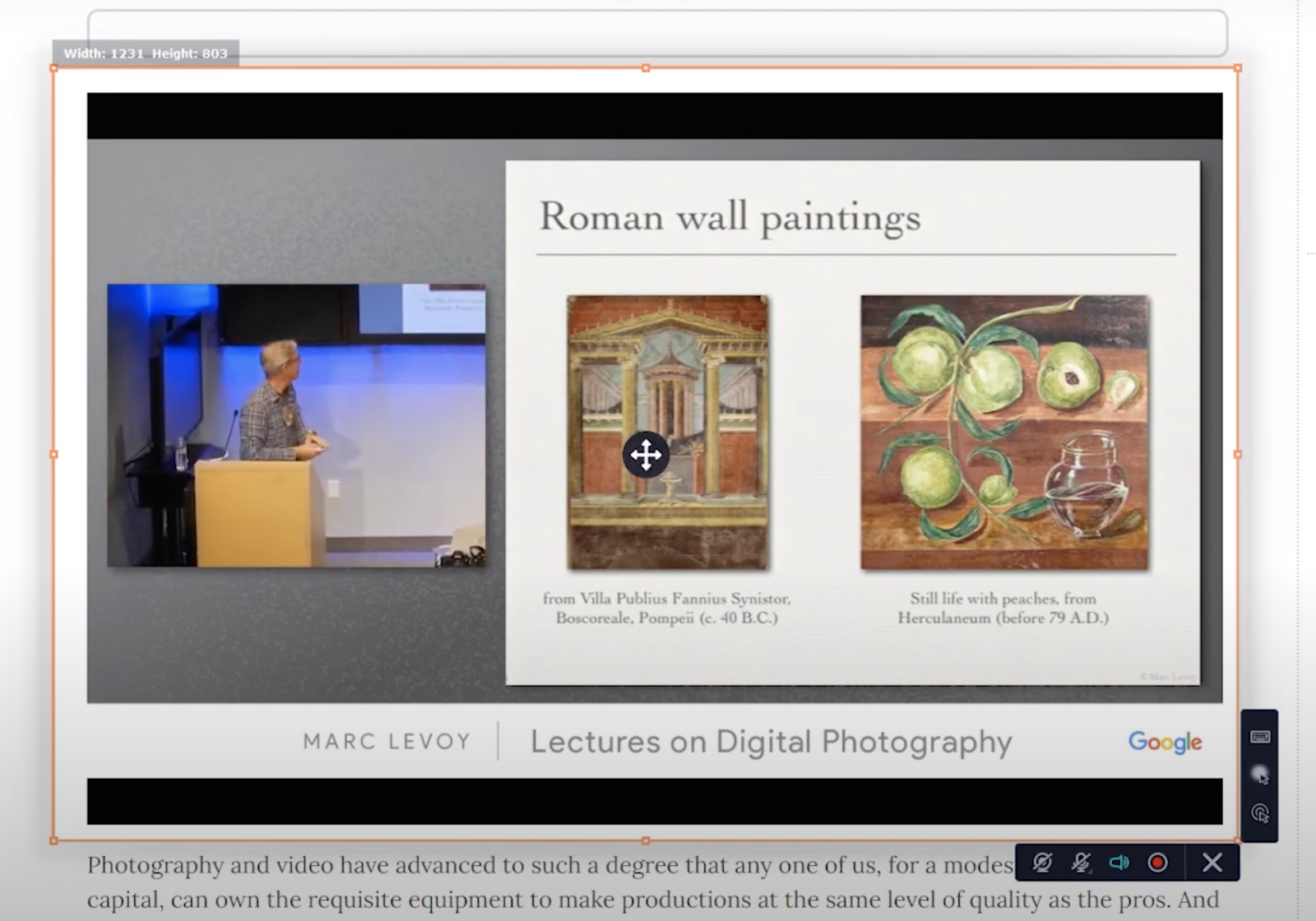
Movavi Screen Recorder is a powerful yet easy-to-use screen recording tool. It allows you to easily capture audio and video from your computer in just a few clicks and can even be used to record webinars, Skype conversations, lectures, and much more.
The app also offers numerous editing tools, allowing you to quickly modify your recordings once they're finished. This includes adding annotations, arrows, text fields, images, and much more – all within the app itself!
In addition, recordings can be saved in many formats, including MP4 and MOV, and can be uploaded directly to YouTube or Google Drive for sharing.
Movavi offers a free 7-day trial with a watermark to test the software. The paid plans are also quite affordable and include unlimited recording time and batch processing.
2. Loom
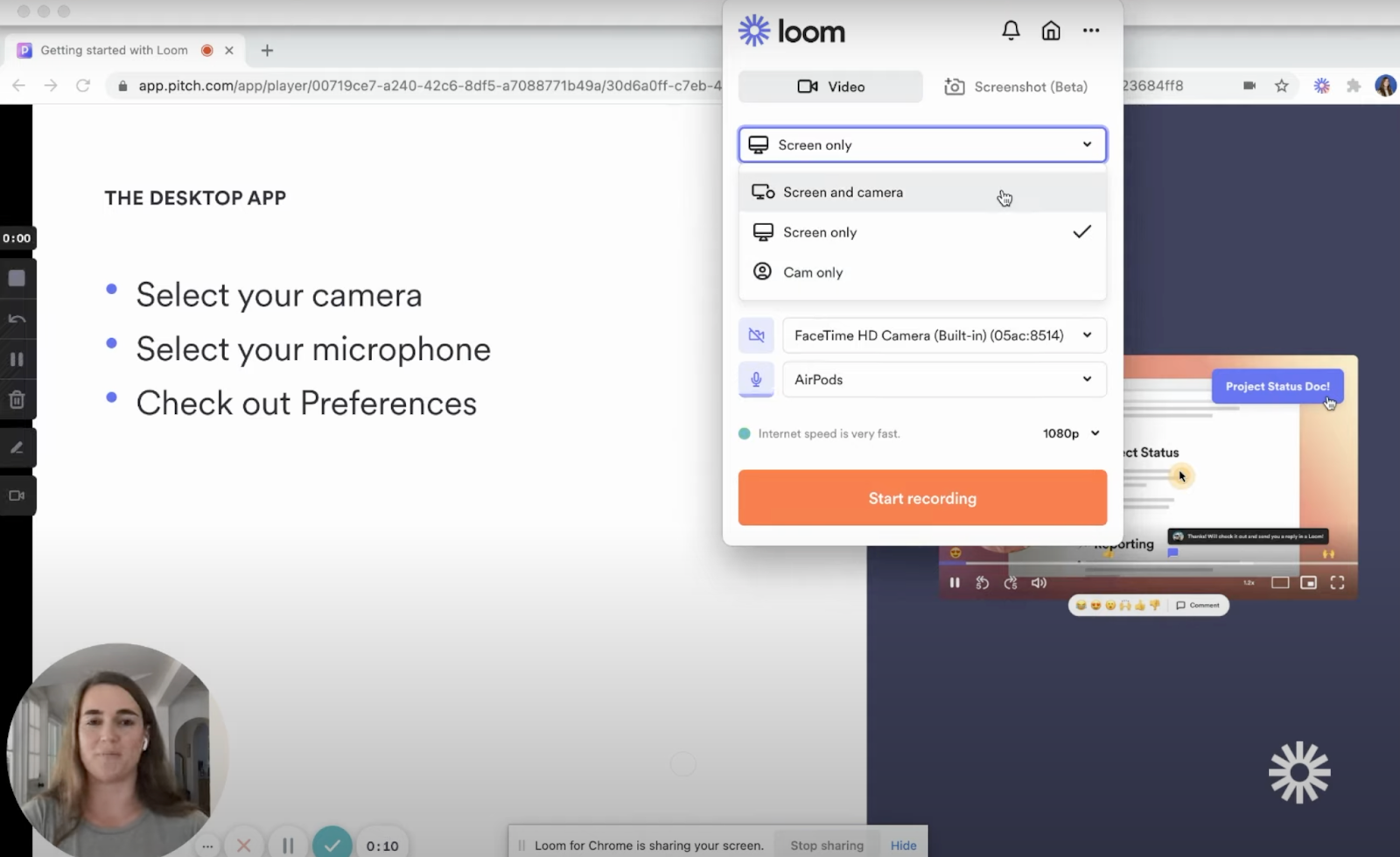
Loom is a screen recording application designed for the modern workspace. It allows you to quickly record yourself and your screen, or just your screen, making it easy to create effective tutorials, demos, or presentations and share them with your team or clients.
Loom can be downloaded to your computer or used as a browser extension. A mobile version is also available.
The application is extremely intuitive and easy to use – simply click the “record” button and recording of everything on your computer screen begins in real time. If needed, you can also add audio narration.
Main features of Loom:
- Quick and easy recording: Start recording with one click and capture everything that happens on your screen in real time.
- Add audio narration: Comment on your live recording to make your videos more explanatory.
- Automatic storage: Loom automatically saves all your recordings as soon as they are finished, so you no longer have to worry about saving them manually.
- Easy sharing: Share links to your recordings with anyone or embed them directly into your website.
Versions of Loom:
Loom offers a free version forever with basic features. Paid plans are also available for additional features such as engagement analytics, unlimited storage, and custom branding.
3: OBS Studio:
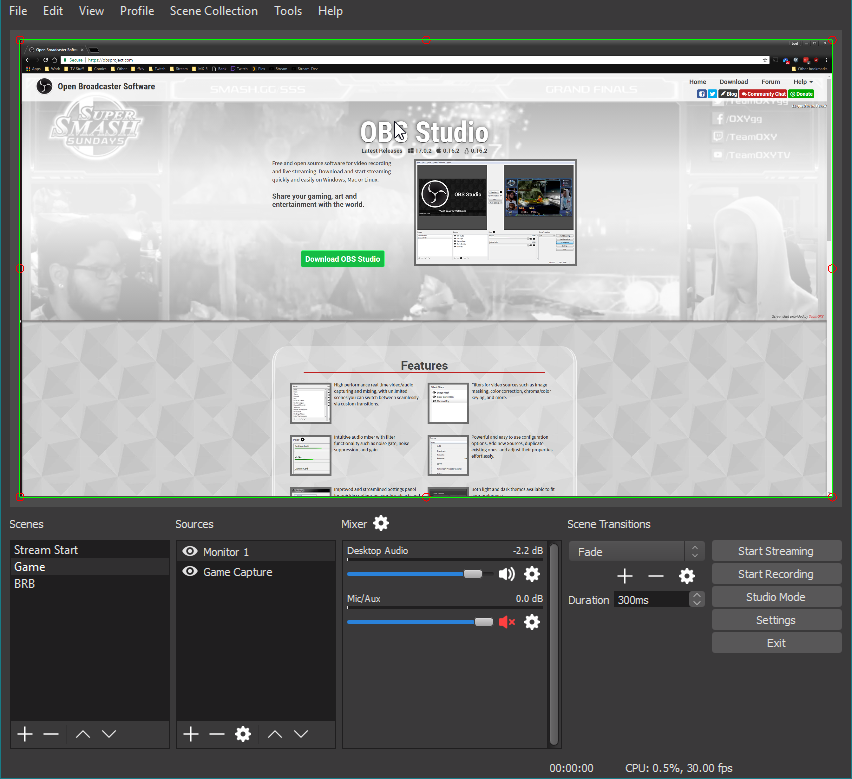
OBS Studio is a free and open-source screen recording software popular with gamers and live streamers. It allows you to easily record your screen as well as any audio source, such as microphones or streaming services. Recordings can be customized and broadcast live on platforms such as YouTube, Twitch, and Facebook.
OBS Studio features:
- Add transitions, filters and other effects: Give your videos a more professional look.
- Flexible encoding options: Choose the best resolution and bitrate for your videos.
- Cross-platform support: Compatible with Windows 10, Windows 11, Mac and Linux.
Conclusion :
Choosing the best screen recording software for you depends on your needs and technical skill level. If you're looking for a simple and easy-to-use solution for quick recordings, Movavi Screen Recorder is our recommendation.