
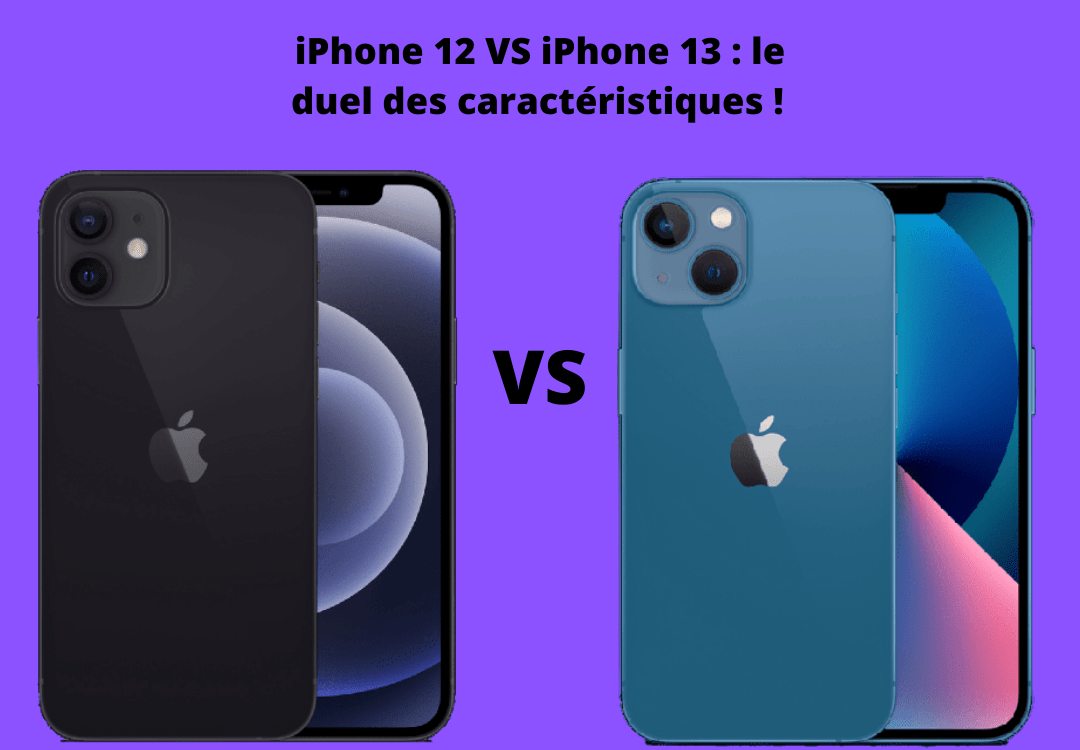
It's official! After months of anticipation, Apple has just launched the successor to the iPhone 12. It's indeed the iPhone 13, which at first glance looks remarkably similar to its predecessor. But what's the real story? What new features does Apple's new iPhone offer? Here's a comparison focusing on the specifications of the iPhone 12 and iPhone 13.
Good to know:
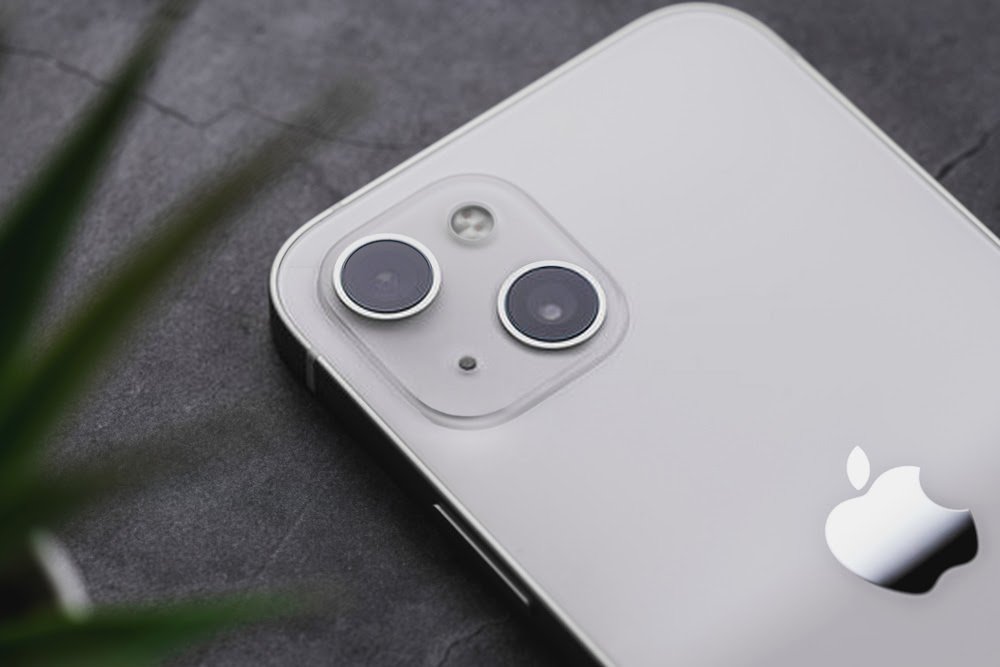
Starting September 24th, the Cupertino company will add its new mobile phone, the iPhone 13, to its catalog.
The previous version, the iPhone 12, will officially be sold starting at €809 . Its successor will be available starting at €909 .
And as we all know, the iPhone 13 has some interesting features and functionalities just like the iPhone 12.
The main questions that are currently on everyone's lips:
- Which Apple mobile phone should I choose?
- Is it really worth abandoning the iPhone 12 for the iPhone 13?
Let's take a look at the main differences between these two devices!
Design, screen, colours: what's new?
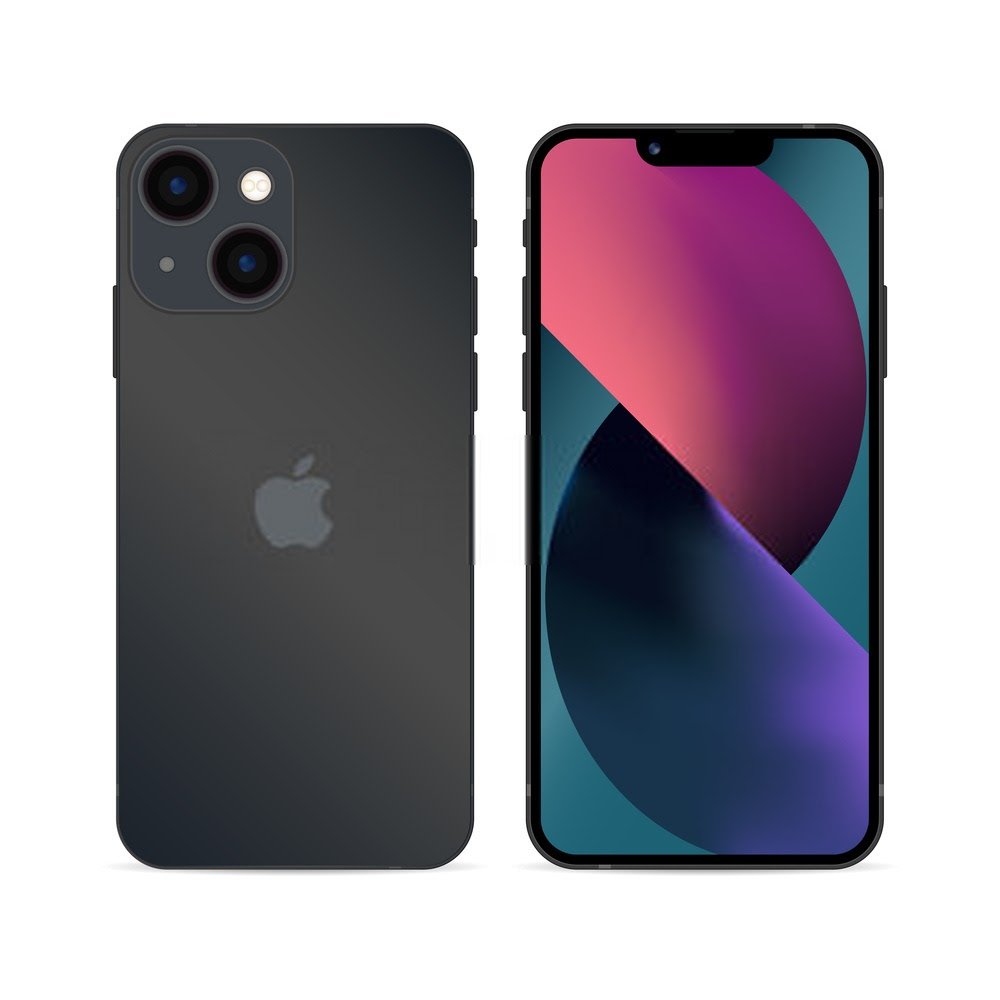
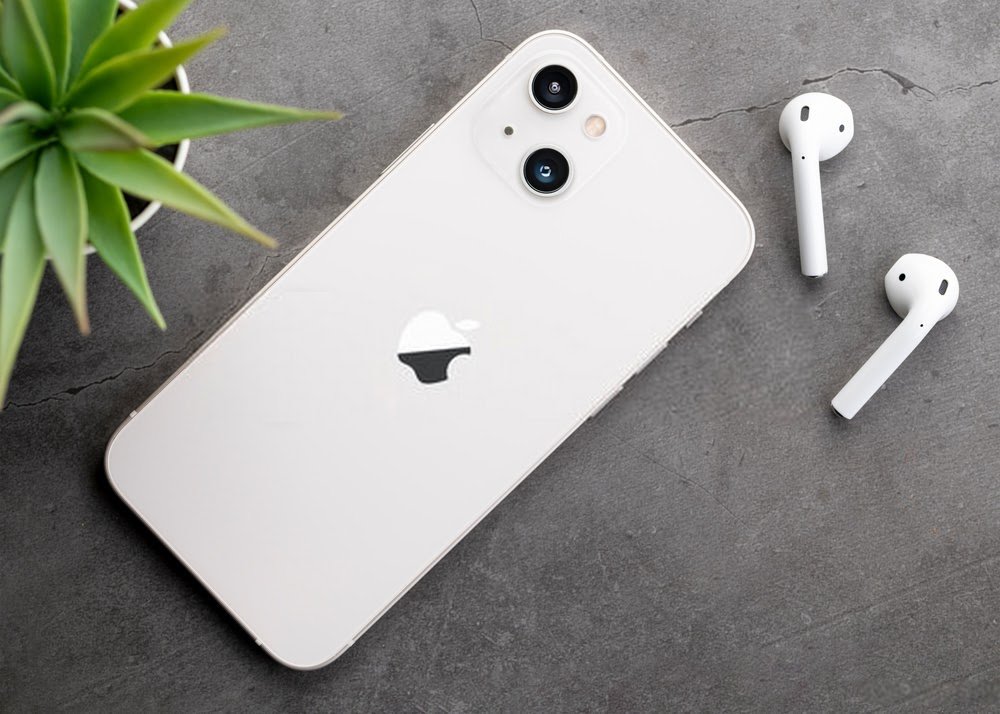
In terms of design, the iPhone 12 and its successor are very similar. Indeed, Apple hasn't made any major aesthetic changes to its new mobile phone compared to the previous version. Only two important things are worth noting:
- First, we can see that on the iPhone 13, the notch at the top of the screen has been significantly reduced
- Next, the camera sensors are arranged diagonally on the iPhone 13, whereas they were aligned one below the other on the iPhone 12
However, the screen size doesn't change at all (6.1 inches), which precisely makes it difficult to quickly distinguish the iPhone 12 from the iPhone 13.
Furthermore, according to information released by Apple about its new phone, the iPhone 13's Super Retina display is 28% brighter than its predecessor's. For reference, both phones feature the same OLED display , the renowned " Haptic Touch highly durable Ceramic Shield glass
We also note that the iPhone 13 is heavier and thicker than the iPhone 12. In terms of weight, it is 9 grams heavier and in terms of thickness, it is 7.65 mm compared to 7.4 mm.
Another major difference to note concerns the colors of the two models. The iPhone 13, for example, comes in various colors: black, white, red, blue, and pink. The iPhone 12, on the other hand, comes in black, white, purple, green, and red . So you simply have to choose what you like best, taking your preferences into account.
The iPhone 12 camera and the iPhone 13 camera
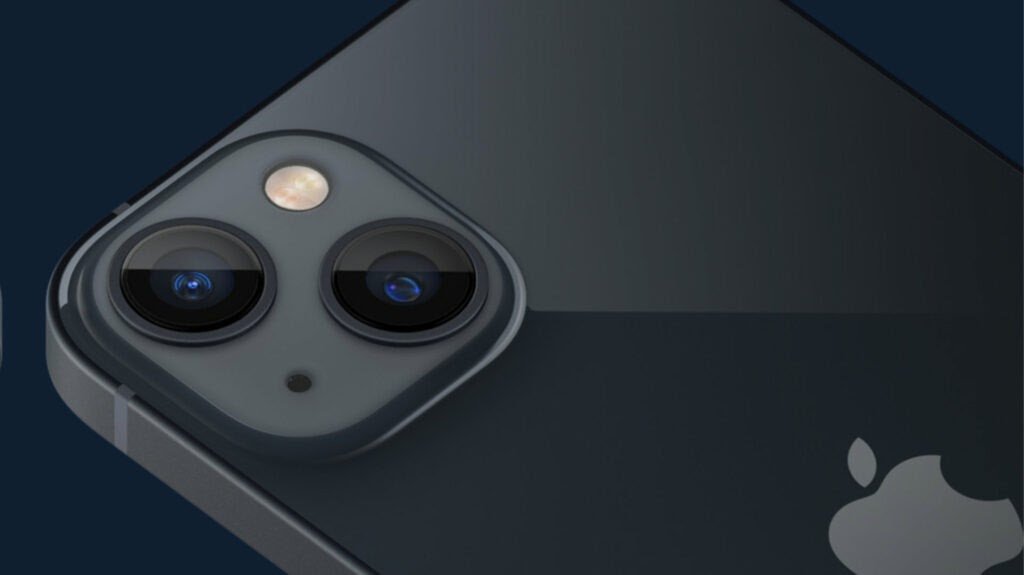
When we look more closely at the two phones, we can clearly see that it is in the front camera that the iPhone 13 distinguishes itself from the iPhone 12. The two ultra-wide and wide-angle sensors have 12 megapixels each, but their construction, compared to that of the iPhone 12, has been improved.
Indeed, the iPhone 13, like the 13 mini, benefits from mechanical image stabilization on its angle sensor. It's worth noting that this wasn't the case for the various iPhone 12 models.
The advantage of this stabilization is that Apple's new iPhone will be able to reduce blur in some photos. Furthermore, the iPhone 13 will be able to take high-quality nighttime photos thanks to a relatively longer exposure time.
In addition, a multitude of other features have been added to the iPhone 13 regarding image rendering after capture. One thing is certain: the image quality of the iPhone 13 is significantly superior to that of the iPhone 12 !
Is the iPhone 13 more powerful than the iPhone 12?

In recent years, we've observed that every time Apple launches a new iPhone, it always features a new processor. This trend continues, as the A14 Bionic chip found in the iPhone 12 is replaced by a new A15 Bionic chip .
Technically, the A14 Bionic and A15 Bionic chips have fairly similar characteristics. They both feature two integrated cores dedicated to phone performance and four cores providing high energy efficiency. In addition, both chips are manufactured using a 5-nanometer process.
However, the A15 Bionic chip has been improved, as has its graphics processing unit. Apple declined to provide further details on the other features that distinguish the new chip in the iPhone 13.
What about the storage and battery life of Apple's two mobile phones?
Regarding storage, the first thing to consider is that the minimum storage capacity on the iPhone 13 is twice that of the iPhone 12. The new smartphone from the Cupertino company offers at least 128 GB of storage. This is indeed its minimum capacity.
Apple has therefore dropped the 64GB storage option that was available on the previous version, namely the iPhone 12. The standard and mini models of the iPhone 13 are available with 128GB, 256GB, and 512GB storage options. The Pro and Pro Max, meanwhile, offer up to 1TB of storage.
In addition, the iPhone 13 and 13 Mini have larger batteries than the previous generation phones.
- Compared to the iPhone 12 Mini, the battery life of the iPhone 13 Mini has been extended by 1 hour and 30 minutes.
- In addition to that, the iPhone 13 promises to last 2 hours and 30 minutes longer than the iPhone 12.
These improvements are therefore necessary and important, especially when you consider the very limited battery life of the iPhone 12 mini.
iPhone 12 or iPhone 13: make your choice!

In many ways, Apple's new phones resemble those released in 2020. Indeed, Apple has only improved key areas such as camera performance and battery life. This improvement allows the iPhone 13 to stand out from its predecessor.
As you've probably gathered, the iPhone 13 is just a minor upgrade from the iPhone 12! If you're happy with your current smartphone, i.e., the iPhone 12, there's no need to upgrade to the latest version.
We've selected a few models that might tempt you:


So, what are you waiting for?


