

You want to protect your data by buying a VPN, but you don't know what criteria to use when buying one?
So let us guide you!
What is a VPN?
A Virtual Private Network, or VPN, is a virtual private network in computing designed to create a secure tunnel between two computers, protecting their communications from the rest of the web traffic. VPNs were initially used within companies to protect their sensitive data. Later, VPNs were extended to remote work and eventually to any internet user.
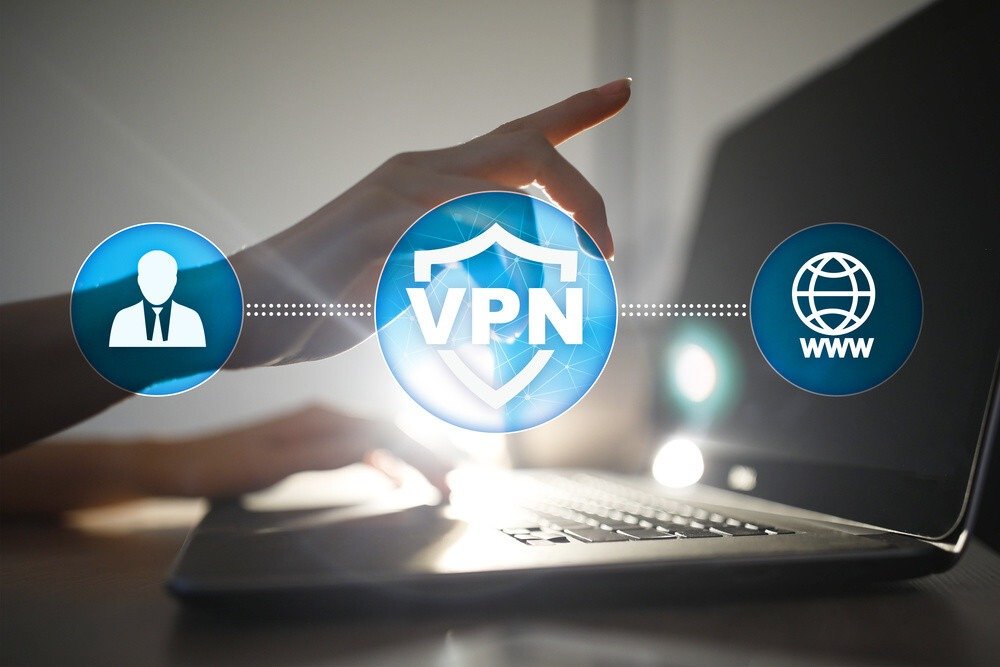
A VPN, available to non-corporate internet users, is a secure and encrypted virtual network between the user's computer and the service provider's server. A VPN can be compared to a kind of tunnel, allowing you to remain anonymous on the internet.
Good to know: Looking for a web browser that doesn't track cookies? Check out our article on the best cookie-free search engines !
VPNs and anonymity

Indeed, a VPN allows you to remain anonymous while browsing the internet. How? By using an IP address different from your own.
First, what is an IP address? It's an identification number assigned to a computer when it connects to a network. This number, or identifier, allows data to be exchanged on the Internet and for machines to communicate with each other.
What does a VPN do? Simply put, it masks your public IP address and encrypts it through a secure tunnel. However, to access your data, your VPN will use a different IP address—that of a computer on your service provider's network. Of course, only your service provider knows your actual IP address.
VPN and security

If you're in a public place and need to use public Wi-Fi, it's best to do so with a VPN. This will significantly reduce the risk of your personal data being leaked. When using a public network, whether for transactions or simply checking your emails, be aware that all this data can be read by a malicious individual using the same network.
Speaking of Wi-Fi networks, check out our article: how to improve your laptop's Wi-Fi
Thus, the encryption offered by a VPN protects your online activities. This allows you to use your applications or browse the web securely from anywhere, as if you were on a private network.
What criteria should be considered when choosing a VPN to best protect your data?

As you've seen, the best way to maintain your online security on a public network is to use a VPN that's compatible with all devices. Indeed, your future VPN should be compatible with Android and iOS smartphones and tablets, as well as Windows PCs and Apple Macs.
However, these are not the only criteria for choosing your VPN. It must also meet the following criteria:
- Respect for confidentiality.
- Compliance with recent protocols
- Setting data limits
- Server location
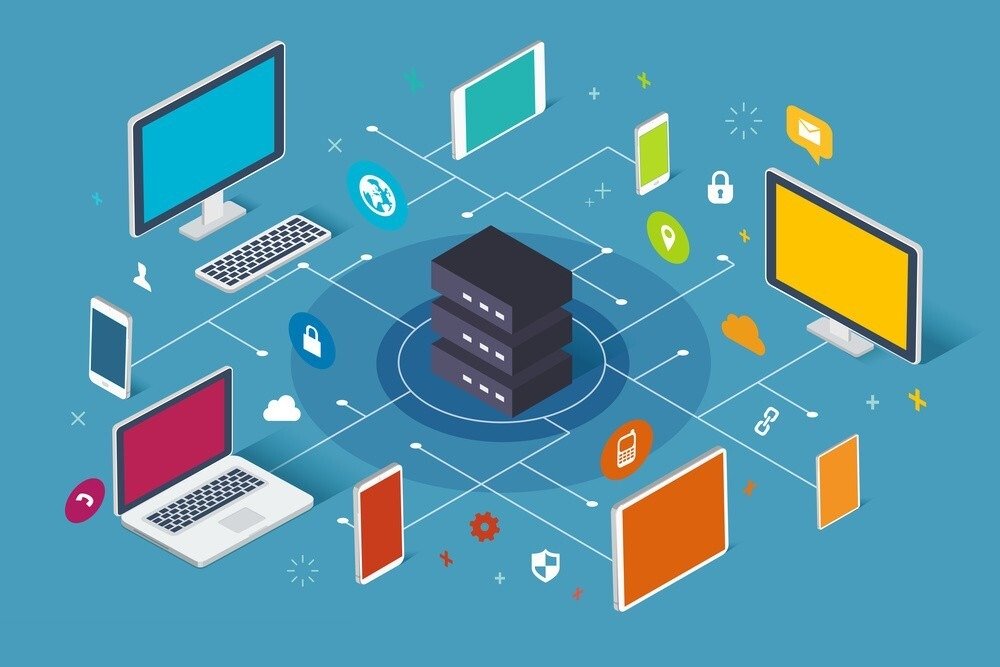
- Configuring VPN access on multiple devices
- In case of VPN failure
The first of these criteria is confidentiality. Indeed, it is important that the VPN provider you choose adopts a strict privacy policy regarding your data. Since your provider will be collecting your data, it is crucial for your security and anonymity that they do not log your data for resale.
Furthermore, to ensure the most robust security from your future VPN, it must use the latest protocols. Why? Because protocols form the foundation of VPN services, along with encryption standards. The combination of these two allows for fast and secure VPN access. Currently, the most reliable and efficient protocol is OpenVPN
Next, you need to check your VPN's data limits. Regardless of how you use the internet, having sufficient bandwidth is essential. This bandwidth should be unlimited and without data caps so you can download as many large files as you need.
Next, you'll need to check the server locations of your VPN providers. Since you decide which country your server should connect to, you'll need to make sure your future VPN covers a wide range of countries.
Also make sure that you can configure your VPN on multiple devices simultaneously: smartphone, tablet, computer or Mac, etc
Finally, it's important to check for the "kill switch" option, which automatically locks your connection if the VPN fails. This prevents your connection from being routed through an unsecured network.


