When building or upgrading your PC, choosing the best RAM (Random Access Memory) is essential for optimal performance. RAM plays a crucial role in your computer's overall operation, enabling fast data access and improving processing speed. In this article, we'll guide you through the essential steps to choosing the best RAM for your PC, taking into account your specific needs and the latest technological trends.
Buy at least two sticks

When choosing your RAM, always opt for at least two sticks rather than just one. Why? Because most motherboards use a technology called " Dual Channel " which allows for faster communication between the RAM and the processor. With two or more sticks, you can fully utilize this feature, resulting in improved overall system performance.
Check memory times
Memory timings, also known as latency, measured in CL (Cas Latency), are another important aspect to consider when choosing RAM for your PC. Memory timings indicate the time it takes for the RAM to access data. The lower the memory timings, the better the RAM performance.
In short, lower latencies indicate faster RAM. Memory timings are usually indicated as numbers, such as CL14 or CL16. Look for lower memory timings for optimal performance.
RAM type: DDR3, DDR4 and DDR5, what's the difference?
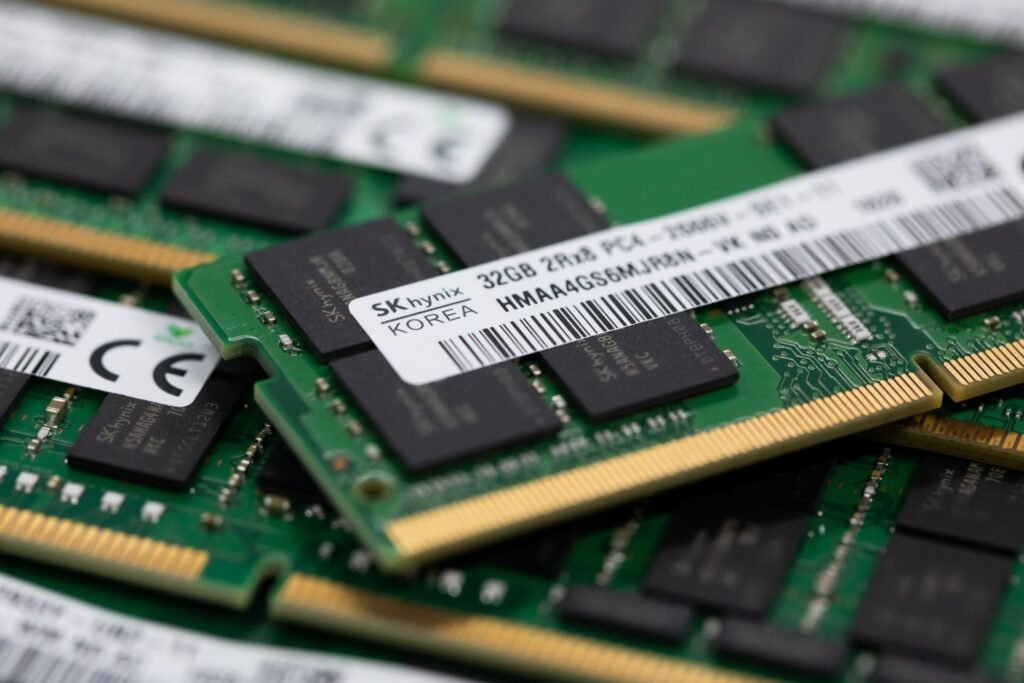
The most common types of RAM today are DDR3, DDR4, and DDR5. Each type is distinguished by its speed and compatibility with motherboards. DDR3 is the older, lower-performing technology, while DDR4 is the current standard, offering higher speeds and better energy efficiency.
DDR5, the latest in RAM technology, offers even more breathtaking speeds and increased bandwidth, but it is also newer and more expensive.
You might like this article: The Best 16GB DDR4 RAM!
Check the speed/capacity
Speed and capacity are two other key factors to consider when choosing RAM for your PC.
RAM speed, measured in megahertz (MHz), determines how quickly data can be transferred between RAM and the processor. A higher speed means faster performance. However, make sure the RAM speed is compatible with your motherboard, as some motherboards have speed limitations. Standard RAM speeds today range from 2666 MHz to 4000 MHz.
Regarding capacity, it's recommended to choose RAM with enough capacity to meet your current and future needs. If you use your PC for memory-intensive tasks, such as video editing or gaming, opt for a higher capacity. 16 GB or more is generally recommended for demanding users.
Heat sinks don't matter
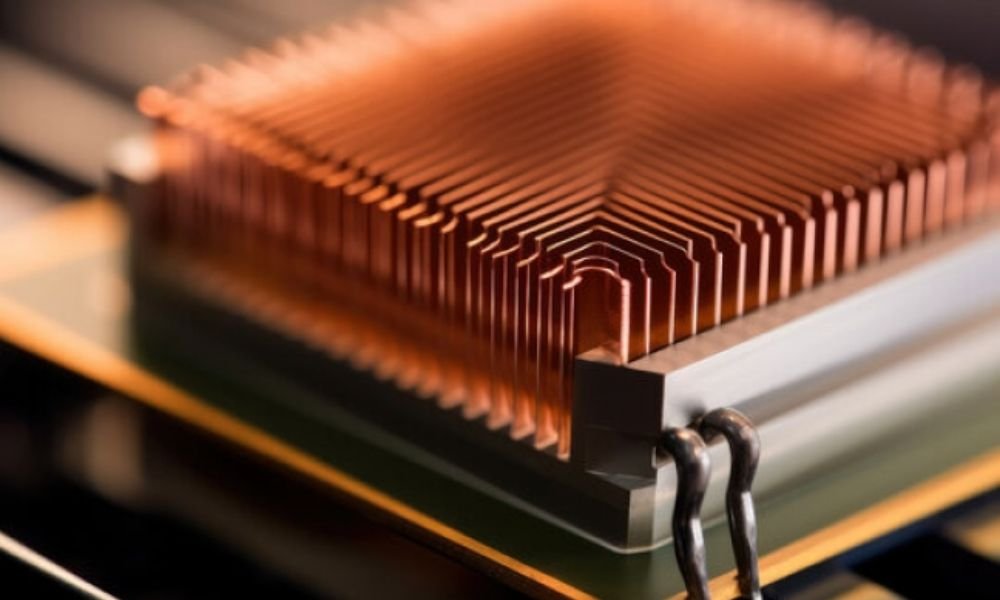
Contrary to popular belief, heat sinks on RAM modules generally have little impact on performance under normal use. Unless you plan tooverclock your RAM, you can disregard this factor.
When choosing RAM for your PC, you may encounter options with or without heat sinks. Heat sinks are designed to help dissipate the heat generated by the RAM, which can be beneficial in demanding work environments.
Therefore, for most users, heat sinks are not significantly important. Most RAM sticks work well without heat sinks, as long as your overall cooling system is adequate.
Conclusion
RAM is an essential component of your PC that plays a crucial role in its overall performance. By choosing RAM that suits your needs and budget, you're investing in a smoother, more responsive, and more enjoyable computing experience.