The technology industry is evolving at a rapid pace, and HDMI cables are no exception. With the introduction of HDMI 2.1, 2.1a, and 2.1b , many people are wondering how to distinguish between these cables and whether they actually matter. In this article, we'll take a close look at the differences between these various HDMI cable versions and determine their relevance for consumers.
What is an HDMI 2.1 cable?
An HDMI 2.1 cable is officially called an Ultra High Speed (UHS) HDMI cable . It is designed to support the features of the HDMI version 2.1 standard, such as video resolutions up to 10K and enhanced gaming capabilities. However, it's important to note that " HDMI 2.1 " is not an official designation, but rather a term used by cable manufacturers to help consumers understand the cable's features.
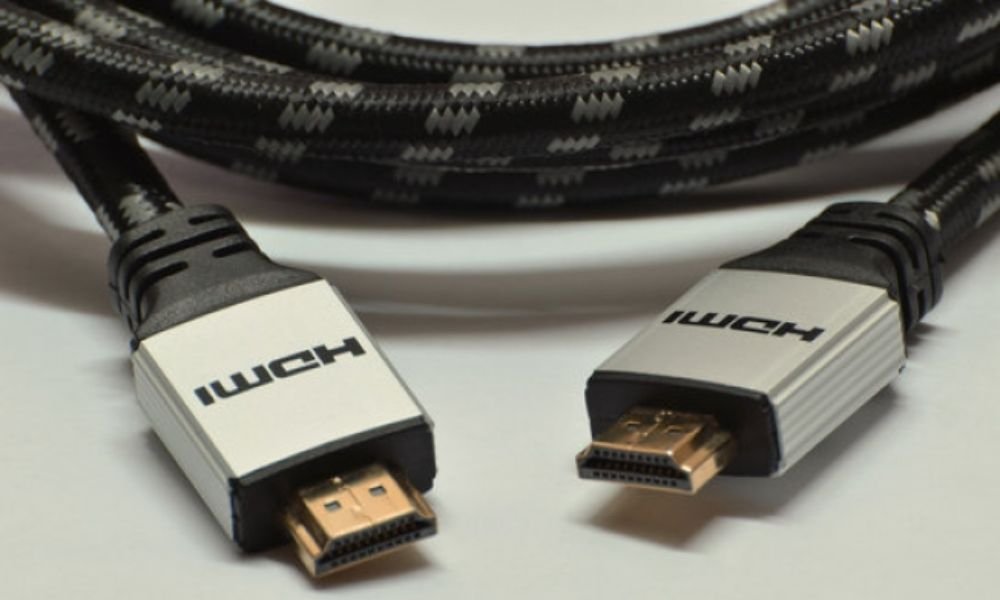
An HDMI UHS cable can also be used with HDMI 2.1a and HDMI 2.1b , as these two versions are very similar to the HDMI 2.1 standard and do not require a different cable to provide their functionality. Furthermore, HDMI UHS cables are backward compatible , meaning they can also work with older HDMI devices. However, older HDMI cables will not be able to take full advantage of all the new HDMI features due to their lower bandwidth.
Is there a difference between HDMI 2.1, 2.1a and 2.1b cables?
In reality, there is no difference between HDMI 2.1, 2.1a, and 2.1b cables. All three versions use the same UHS HDMI cable. Manufacturers may use these different designations to create confusion and give consumers the impression that they are buying a newer or more advanced cable. However, all cables are exactly the same in terms of functionality.
How do I determine the version of my HDMI cable?
If you own multiple HDMI cables and are unsure which ones are compatible with HDMI 2.1 or later versions, here are some simple methods to determine your cable's version:
1. Look at the cable sheath
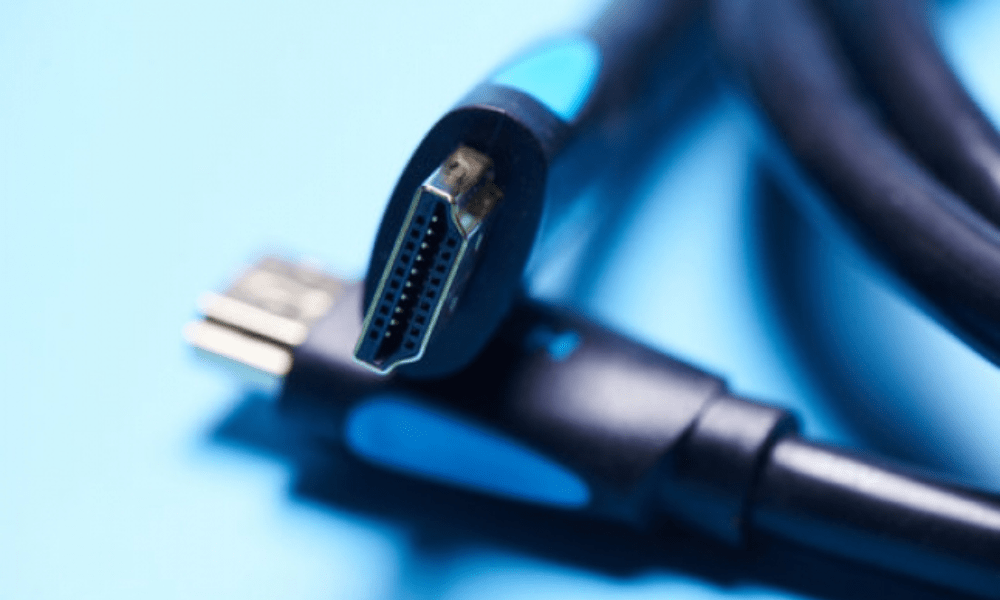
The HDMI cable's outer sheath ( also called the "jacket" ) usually displays the cable's name, which can help you determine if it's a UHS-compliant HDMI cable or an older version. However, this information is more common on cables with a standard PVC jacket. Braided cables typically lack such markings, as printing on a braided sheath is difficult. You can sometimes find details on the cable itself, but this is often limited to the supported video resolution, which doesn't provide all the necessary information.
2. Check the cable packaging
If you still have the cable packaging , that's your best bet for finding out what type of cable it is. All certified HDMI 2.1 or UHS cables will have " Ultra High Speed HDMI Cable " printed on the packaging, along with a corresponding certification label. If you find these markings on the packaging, you have an HDMI 2.1 cable. To further confirm, you can scan the QR code printed on the label to verify the certification's authenticity.
3. Consult the manufacturer's specifications
If you can't find information on the cable sheath or packaging, you can consult the manufacturer's specifications. Most manufacturers provide technical details on their websites, including the HDMI versions supported by their cables. Search for your cable model on the manufacturer's website and check the specifications to determine if it's an HDMI 2.1 cable .
It's important to note that even if you own an HDMI 2.1 cable, it will only be fully compatible with HDMI 2.1 features if your devices ( such as your TV, game console, or Blu-ray player ) also support the HDMI 2.1 standard. Be sure to check the compatibility of your devices before investing in an HDMI 2.1 cable.
See also: How to repair a non-working HDMI cable?
Is it important to have an HDMI 2.1 cable?
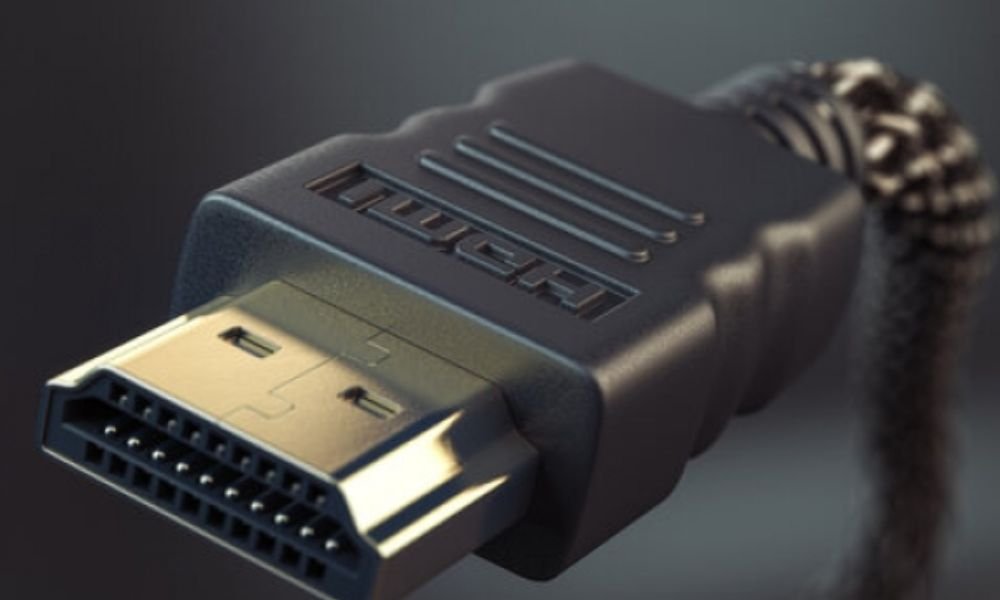
The answer to this question depends on your needs and devices. If you own a TV or monitor that supports video resolutions higher than 4K, such as 8K or 10K , then an HDMI 2.1 cable may be necessary to take advantage of these high resolutions. Furthermore, if you are an avid gamer and want to benefit from the advanced gaming features offered by HDMI 2.1, such as high refresh rates and VRR (Variable Refresh Rate ), then an HDMI 2.1 cable is recommended.
However, if you primarily use devices that support resolutions lower than 4K and don't need the advanced features of HDMI 2.1 , an older HDMI cable may suffice. HDMI 2.0 or 2.0a can support resolutions up to 4K at 60Hz, which is more than enough for most users.
Ultimately, it's important to consider your specific needs and check the compatibility of your devices before deciding to buy an HDMI 2.1 cable. If you're unsure, it's best to consult your device specifications or seek professional advice to ensure you get the right cable.
What are the advanced features of HDMI 2.1?
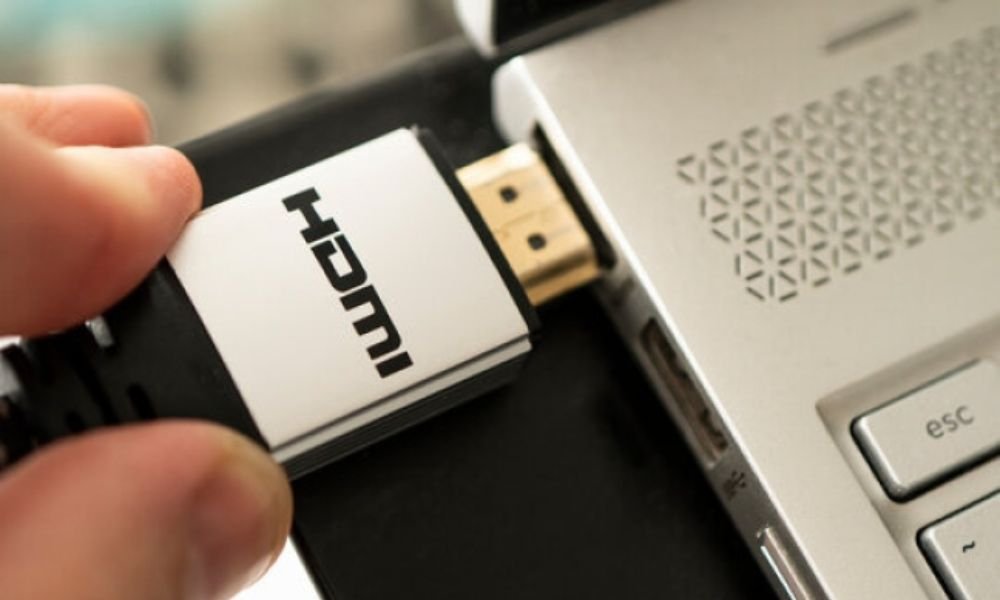
HDMI 2.1 offers several advanced features that enhance the viewing and gaming experience. Some of these features include:
- Video resolutions up to 10K : HDMI 2.1 supports ultra-high video resolutions, delivering exceptional picture quality for compatible TVs and monitors.
- High refresh rate : HDMI 2.1 allows refresh rates up to 120Hz, providing a smoother and more responsive gaming experience.
- VRR (Variable Refresh Rate) : This feature automatically adjusts the screen refresh rate according to the displayed content, thus eliminating image tearing and stuttering.
- ALLM (Auto Low Latency Mode) : This feature allows your TV to automatically switch to low latency mode when you play games, reducing the lag between the action on the screen and your controller.
- eARC (Enhanced Audio Return Channel) : HDMI 2.1 supports enhanced audio bandwidth, delivering superior sound quality and supporting advanced audio formats such as Dolby Atmos.
These advanced features make HDMI 2.1 an attractive choice for tech enthusiasts, gamers, and movie buffs who want to get the most out of their compatible devices.
Conclusion
HDMI 2.1, 2.1a, and 2.1b cables are essentially the same and all use Ultra High Speed (UHS) HDMI cable . To determine your cable version, you can check the cable jacket, the packaging, or consult the manufacturer's specifications. It's important to note that the need for an HDMI 2.1 cable depends on your specific requirements and the compatibility of your devices. Take the time to research and review the specifications before making a purchase decision.