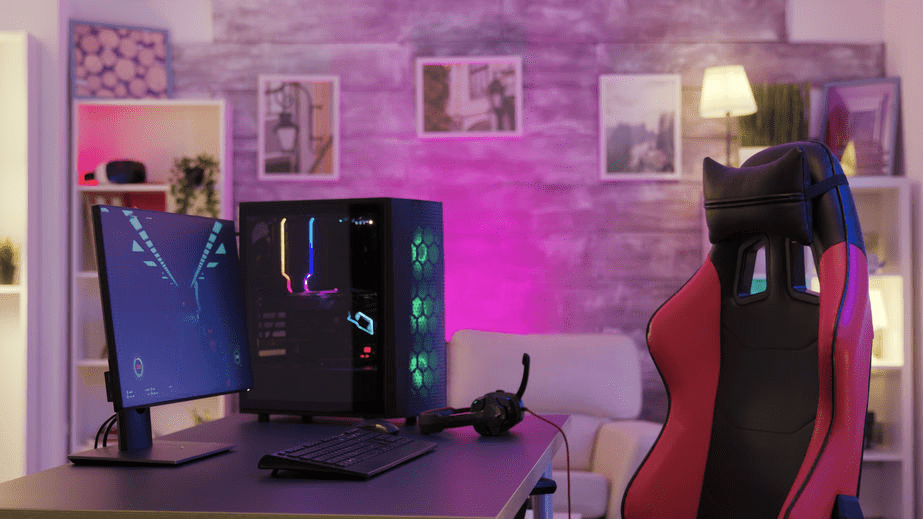
Setting up a professional gaming room isn't simply a matter of juxtaposing cutting-edge PCs and ultra-fast monitors. The challenge lies in building an environment capable of withstanding intensive use (esports, training, product demonstrations, team building) while guaranteeing comfort, safety, and durability. What's the point of investing in high-end equipment if eye strain, neck tension, or back pain cuts sessions short and undermines performance? The objective is clear: to design a space where every hardware choice serves a specific purpose, while ergonomics protect health and stabilize gameplay.
Define the technical infrastructure and secure access
Consistency begins with defining the intended use: internal competitions, a creative studio, a client space, or a training center. This positioning determines the sizing of the machines, connectivity, and network . Unstable latency immediately disqualifies a "pro" space. Better yet, gigabit Ethernet cabling, switches suited to the load, and a power supply reduce outages and minor incidents that disrupt gameplay. Centralized workstation management streamlines updates and maintenance when multiple titles, profiles, and libraries coexist.
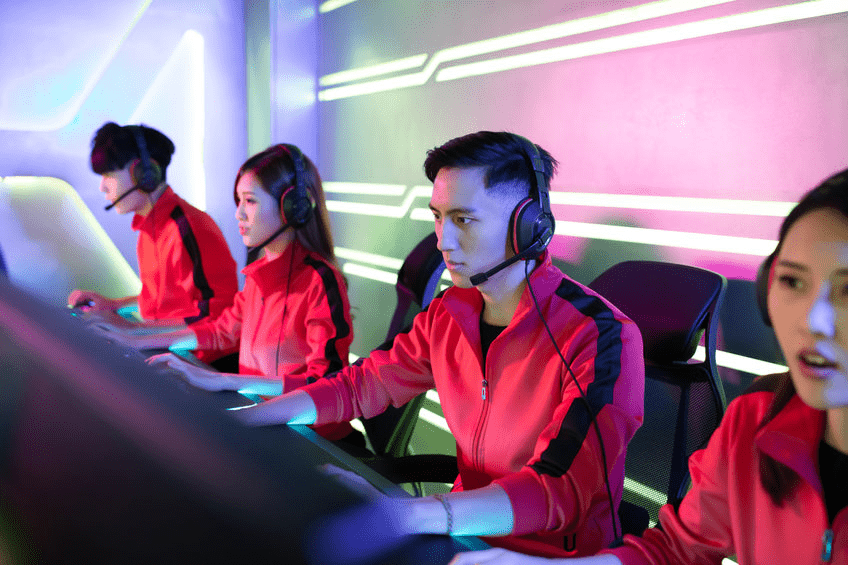
From a security perspective, multi-user access and temporary sessions necessitate safeguards. Even better, an enterprise password manager, coupled with a robust multi-factor authentication (MFA) policy, limits the reuse of passwords and informal sharing. These practices are the root cause of a large proportion of data breaches. The French National Cybersecurity Agency (ANSSI) recommendations for multi-factor authentication and enterprise password management provide an operational framework directly applicable to shared workspaces.
Regulations stipulate that work organization involving screen time must include genuine breaks . Article R. 4542-4 of the French Labor Code mandates regular breaks or changes of activity, which implies integrating these periods into the planning of training sessions and events .
Furniture and ergonomics: the foundation of long sessions
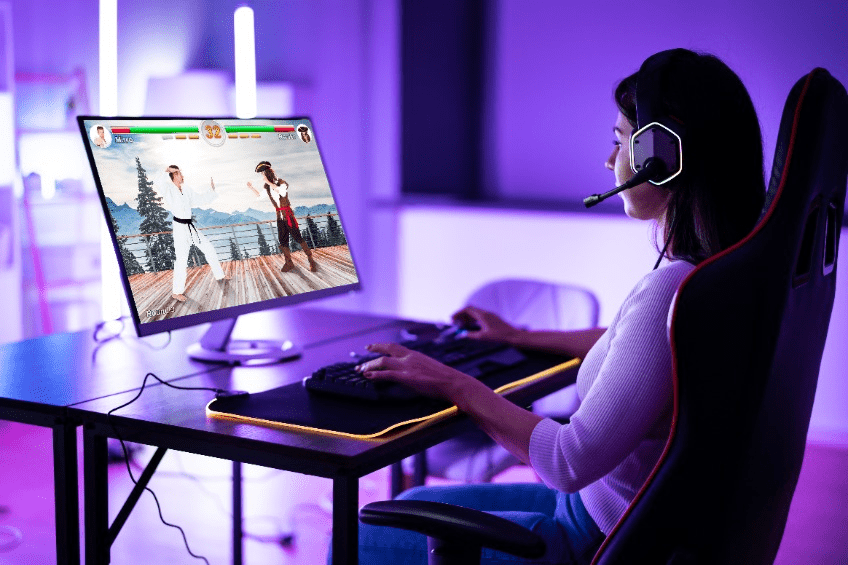
The individual workstation, in reality, determines the overall quality of the experience. An adjustable chair with lumbar support and fine adjustments will always be preferable to a flashy aesthetic . The desk, ideally deep and stable, benefits from being height-adjustable to facilitate alternating between sitting and standing , useful as soon as sessions become longer.
The screen position should strike a balance between vision and posture : place the top of the screen at eye level (lower for those wearing progressive lenses) and maintain an eye-to-screen distance generally between 50 and 70 cm. The INRS (National Institute for Research and Safety) also reminds users to pay attention to keyboard and mouse geometry to reduce strain and repetitive movements . It is precisely these details that, over time, stabilize accuracy in FPS games or simulations.
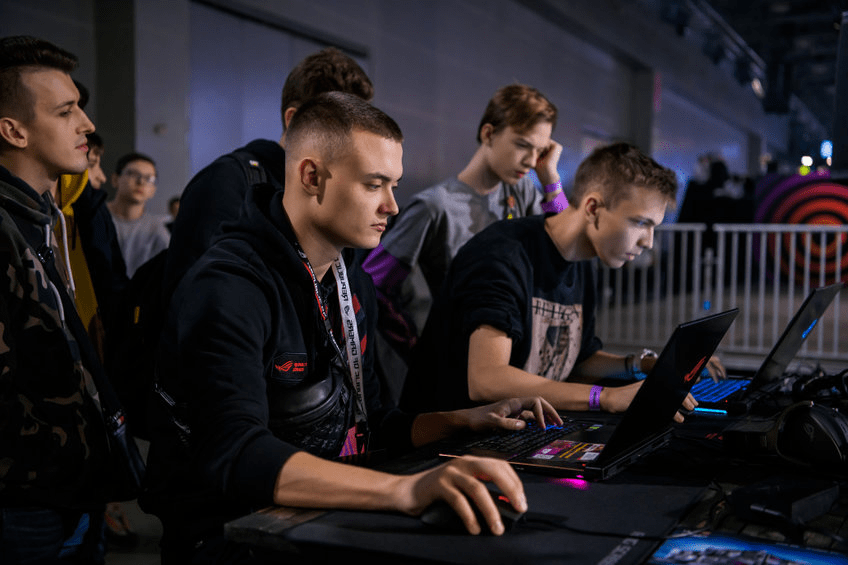
The issue of musculoskeletal disorders is not insignificant. In France, the prevalence of MSDs affecting the back and upper limbs is 60% in women and 54% in men, figures comparable to those among working adults aged 18 to 64. Should we really let these statistics affect your teams when workstation adjustments already limit exposure?
Lighting, acoustics and thermal comfort: the environment that makes the difference
Even, controlled lighting reduces glare and eye strain. For screen work , there are some general guidelines: 300 to 500 lux for a bright interface and 200 to 300 lux for dark backgrounds. Opt for adjustable lighting that can transition from a training environment to an event setting without compromising HUD readability or contrast sharpness .
Acoustics, often relegated to the background, nevertheless influences concentration, team communication, and the perception of game sounds . Treatment primarily targets reverberation: absorbent panels, treated ceilings, and the choice of flooring and furniture all contribute to "drying" the room and limiting the increase in noise level as multiple workstations are added. While there is no universal percentage, the goal is a reverberation time compatible with a well-treated office (around 0.5 seconds), ensuring clear speech intelligibility and spatial precision.
Thermal comfort remains a crucial factor for alertness. For sedentary, office-type work, the INRS (National Institute for Research and Safety) places the comfort zone around 21-23°C in winter and 23-26°C in summer . Above this range, drowsiness sets in, and efficiency declines. Ventilation, air renewal, and a contingency plan in case of intense heat are not extras, but essential for tolerable working conditions .