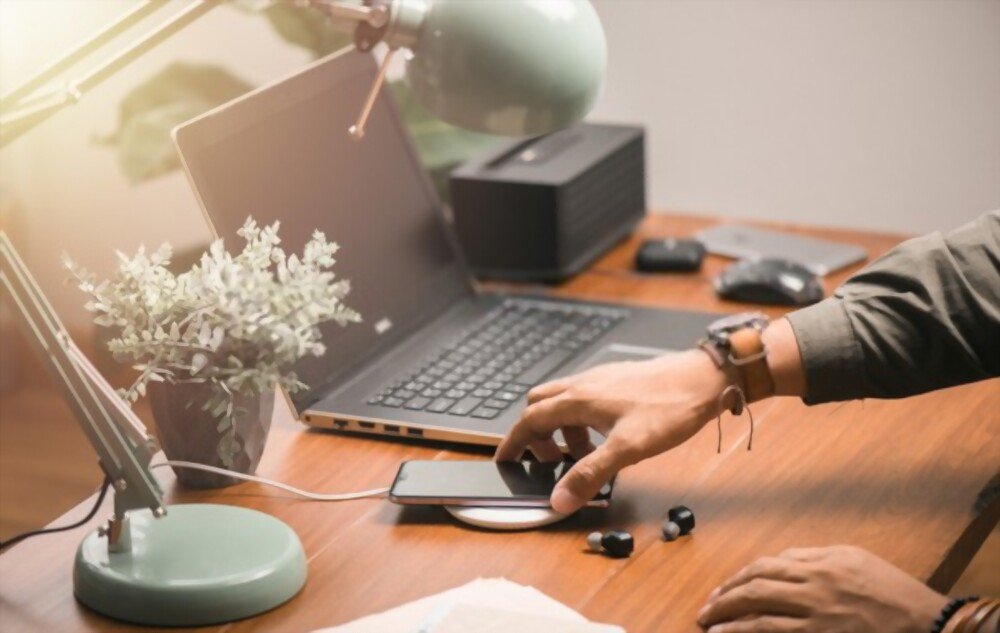
Who can live without their smartphone these days? The time spent staring at phone screens requires almost daily charging. Needless to say, battery quality and durability must be top-notch
For some time now, manufacturers have been offering wireless charging to simplify our lives! The use of these wireless chargers has become undeniably popular for practical reasons, but is it without risk?
The risks observed when using a wireless charger

British researchers from the University of Warwick demonstrated in the spring of 2019 that using these chargers can harm your mobile phone. Does wireless charging really damage your smartphone's battery? Let's examine the advantages and risks of using a wireless charger, as well as tips for extending your phone's lifespan.
The advantages of wireless charging
Using a charging station undeniably simplifies your life. No more tangled phone cables. The risk of your pets chewing on them disappears. You're less likely to trip over wires. The possibility of dropping and breaking your device vanishes. And to top it all off, wireless chargers offer an aesthetically pleasing look.

How does a wireless charger work? A transmitter placed in the charging base transfers energy to the receiver of the phone's battery, thanks to the principle of electromagnetism. This physical phenomenon is called inductive charging.
Two international standards coexist for inductive charging: the Qi standard and the PMA standard. The main distinction between these technologies lies in their different wavelength ranges. Currently, Qi technology dominates the global market.
Experts recommend keeping your phone's battery between 20% and 80% charged to ensure your smartphone's longevity. This is easier to achieve with a Qi charger.
Furthermore, charging your device with a wireless charger preserves the lifespan of the Lightning port. Repeated plugging and unplugging damages this connector. A faulty port makes charging impossible. Using a wireless charger eliminates this problem.
Good to know: If you'd like to read other interesting articles, we invite you to visit: https://www.julsa.fr
The problems observed: do wireless chargers really damage your battery?
The study criticized wireless inductive charging technology for reducing the number of charging cycles compared to using a wired charger. In reality, there is no evidence of this risk. This decrease is more likely due to power-intensive applications. To prevent them from draining your phone's battery too quickly, put these applications in standby mode.
Compared to charging with a wired charger, the temperature of your phone increases by 3°C or more when charging wirelessly. This excess heat can negatively impact the lifespan of your smartphone's battery. Temperature readings have shown that battery temperatures do not exceed 27°C with a wired charger, while they reach approximately 35°C with an inductive charger.
The researchers also pointed to problems related to improper positioning of the phone on the charging station. The receiver and transmitter work best when they are close together. The further apart they are, the more energy and heat they generate to charge the phone.
However, security protocols have recently improved this aspect. Now, the mobile phone stops charging as soon as it gets too hot.
Doubts remain regarding the risks posed by electromagnetic waves. They do, in fact, produce a certain amount of radiation. However, manufacturers assure us that this radiation remains minimal and harmless to health.
Five tips to preserve the lifespan of your smartphone

- To preserve your battery's lifespan, use chargers certified and recognized by your mobile phone's brand. A wide variety of chargers are available. Choose one that effectively dissipates the heat generated during charging.
- When charging your mobile device, remember to remove the case. This allows the heat generated during charging to dissipate more easily and prevents overheating.
- Avoid using your phone while it's charging. Relax; you'll find healthy and beneficial activities that don't necessarily involve using your mobile.
- Make sure to position your phone correctly on the base.
- Avoid placing it in an overheated room when charging wirelessly. This will only increase the temperature of your phone.