In the ever-evolving world of web design, having high-performance computer hardware is essential for unleashing your creativity. The right equipment not only allows you to create innovative designs but also optimizes your workflow and improves productivity. In this guide, we'll explore the key components and indispensable tools for any web designer looking to take their craft to the next level.
Before you begin: training for web design professions
If you want to deepen your web design skills and specialize in a particular area, training is an excellent way to achieve this. Cifacom is an attractive option for those aspiring to positions of responsibility in the field of digital creation. This high-level program will allow you to acquire the necessary skills to manage complex creative projects, from conception and art direction to completion.

A high-quality screen for optimal precision
The importance of resolution and color fidelity
A high-quality screen is essential for any web designer. It ensures accurate color reproduction and the sharpness necessary for precision work. OLED screens, for example, offer deep blacks and high contrast, ideal for an immersive viewing experience. Models like the ASUS ZenBook Pro Duo OLED offer 4K resolution, guaranteeing exceptional clarity for your projects.

The advantages of secondary screens
For multitasking professionals, having a second screen can significantly improve efficiency. The ZenBook Pro Duo OLED features a ScreenPad Plus, an ultra-wide second touchscreen that facilitates multitasking by displaying additional tools or windows without cluttering the main screen.
The power of the processor and graphics card

Choosing the right processor
The processor is the heart of your machine. To handle intensive tasks like 3D rendering or video editing, a powerful processor is essential. Models equipped with Intel Core i7 or i9 processors, such as the Vivobook Pro 16X OLED with its Intel Core i7-11370H, offer robust performance for demanding applications.
The importance of a dedicated graphics card
A graphics card is crucial for processing complex visuals. NVIDIA GeForce RTX cards, for example, are renowned for their ability to handle demanding graphics, making design work smoother and more efficient. The ZenBook Pro Duo OLED, equipped with a GeForce RTX 3070, is particularly well-suited for heavy graphics tasks.
Storage and memory: speed and space
Opt for a high-performance SSD
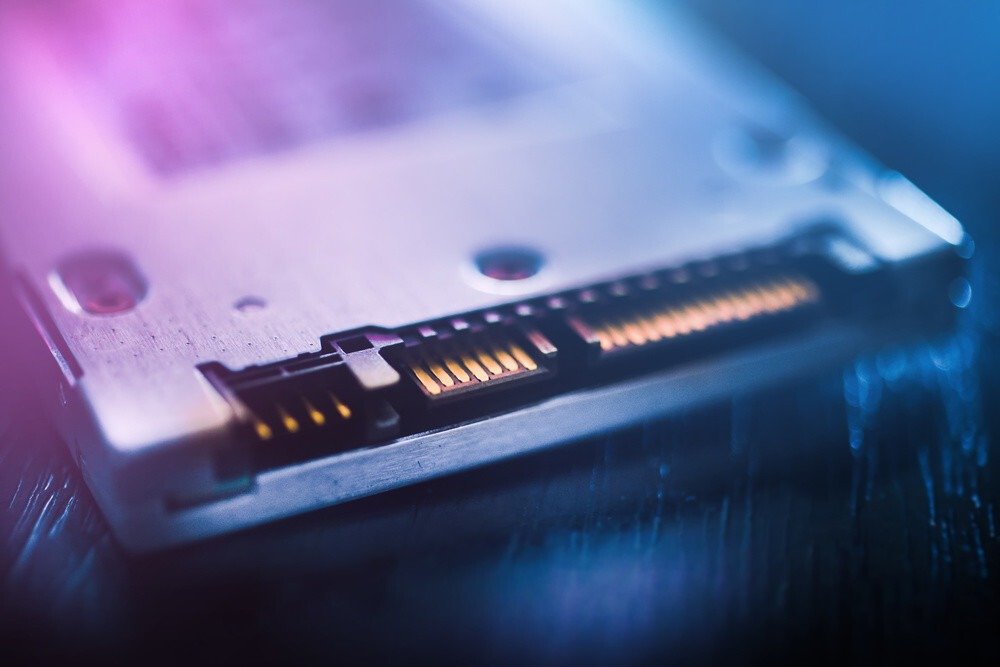
Fast storage reduces load times and improves system responsiveness. M.2 NVMe PCIe SSDs offer superior read and write speeds, essential for handling large files. Models like the Vivobook Pro 16X OLED offer up to 1TB of SSD storage, ensuring both ample space and speed.
The importance of RAM
Sufficient RAM allows you to run multiple applications simultaneously without slowing down. For web designers, 16 GB of RAM is a recommended minimum, while 32 GB offers ample headroom for the most demanding projects. The MSI Creator Z16, for example, comes with 32 GB of DDR4 RAM, facilitating multitasking and fast data processing.
Keyboards and peripherals: comfort and efficiency

Ergonomic and backlit keyboards
A comfortable keyboard reduces fatigue during long work sessions. Backlit keyboards allow you to work efficiently in low-light environments. Some models, like the ProArt Studiobook Pro 16 OLED, even include customizable rotary dials, offering precise control over creative applications.
Mice and graphics tablets
A high-precision mouse or a graphics tablet with a stylus can greatly improve accuracy and control during the design process. These tools offer increased flexibility, allowing for more natural movements and direct interaction with your creations.
Connectivity and ports: versatility and expansion

Variety of ports available
Connectivity is an often overlooked but crucial aspect. Having multiple ports, such as USB-C, Thunderbolt 4, HDMI, and SD card readers, makes it easy to connect various peripherals and accessories. The ZenBook Pro Duo OLED, for example, is equipped with two Thunderbolt 3 ports, offering fast and versatile connection options.
Advanced wireless connectivity
A fast and stable Wi-Fi connection is essential for online work. Wi-Fi 6 or 6E technologies offer increased speeds and reduced latency, thus improving the user experience when browsing or transferring large files.
Creative software and tools
Professional software suites
Investing in quality design software is just as important as hardware. Suites like Adobe Creative Cloud offer a comprehensive range of tools for web designers, from prototyping to interface design.
Collaborative and project management tools
In a collaborative work environment, tools such as Miro or Trello facilitate project management and communication between team members, thus optimizing workflow.