
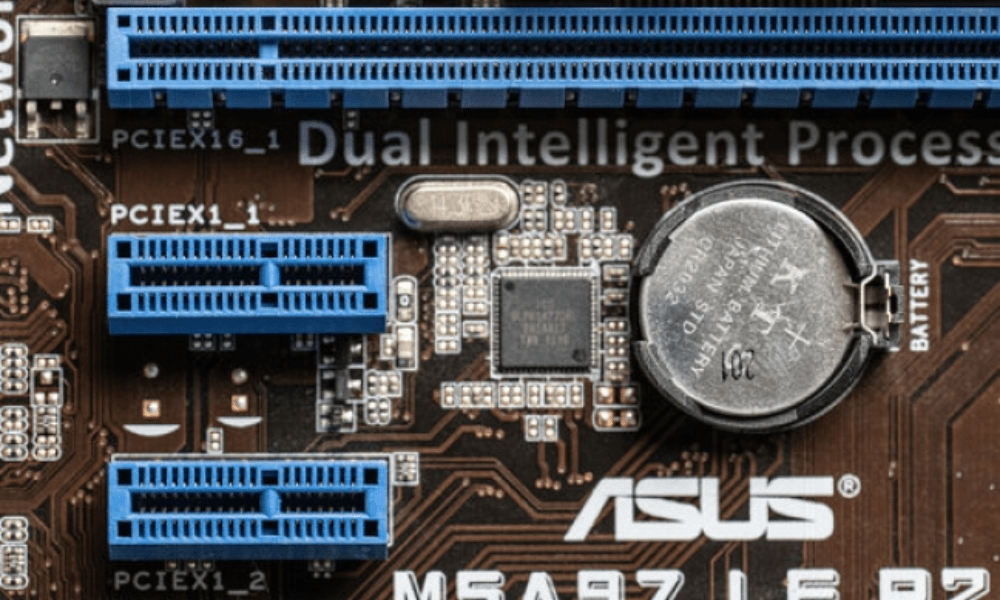
You may have heard of PCIe x16 slots, those connectors that allow you to install expansion cards in your computer. But do you know exactly what they are and what they're used for? In this article, we'll explain what a PCIe x16 slot is, how it works, and what its advantages are for your PC's performance .
What is a PCIe x16 slot?
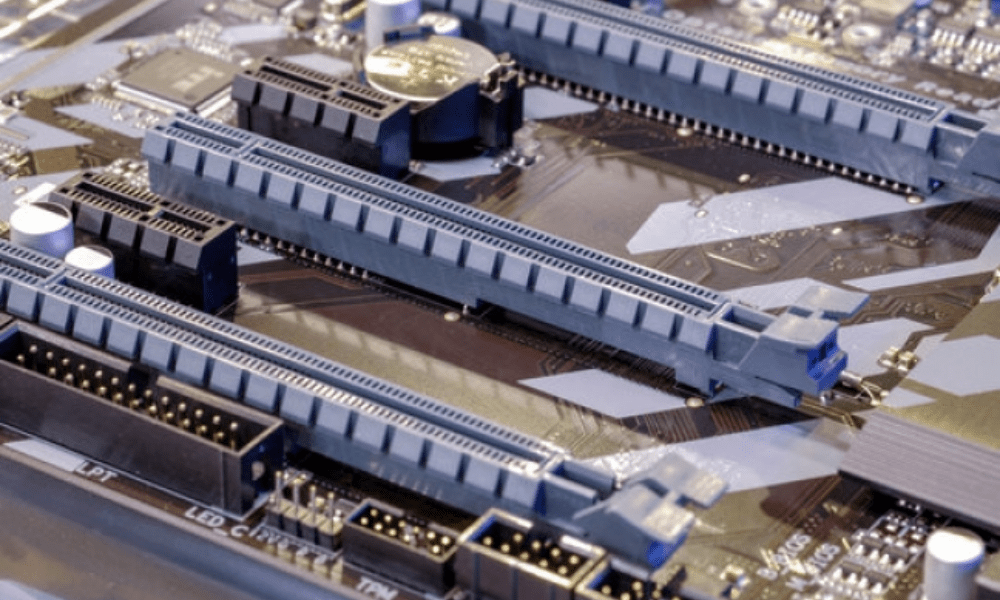
A PCIe x16 slot is a type of slot on your computer's motherboard that allows you to connect expansion cards, such as graphics cards, sound cards, network cards, or controller cards. The name PCIe x16 means that the slot uses the PCI Express bus, a communication standard between your PC's components, and that it has 16 data lanes, which corresponds to the maximum width of the bus.
The PCI Express bus is divided into several generations , which determine the data transfer speed. The latest generation is PCIe 4.0 , which offers a bandwidth of 16 GT/s per lane , or 256 GT/s for a PCIe x16 slot. By comparison, the previous generation, PCIe 3.0, offered a bandwidth of 8 GT/s per lane , or 128 GT/s for a PCIe x16 slot.
How does a PCIe x16 slot work?

A PCIe x16 slot functions like a USB port : it allows you to connect and disconnect expansion cards without having to shut down your PC. Simply insert the card into the slot and secure it with a screw or latch. The card is then recognized by the operating system and ready to use.
A PCIe x16 slot is compatible with expansion cards that use the same PCI Express bus, regardless of their width. For example, you can plug a PCIe x1, x4, or x8 card into a PCIe x16 slot, but not the other way around. You can also plug a PCIe 4.0 card into a PCIe 3.0 slot , but it will operate at the slot's speed.
What are the advantages of a PCIe x16 slot?

A PCIe x16 slot offers several advantages for your PC's performance:
- It allows the installation of expansion cards that require high bandwidth , such as high-end graphics cards, surround sound cards, or Wi-Fi 6 network cards.
- It offers better scalability , as you can add or replace expansion cards according to your needs and desires.
- It reduces electromagnetic interference , because the signals are transmitted serially and not in parallel as with the classic PCI bus.
- It consumes less energy because it uses a lower voltage and adapts the signal frequency according to the load.
FAQ
Here are some frequently asked questions about PCIe x16 slots:
How can I tell if my motherboard has a PCIe x16 slot?
You can consult your motherboard manual or use software like CPU-Z to identify the type and number of slots available on your motherboard.
How can I tell if my expansion card uses a PCIe x16 slot?
You can look at your expansion card's connector and count the number of pins. A PCIe x16 slot has 164 pins, arranged in two rows of 82. You can also check the technical specifications of your expansion card on the manufacturer's website or an online retailer.
What is the difference between a PCIe x16 slot and a PCIe x16_3 slot?
A PCIe x16_3 slot is a PCIe x16 slot that uses the third generation of the PCI Express bus, namely PCIe 3.0. It therefore offers twice the bandwidth of a PCIe x16 slot that uses the second generation, namely PCIe 2.0.
What is the difference between a PCIe x16 slot and an M.2 slot?
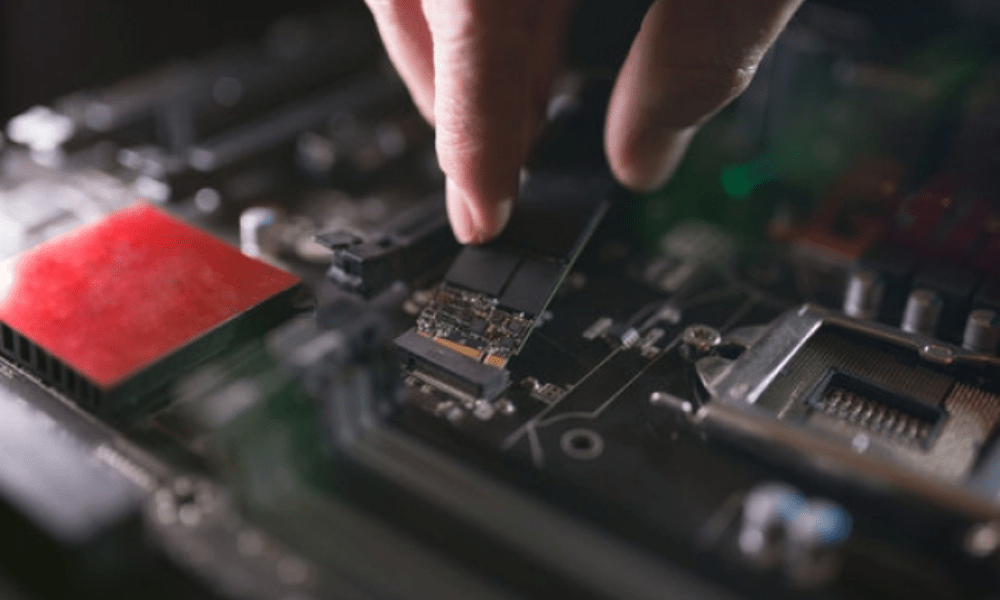
An M.2 slot is a type of slot that allows you to connect M.2 form factor SSDs (Solid State Drives), which are more compact and faster than SATA SSDs . An M.2 slot also uses the PCI Express bus, but it has fewer lanes than a PCIe x16 slot. For example, an M.2 slot can have 4 lanes (M.2 x4) or 2 lanes (M.2 x2) .
Can I use an adapter to plug an expansion card into a PCIe x16 slot?
Yes, adapters exist that allow you to plug an expansion card into a PCIe x16 slot that isn't designed for its width or generation . For example, you can use an adapter to plug a PCIe x8 card into a PCIe x16 slot, or a PCIe 4.0 card into a PCIe 3.0 slot. However, be aware that using an adapter can reduce the performance of your expansion card or cause compatibility issues.
Can I use a riser cable to connect an expansion card to a PCIe x16 slot?
Yes, riser cables exist that allow you to connect an expansion card to a PCIe x16 slot located away from the motherboard. For example, you can use a riser cable to install a graphics card in a case that doesn't have enough space or to optimize your PC's cooling. However, be aware that using a riser cable can reduce signal quality or cause stability issues . You should also ensure that your graphics card doesn't overheat , as this can negatively impact its performance and lifespan. If you notice that your graphics card is overheating , you can check its fan, thermal paste, or power supply .
Can I use multiple expansion cards in the PCIe x16 slots on my motherboard?
Yes, you can use multiple expansion cards in your motherboard's PCIe x16 slots, provided it supports SLI (Scalable Link Interface) for NVIDIA graphics cards or CrossFire for AMD graphics cards. These features allow you to synchronize multiple graphics cards to increase your PC's graphics performance.
Can I use an external graphics card with my laptop which does not have a PCIe x16 slot?
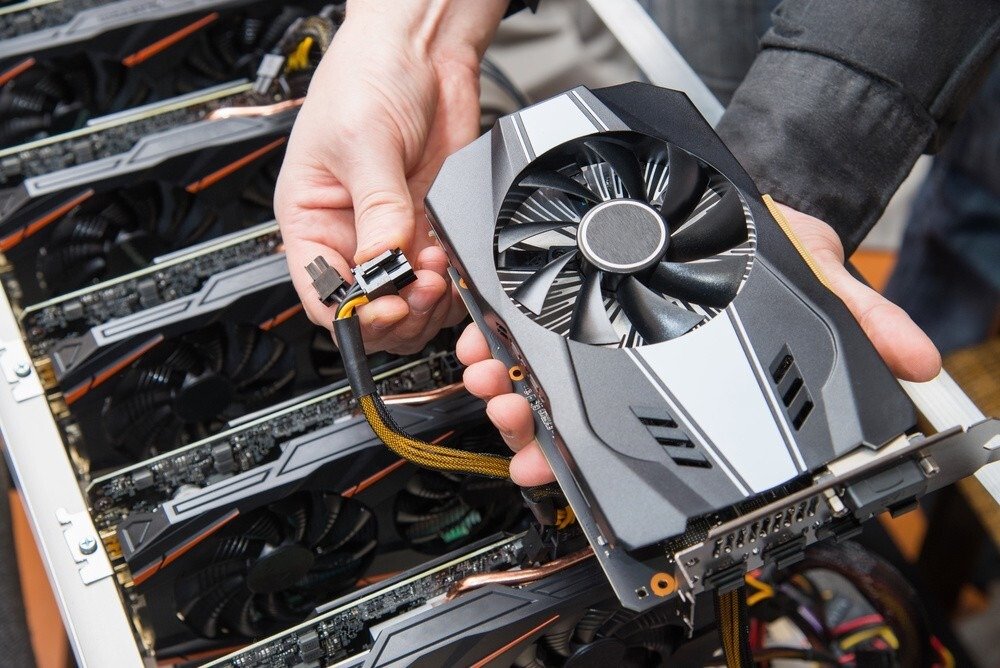
Yes, you can use an external graphics card with your laptop , provided it has a Thunderbolt 3 or USB-C port compatible with the PCI Express bus. You will also need an external enclosure, also called an eGPU enclosure , which houses the graphics card and its power supply . This solution will allow you to improve the graphics performance of your laptop, but it will be more expensive and less convenient than a desktop PC. If you are looking for the best eGPU enclosures for external graphics cards , you can consult our comparison guide.
Can I change the PCI Express bus generation in my motherboard's BIOS?
Yes, you can change the PCI Express bus generation in your motherboard's BIOS , if it offers this option. This can be useful for resolving compatibility issues or optimizing your PC's performance. However, be aware that changing the PCI Express bus generation can lead to stability problems or performance losses if you use an expansion card that is not compatible with the chosen generation.
Can I overclock the PCI Express bus to increase the performance of my PC?
Yes, you can overclock the PCI Express bus to increase the signal frequency and therefore the bandwidth available to your expansion cards.
Conclusion
A PCIe x16 slot is essential for your PC , as it allows you to fully utilize the performance of your expansion cards. There are different types of PCIe x16 slots, depending on the generation of the PCI Express bus and the motherboard size. Therefore, it's important to verify the compatibility between your motherboard and your expansion card before making your purchase .


