You're probably familiar with the most common keyboard shortcuts, like Ctrl + C for copy, Ctrl + V for paste, or Ctrl + Z for undo. But did you know there's a keyboard shortcut that can have very different functions depending on the program you're using? It's called Ctrl + M, and it can save you time and increase your productivity in various situations. In this article, we'll show you the main uses of this amazing keyboard shortcut.
Ctrl + M in an internet browser
 If you use Firefox as your web browser, the shortcut Ctrl + M lets you mute or unmute the active tab. This is very handy if you want to watch a video or listen to music without disturbing those around you, or if you want to pause audiovisual content without having to search for the corresponding button. Simply press Ctrl + M to turn the sound on or off at any time.
Ctrl + M in Microsoft PowerPoint
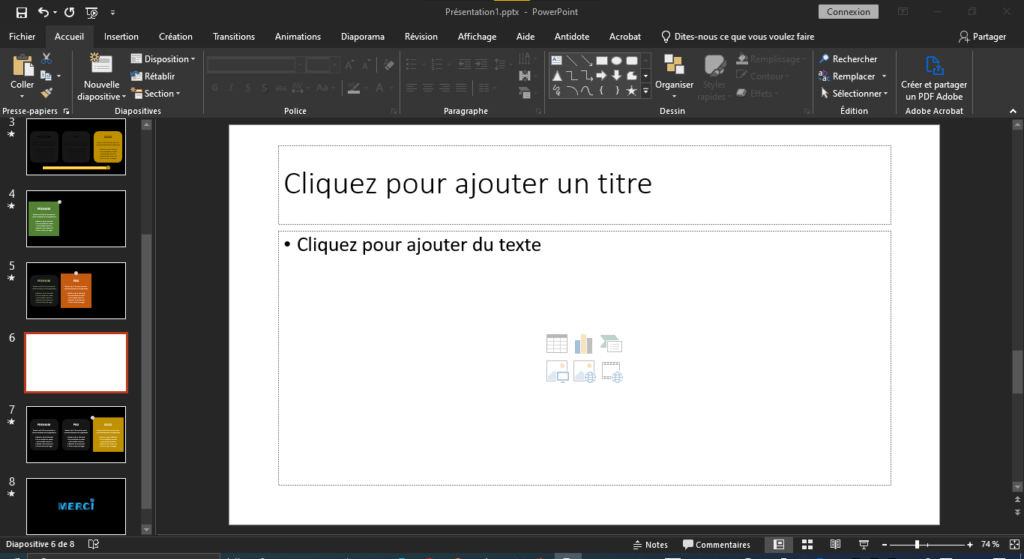
If you use Microsoft PowerPoint to create presentations, the shortcut Ctrl + M lets you insert a new blank slide after the one you selected. This is a quick way to add content to your presentation without having to use the Insert menu or the ribbon. You can then customize the slide as you wish, adding text, images, charts, or animations.
Ctrl + M in Outlook
 If you use Outlook as your email client, the shortcut Ctrl + M lets you send and receive all your emails at once. This is useful if you want to synchronize your inbox with the server and check for new messages without having to click the Send/Receive button. You can also use this shortcut to send a message you've just composed without having to click the Send button.
Ctrl + M in Word and other word processors
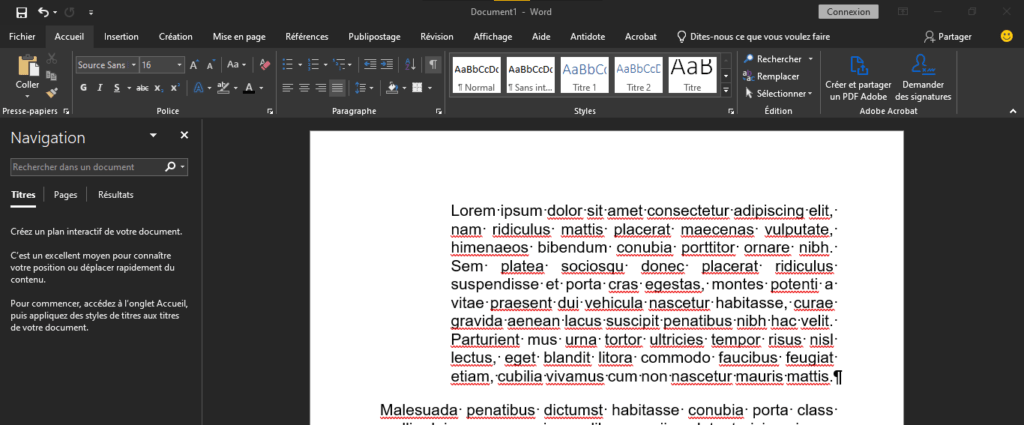
If you use Word or another word processing program, the shortcut Ctrl + M allows you to increase the indentation of the paragraph you have selected or in which your cursor is located. This is a simple way to change the formatting of your text and create paragraphs or bulleted lists. Pressing this shortcut repeatedly increases the indentation. To decrease the indentation, simply press Ctrl + Shift + M.
Ctrl + M in Windows Media Player
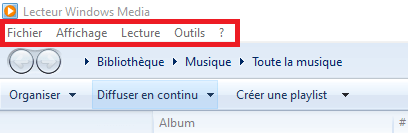
If you use Windows Media Player as your media player, the shortcut Ctrl + M lets you show or hide the File menu at the top of the screen. This menu gives you access to various options, such as opening a file, saving a playlist, changing settings, or quitting the program. If you want quick access to these options without using the mouse, simply press Ctrl + M to show or hide the menu.
Ctrl + M in Photoshop
 If you use Photoshop as your image editing software, the shortcut Ctrl + M opens the Curves panel. This panel allows you to modify the brightness and contrast of your image by adjusting a curve that represents the tonal distribution. You can create various visual effects, such as increasing the sharpness, vibrancy, or realism of your image. To use this shortcut, make sure you are working on a layer that supports curves, such as an image or adjustment layer.
FAQ
What is the keyboard shortcut Ctrl + M?
The keyboard shortcut Ctrl + M is a key combination that can have very different functions depending on the program you are using. It can allow you to mute the sound, insert a slide, send an email, increase the indentation, display a menu, or open a window.
How do I use the keyboard shortcut Ctrl + M?
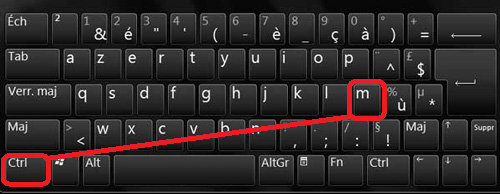
To use this keyboard shortcut, press and hold the Ctrl key, and while holding it down, press the M key. The function of the shortcut will depend on the program you are using at the time you press the keys.
In which programs can I use the keyboard shortcut Ctrl + M?
You can use the keyboard shortcut Ctrl + M in many programs, such as Firefox, Microsoft PowerPoint, Outlook, Word, Windows Media Player, and Photoshop. Each program has its own function associated with this shortcut. For example, in Firefox, it allows you to mute the active tab, while in PowerPoint, it allows you to insert a new blank slide.
How do I change or disable the Ctrl + M keyboard shortcut?
If you want to change or disable the Ctrl+M keyboard shortcut for a specific program, you need to consult the program's settings or options. Some programs allow you to customize keyboard shortcuts to your liking, while others do not. You can also use third-party software to manage your computer's keyboard shortcuts.
Conclusion
As you can see, the Ctrl + M shortcut is a very versatile keyboard shortcut that can have very different functions depending on the program you're using. It can help you manage sound, create presentations, send emails, format text, access options, or edit images. We encourage you to try this amazing keyboard shortcut and discover its advantages for yourself.