In recent years, a new trend has exploded in the world of PC gaming:
mounting of the graphics card . But what about in practice? Is horizontal or vertical mounting better?
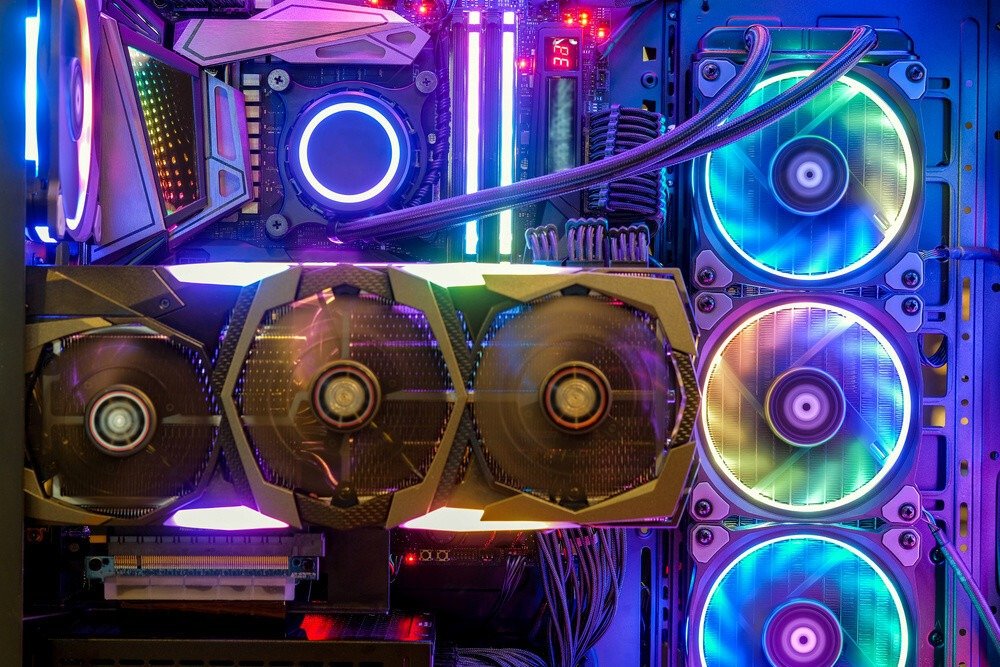
With graphics card manufacturers now offering breathtaking designs, dynamic RGB lighting and stylish cooling blocks, mounting your graphics card vertically logically allows you to take full advantage of its aesthetic potential .
However, while we can only applaud the visual aspect of such a montage, there are also some negative points to consider.
When you mount your graphics card vertically in the case, the fans can get dangerously close to the window or the door of the case.
In any case, you'll need a vertical graphics card stand. Here are our recommendations:

If you have a liquid-cooled graphics card, you won't have any problems, but with air cooling, it can quickly become a real nightmare if airflow isn't optimal. Your graphics card may not get enough fresh air to cool down, leading to a performance drop that can be detrimental in the long run.
In this article, we'll focus on the pros and cons of a vertically mounted graphics card, then we'll see how this type of mounting affects performance. Finally, we'll give you the essential tips for a high-quality vertical mount. Let's get started!
The advantages of vertically mounting the graphics card
Unfortunately, vertically mounting the graphics card doesn't offer many advantages…
In reality, it only offers one:
Improved aesthetics
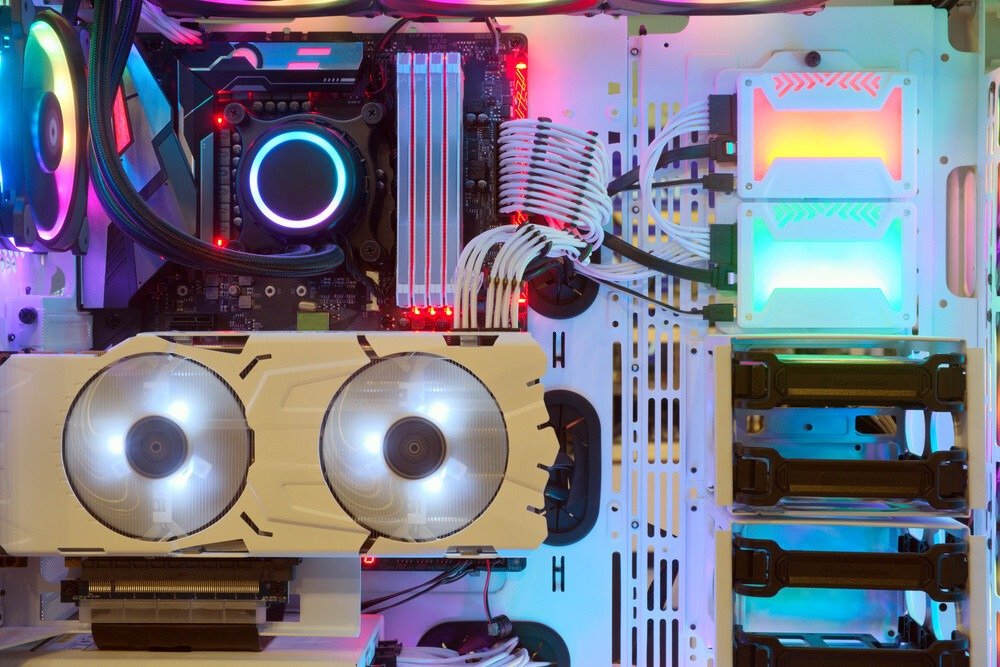
Vertical GPU mounts offer a full view of your graphics card and its cooling blocks, which are, let's face it, the most attractive parts of your PC.
Many graphics cards today boast modern designs with stunning lighting effects that can be synchronized with the other components in your case. Furthermore, if your graphics card is water-cooled, a vertical mount lets you see the coolant in action – a view you can't fully appreciate with a horizontally mounted card.
These are the main reasons why streamers, and gamers in general, are more drawn to vertical mounts.
But aside from this visual appeal, many experts agree that there's no tangible benefit to having a graphics card mounted vertically.
Now, the real question is: Do the disadvantages of vertical mounts ultimately outweigh the aesthetic and visual advantages?
The disadvantages of vertically mounting GPUs
Let's take a look at the downsides of vertical mounting. What are they?
The ability to block other locations
In recent years, graphics cards have become increasingly thick due to their integrated cooling systems, and there's a good chance that a vertical mounting will eventually block other slots, preventing you from installing anything else.
If your graphics card is thin enough, you won't have this problem.
Temperature increase
This is one of the main reasons why many professionals rarely, if ever, recommend vertical mounting solutions. This method can significantly reduce airflow to the case's cooling system, resulting in increased hot air which, in turn, negatively impacts all the components. As you can probably imagine, this is far from beneficial for your PC's performance.
Additional Costs
Given the growing popularity of aesthetics in gaming PCs, many new high-end cases now include vertical GPU mounting brackets, although many of them lack the necessary PCI-E cable to connect the graphics card to the motherboard. Therefore, unless your case already has one, you'll need to invest in a good quality PCI-E cable.
Now that we have shed light on the disadvantages of vertically mounting a graphics card, let's take a closer look at the overheating that such a mounting can cause in your case.
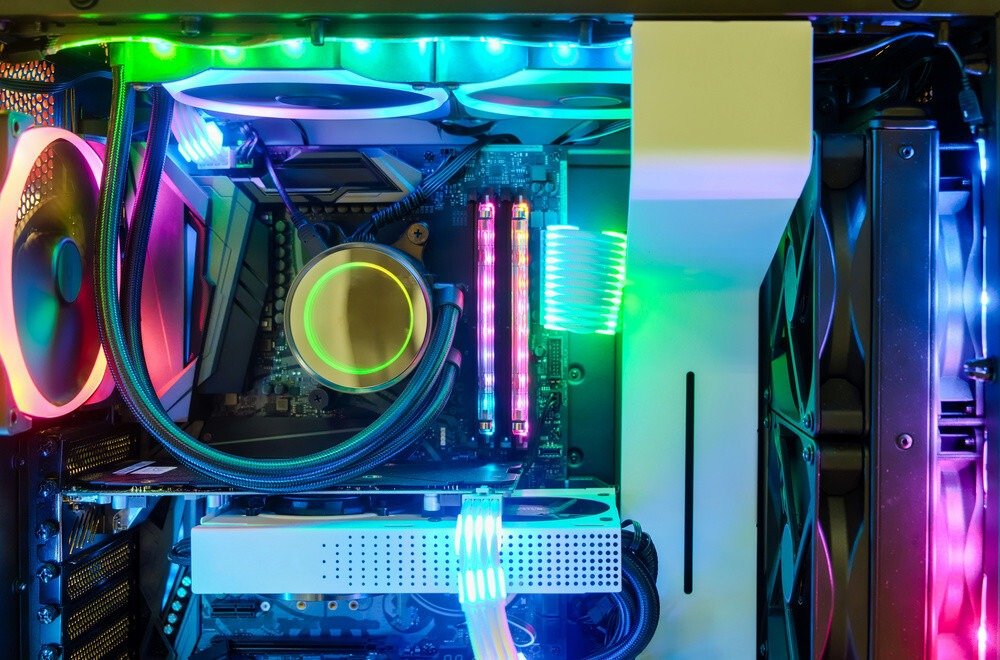
How can the vertical mounting of a graphics card affect its thermal regulation?
Mounting a graphics card vertically has a negative impact on temperature. However, many factors contribute to this. Below, we'll explore how this process works.
Restricted airflow
As we saw earlier, if you're using an air-cooled graphics card and you decide to mount it vertically, there's a good chance it will be too close to your screen, thus reducing the airflow needed for cooling. The thicker your graphics card's heatsink, the closer it will be to the screen.
Temperature increase
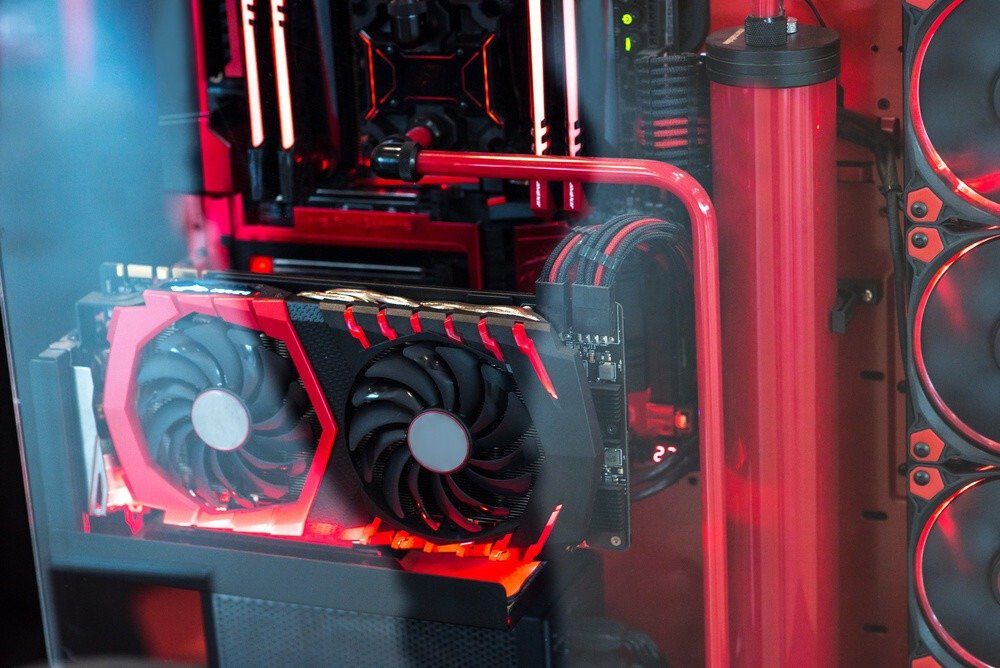
The next step in the process will be an increase in temperature at the graphics card, potentially reaching up to 100 degrees Celsius. No need to spell it out.
Good to know : If you would like to learn more, here are some solutions to reduce the temperature of an overheating graphics card !
Decreased processing speed and performance
When the temperature rises, your graphics card detects this and begins to reduce its graphics processing speed and performance. Normally, the effect won't be immediately noticeable, but for games that require a high-end system, this can quickly become a major problem.
Thermal throttling
Thermal throttling occurs when the graphics card temperature exceeds a certain threshold and begins to significantly reduce performance in order to continue operating. This issue is less common with newer generation graphics cards.
Reduced lifespan of the graphics card
Perhaps the most serious problem with vertically mounting graphics cards is the reduction in their lifespan. Continuously operating your PC components at excessively high temperatures will negatively impact their longevity.
For optimized vertical mounting
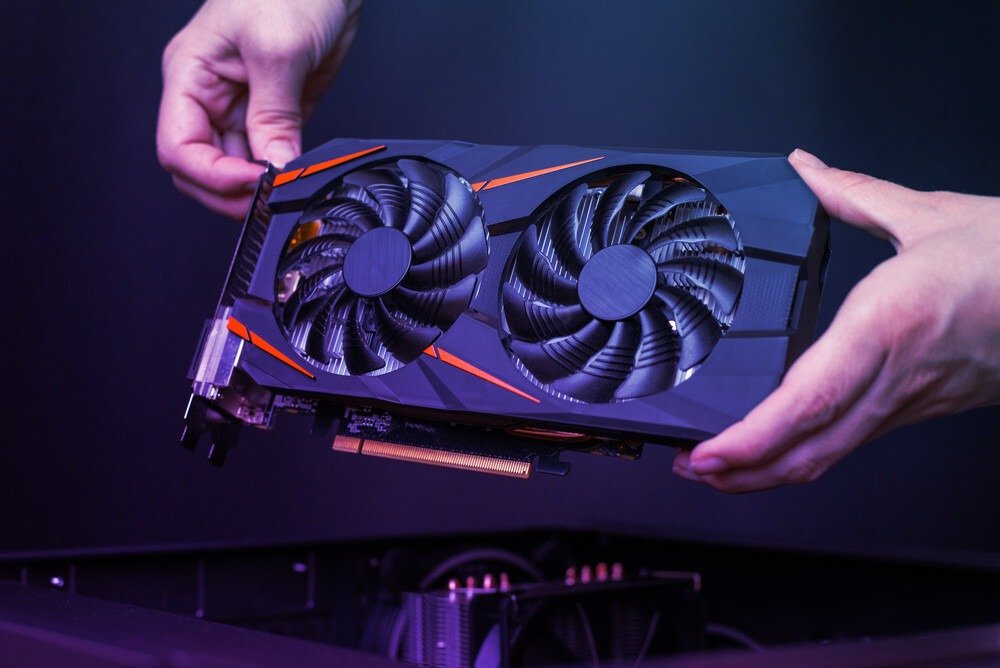
It's undeniable that a vertical mount is much more stylish than a standard one, but it unfortunately comes with a number of drawbacks. However, there are two things you can do to mount your graphics card vertically without impacting the temperature.
The first step is to invest in a graphics card bracket that is compatible with your case.
To achieve this, you will need to take certain measurements before purchasing the bracket to ensure that the mounted graphics card is not stuck to the glass and has enough room to breathe properly
The second approach is slightly more expensive and involves using a water cooling system . This process allows for greater airflow, thus eliminating potential problems. It is undoubtedly the best way to achieve an optimized vertical mounting.
Apart from these two methods, we strongly advise against mounting your graphics card vertically , as this is very likely to end badly and affect the power and lifespan of your entire machine.