
For the past few years, gamers have become accustomed to seeing stocks disappear in a matter of hours, prices skyrocket without warning, and certain graphics cards become true collector's items. The cause? A semiconductor crisis that has shaken the entire sector, from high-end GPUs to home consoles.
This is not a typical, temporary slowdown. The supply chain disruptions that arose during the pandemic have had far more profound consequences. In 2025, however, the situation is less strained than during the most challenging years. But it continues to shape how products are designed, produced, and distributed.
A shortage that is no accident
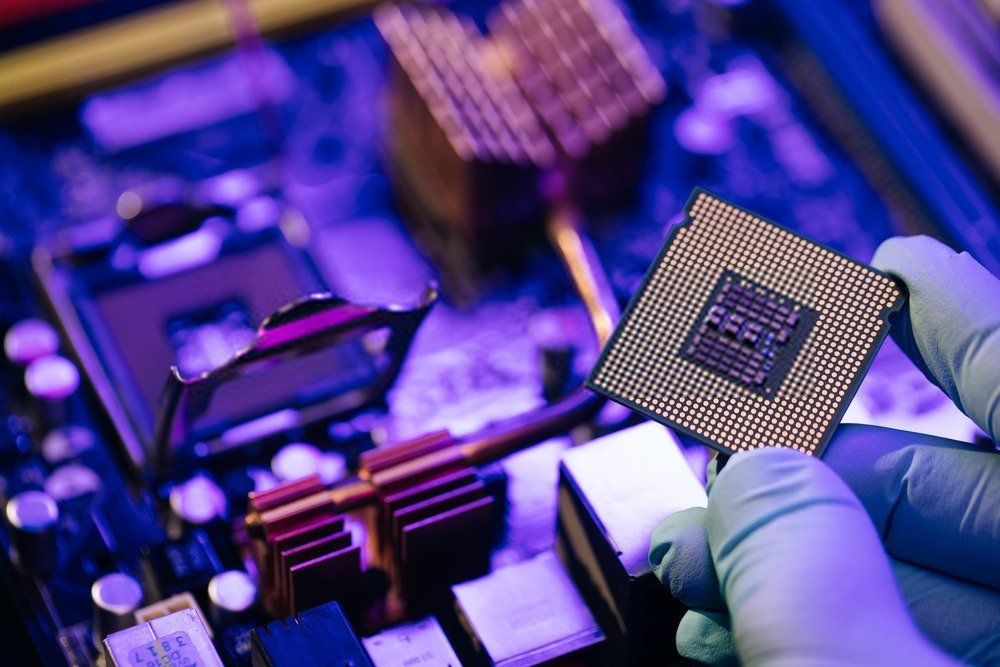
The reason the market remains so competitive lies in the highly specialized specifications of each processor or graphics chip. The logic of semiconductor production relies on factories that are as specialized as possible and capable of etching components just a few nanometers thick. At this stage, only a handful, perhaps three, can dominate this very narrow market: TSMC in Taiwan, Samsung in Korea, and, to a lesser extent, Intel in the United States.
When the market was hit by a shock, it was abruptly warned that some semiconductor production lines would be shut down due to the nature of the lockdowns imposed in France in 2020. This shock had barely been absorbed when the market had to respond to exponential demand: remote work, the rise of home gaming, electric vehicles, cloud servers… everyone wanted more chips, and they wanted them now. As a result, every sector began competing for the same components.
Added to this were specific events that disrupted the process: a fire at a factory in Japan, droughts in Taiwan that limited access to the ultrapure water needed for etching, and geopolitical tensions that slowed some deliveries. This accumulation of factors transformed a simple supply issue into a genuine global conundrum.
Graphics cards sold at full price
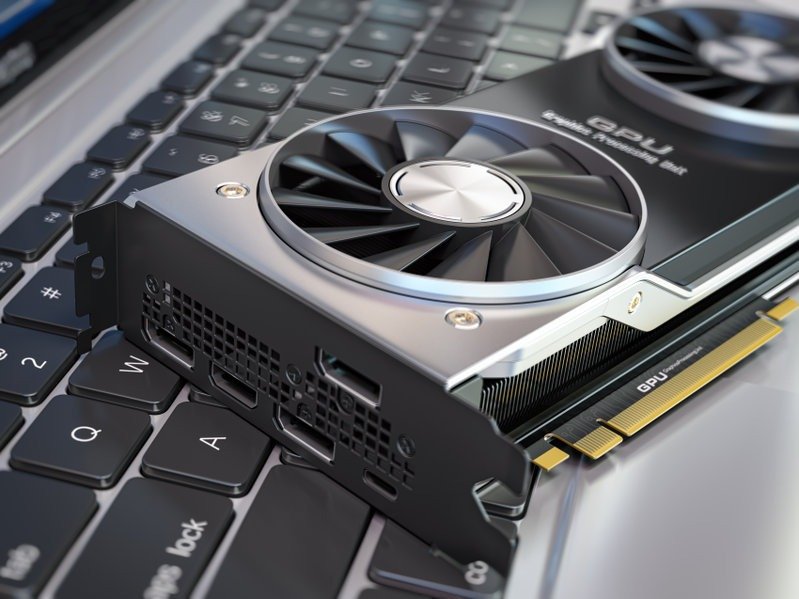
For PC gamers, the most visible consequence has been the explosion in prices. High-end Nvidia and AMD cards have sometimes doubled in value compared to their launch price. Between 2021 and 2023, finding an RTX 3000 or 4000 series card at a normal price was practically a miracle.
Even in 2025, the scars remain. Take the RTX 5090, released in late 2024: during its first three months, it was virtually impossible to find. The few available units were selling for over 30% above the official price on resale sites. Patient gamers eventually managed to get one, but often after weeks of waiting.
Consoles haven't been spared either. The PlayStation 5 and Xbox Series X, already difficult to find at launch, continue to experience occasional shortages of certain limited editions. Manufacturers have even had to redesign some series internally to use more readily available components.
The industry is reinventing itself
Faced with a protracted crisis, manufacturers have taken proactive steps. Investments in new factories are multiplying. Intel is building production facilities in Europe and the United States, while TSMC is opening sites in Japan and Arizona. The objective is clear: to reduce dependence on a few Asian sites and secure supply.
While these factories are running at full capacity, manufacturers are exploring other avenues. Some are redesigning their products to incorporate more affordable chips. Others are optimizing their processes to better manage available volumes. Distributors, for their part, have adopted pre-orders and virtual queues to limit speculation and prevent stock from disappearing in minutes.

For those without a high-end PC or cutting-edge graphics card, free casino slot machine games offer an attractive alternative. These titles, often accessible directly from a browser or mobile app, require very few hardware resources. They can offer polished graphics and smooth animations while remaining playable on modest systems. It's a way to enjoy a fun experience without investing in expensive equipment, especially now that high-end hardware is expensive and hard to find.
And what about the players?
For hardware enthusiasts, this period requires a bit of strategy. Buying a product on release day is risky, both for your wallet and your nerves. Waiting a few months often allows you to get a better price and more stable stock.
In the meantime, it's possible to optimize your current hardware. Technologies like DLSS or AMD's FSR extend a graphics card's lifespan by improving performance without sacrificing visual quality. The used market can also be a good option, provided you verify the hardware's origin and condition, especially if it has been used for mining.
This semiconductor crisis has at least one merit: it serves as a reminder that hardware is the product of a complex and fragile global supply chain. Until the new infrastructure is fully operational, we will have to make do with a sometimes limited supply. But with a little patience and vigilance, it is still possible to stay up-to-date… without completely emptying your bank account.