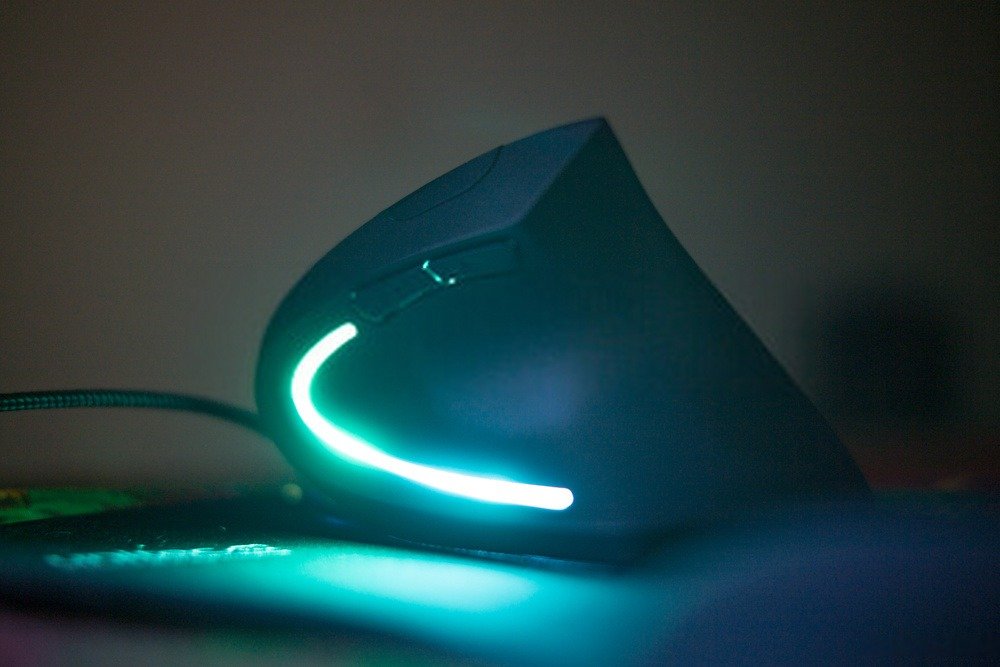
Tired of your old PC mouse? Looking for a mouse that's easy to grip and comfortable to use? If so, you'll love the ergonomic vertical mouse! It boasts a more ergonomic , refined, and much more attractive design. The vertical shape of this type of ergonomic mouse offers cutting-edge technology for a truly comfortable grip . With such a mouse, your hand adopts a much more natural posture. And it won't hold you back if you're a seasoned gamer!
Our top 10 best ergonomic vertical mice
We know how complicated it can be to choose the best mouse… For this reason, we want to offer you models that stand out for their excellent value for money!
The 3 best vertical mice in our ranking!

Things to know before making a purchase!
- Vertical mice feature a vertical design that allows the wrist and arm to adopt a much more comfortable and natural posture.
- Standing mice can be an excellent alternative to avoid injuries , such as carpal tunnel syndrome.
- What will you use it for? Before choosing your vertical mouse, check certain purchasing criteria, such as its design, the number of buttons, the sensitivity and how the mouse connects to the computer.
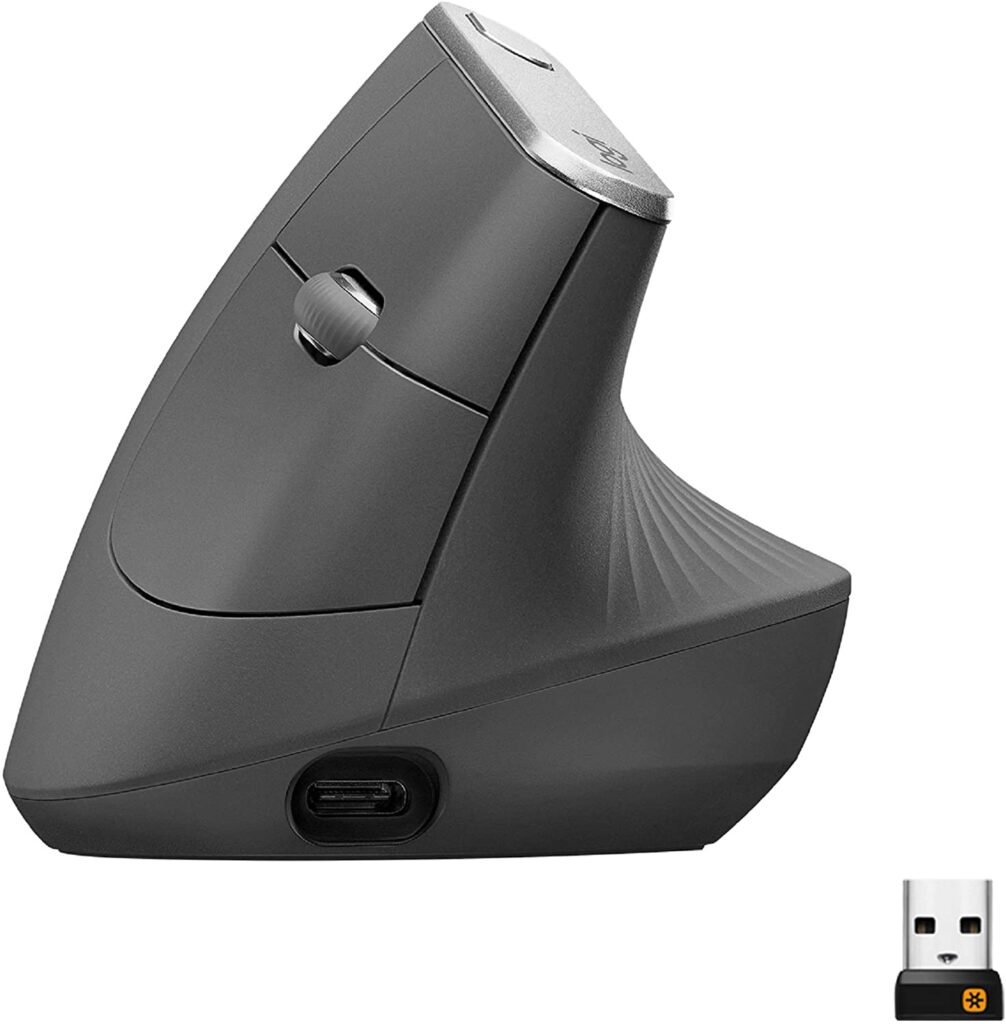
1. Logitech MX, The best high-end vertical mouse
Features and Reviews
The Logitech MX Vertical mouse stands out thanks to its ergonomic design and the integration of a highly sensitive sensor, up to 4000 DPI (easily adjustable). Thanks to its high levels of precision, significantly less hand movement is required, reducing hand fatigue. It is designed to offer a natural hand position. Its buttons are fully customizable. Naturally, its price is higher than that of other models.

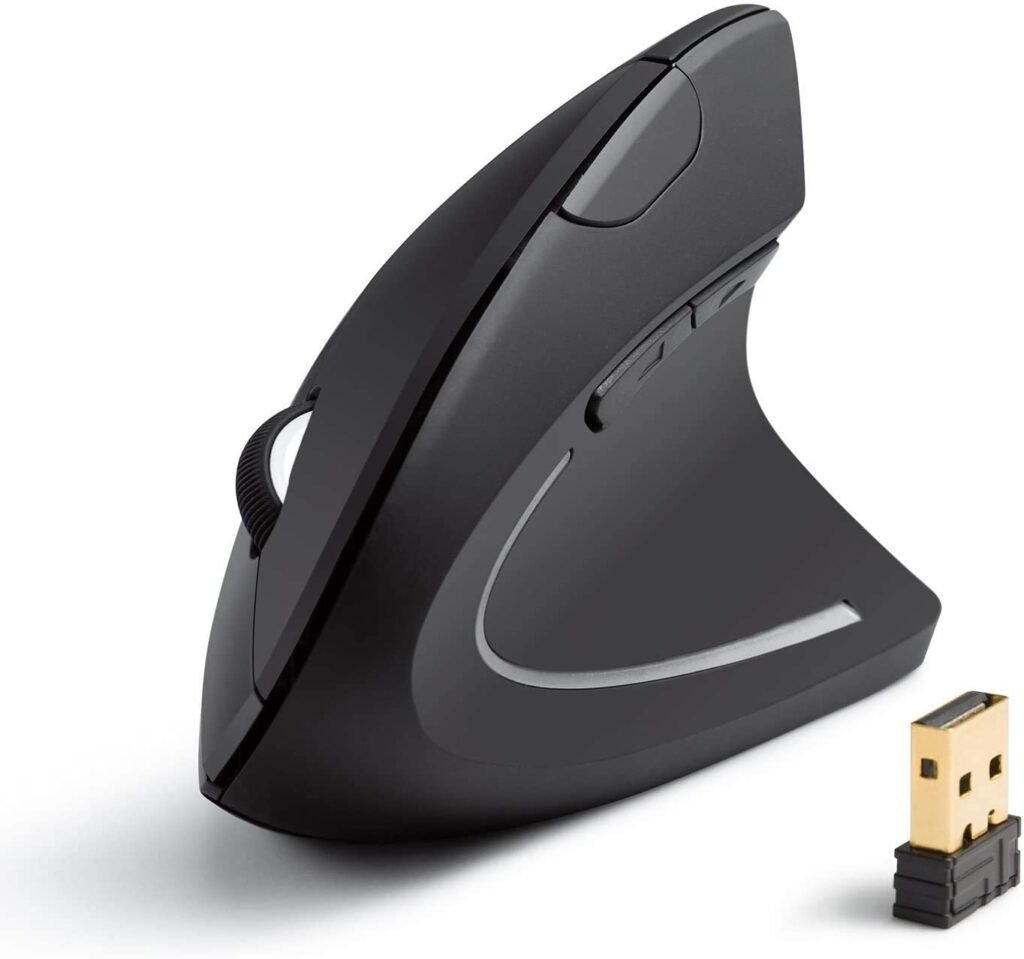
2. Anker Ergonomic Vertical Mouse: Unbeatable value for money!
Features and Reviews
Anker also features on this list of the best vertical mice of 2020 with its 98ANWVM-UBA model. This design offers a more natural and comfortable hand position. It is compatible with Windows , Android, Linux, and Mac OS X operating systems.
Anker guarantees the quality of this mouse and also offers an 18-month warranty from the date of purchase. This Anker wireless vertical mouse comes with a nano receiver to connect to your computer. It is lightweight at only 128 grams and is also sensitive on all types of surfaces, including wood, glass, and steel.
It also works within ten meters of the receiver. The optical sensor technology offers a resolution of 800, 1200, or 1600 DPI. Battery saving is a feature of this model, as the mouse automatically shuts off when inactive.

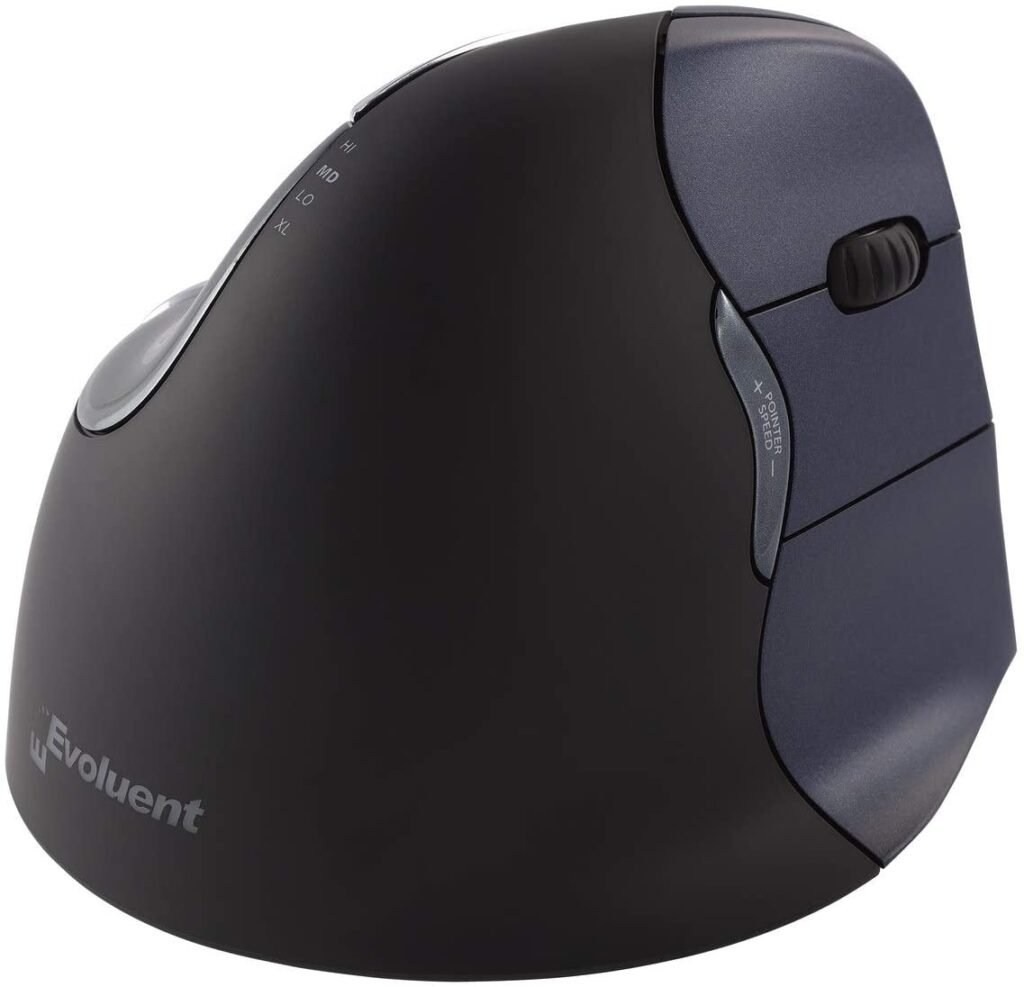
3. Evoluent: The best vertical mouse for right-handed users!
Features and Reviews
With this wireless vertical mouse, you can now put an end to musculoskeletal disorders or carpal tunnel syndrome related to excessive mouse use. The Evoluent Mouse 4 is the type of mouse that relieves strain on the muscles in your wrist and forearm. However, please note that it is particularly well-suited for right-handed users.
It incorporates a 2.4 GHz high-frequency receiver, giving it the expected performance. To take advantage of this powerful mouse, you can easily install it on your WindowsPC, Mac OS, or Linux computer. The design offers a comfortable grip and a straight wrist rest for easy support, while the base of the mouse provides comfort for the rest of your fingers.
The mouse's bidirectional scroll wheel is located at the top, angled to the right. This vertical mouse has a total of six customizable buttons, which can be configured using dedicated software. It typically operates on a single AA battery, which explains its relatively substantial weight of 227g. It's also a small mouse, measuring 13.8 cm long, 7.6 cm wide, and 11.4 cm high.
4. A vertical mouse with a breathtaking design!

Features and Reviews
With the new 2.4 GHz wireless technology, you can use this vertical mouse up to 10 meters from the computer at a 360-degree angle if you are in an area free from interference! Use the forward and back buttons to navigate web pages.
The DPI level of this model is adjustable between 800, 1200, and 1600. The mouse has a total of 6 buttons, including the left button, right button, scroll wheel, DPI button, and "Next" and "Previous" navigation buttons. The wireless vertical mouse is powered by two AAA batteries. There is currently no left-handed model available; it is designed for right-handed users only. The package includes a USB receiver and the corresponding user manual. It is designed to prevent repetitive strain injury (RSI), offers smooth movement, and avoids wrist strain after the adaptation period. It is widely compatible, regardless of your computer's operating system.

5. Deluxe wired vertical mouse with RGB lighting!
Features and Reviews
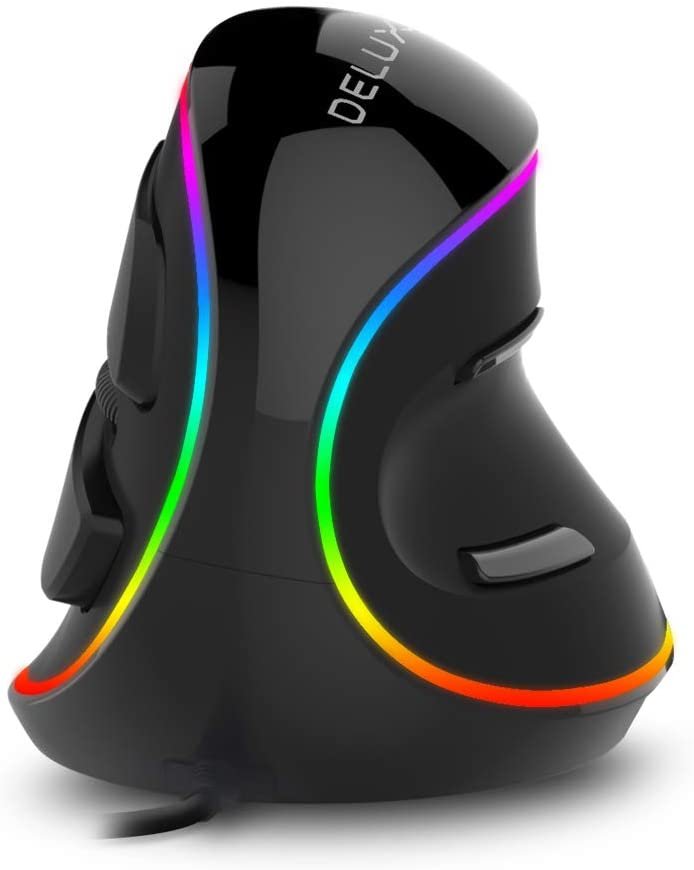
This vertical mouse from Delux is another fantastic option! It's an excellent mouse for preventing fatigue and reducing muscle strain. The cursor speed easily reaches 4000 DPI, with settings accessible at the top of the mouse.
You'll have 5 settings with a high-sensitivity optical engine, also ideal for role-playing games. No installation is required, but a small update to the built-in software will run automatically, and you're good to go. It's compatible with various versions of Windows and Linux, but not available for Mac. It also features two buttons for convenient navigation.
This gives the mouse added functionality, making it ideal for use on both rough and smooth surfaces. Weighing approximately 180g, its lightness adds another dimension and provides excellent glide. Despite being encased in a rigid plastic, the mouse has a very soft feel.

6. The Logitech M570 ergonomic mouse with trackball!

Features and Reviews
The Logitech M570 is one of the best vertical mice on this 2020 list thanks to its ergonomic design. While not technically perfectly straight, its design also reduces wrist strain. It features a ball for easy cursor control.
With this model, you'll no longer experience wrist pain from intensive mouse use. In fact, during use, you'll feel exceptional comfort and satisfaction in your wrist and arm. This design is widely appreciated by gamers who find it stable, comfortable, fast, and performs well as the game progresses.
This model differs from other vertical mice, not in its comfort or ease of use. The ball is very intuitive; you can rotate it effortlessly. Furthermore, it's compatible with all surfaces. The main advantage of this model is that its buttons can be configured to your liking. In addition, its exceptional build quality guarantees optimal durability.
7. The affordable vertical mouse for left-handed users! Perimice 713 L
Features and Reviews
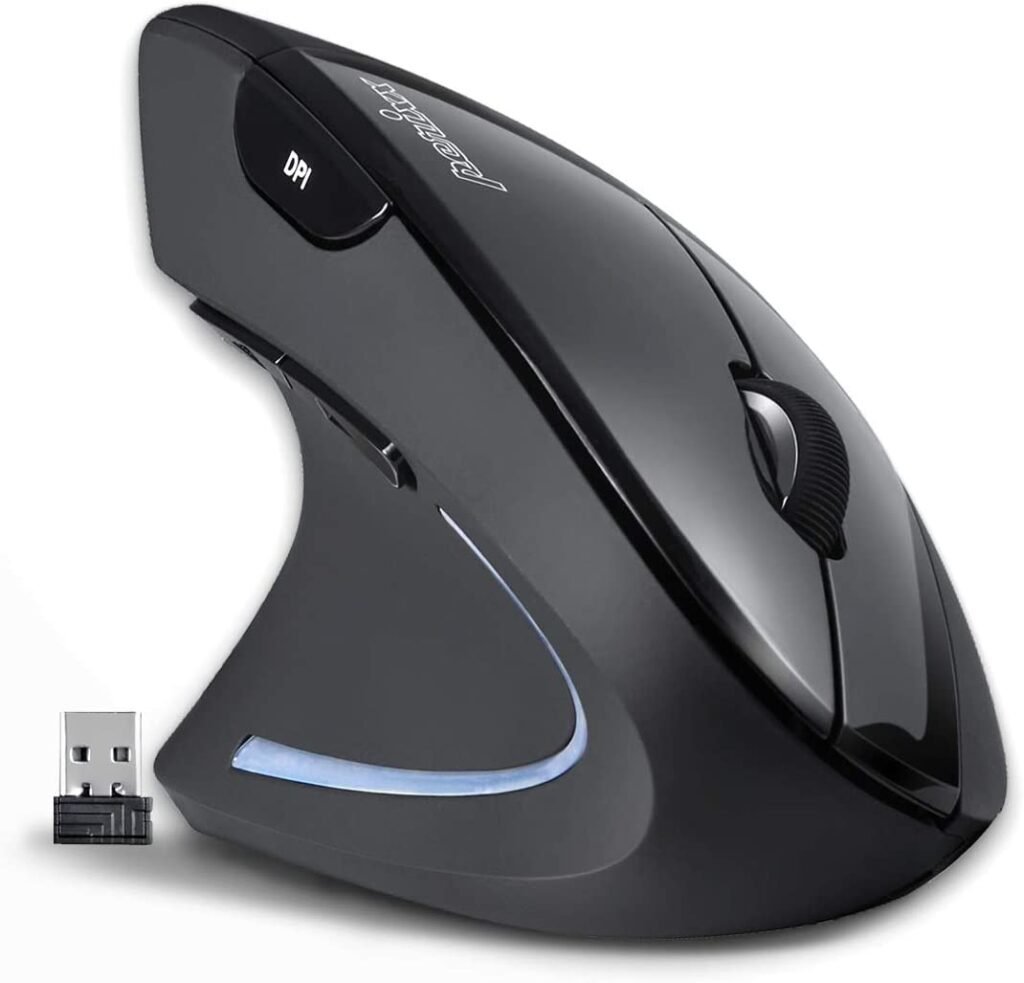
If you are left-handed and looking to buy one of the BEST vertical mice, this Perixx PERMICE 713 L model is specially designed for you! This model is also equipped with 2.4 GHz technology and can be used up to a distance of ten meters.
This is a highly sensitive mouse with very high optical resolution. You can also adjust the DPI (dots per inch) between 1000, 1500, or 2000 using the mouse's DPI button. Your hand will fit comfortably and won't slip, as the entire surface is non-slip. Efficiency and durability are guaranteed, thanks to the renowned brand. This design also saves battery power by activating its sleep mode, which turns the mouse off when inactive.
Whatever the size of your hand, the PERIMICE 713 L adapts to your shape thanks to its ergonomic design, featuring a special support for your thumb and other fingers. A blue light adds a touch of style to this vertical mouse, perfect for your workdays and gaming evenings.
8. The cheapest vertical mouse! Aplic

Features and Reviews
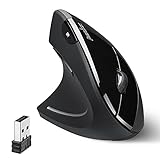
This is a vertical USB optical mouse ideal for right-handed users who need an ergonomic mouse to prevent carpal tunnel syndrome. It offers three selectable DPI settings: 1000, 1600, and 2000, with a 125 Hz polling rate. Connected via USB 2.0 High Speed, it boasts high sensitivity for precise mouse control, combined with its ergonomic design, making it ideal for users who work long hours at the computer. It features DPI adjustment buttons, plug-and-play functionality, and compatibility with Windows Vista, 7, 8, XP, 8.1, Linux, and Mac OSX. A comfortable accessory at a great price!

9. ZELESOURIS Robust ergonomic mouse at a low price!

Features and Reviews
The ZeleSouris vertical mouse is an ergonomically designed mouse specifically created to prevent musculoskeletal disorders; for this reason, and its high efficiency, it is included in the list of the best vertical mice of 2020. Its ergonomic style offers unparalleled wearing comfort: wide base, slim height, and a black carrying case.
This wireless vertical laser mouse is specifically designed for right-handed users. It's versatile and compatible with both Mac and Windows. Thanks to its plug-and-play functionality, installation is extremely simple. Just connect the dongle to start using it.
It offers a comfortable grip thanks to its pleasant-to-the-touch buttons, and it also includes a removable wrist rest. The sensitivity level of this accessory ranges from 800 to 1200 DPI, making it ideal for office use. Depending on your needs, you can easily adjust the speed by pressing the mouse button.

10. Ambidextrous vertical mouse, Penguin posture

Features and Reviews
This Posturite model is one of the VERTICAL MICE on this list that stand out from standard models due to its unusual shape and also its high price… It is an Ambidextrous accessory, making it suitable for everyone, whether right-handed or left-handed!
It offers maximum comfort for players, even during extended use. Its unique design minimizes musculoskeletal disorders that cause so many posture problems. This technology maintains and harmonizes the movement of the wrist and forearm muscles.
It features a plug-and-play USB connector for easy use and installation on your PC or Mac. Furthermore, it's an impressively precise vertical mouse with an adjustable pointer up to 1200 dpi.
This ambidextrous mouse is aesthetically unique. It features three buttons, including a bidirectional scroll wheel on top. Its vertical design allows for easy 90° grip. This elevated positioning enables comfortable use without straining your muscles. Furthermore, its combination of gray and black gives it a very elegant look. As if that weren't enough, it also incorporates an antimicrobial function that can inhibit the growth of bacteria commonly found in high-temperature environments.

Discover all the details about the ergonomic vertical mouse!

You've read our comparison, but it's still a bit unclear… You probably have several questions about vertical mice: their advantages, how they work, the different models available, and so on! To make everything clearer before you buy your new mouse, we'll tell you everything, let's get started!
How does an ergonomic mouse differ from a normal mouse?
Ergonomic mice perform the same functions as a regular office mouse! However, an ergonomic mouse has a vertical design ! This unique design isn't just for looks, but to allow the wrist and arm to adapt more naturally when you're holding a computer mouse.
How do vertical mice grip?
Gripping a vertical mouse is similar to shaking hands. Easier and more ergonomic for accessing the mouse buttons, they are generally located on one side. This ensures they are always within easy reach of the middle and index fingers . Many vertical mice have buttons for scrolling up and down the page, and some even include a trackball for added flexibility.
Good to know: If you're looking for an ergonomic gaming mouse, consider having a gaming surface that's suitable for your desk. Check out our comparison of XXL mouse pads .
Can an ergonomic mouse prevent injuries?

Did you know that using a traditional office mouse for hours every day can cause the infamous mouse syndrome? Don't panic, though; the symptoms are tingling, numbness, or weakness in the wrist… But it could get worse!
Using a vertical mouse could prevent this minor inconvenience. Some gamers who have switched to an ergonomic mouse claim to no longer suffer from these aches and pains or hand discomfort.
Furthermore, some studies have proven the effectiveness of these devices , helping to prevent, or even alleviate, the dreaded carpal tunnel syndrome! The most common symptoms are cramps, numbness in some fingers, and, of course, pain of varying intensity. They also appear to prevent injuries from elbow tendinitis (also known as tennis elbow).
Is an ergonomic mouse more expensive than a classic office mouse?

In general, the price of different mouse models can vary considerably, whether they are classic mice, mice , or vertical mice. You can easily find a vertical mouse for less than 20 euros !
Of course, if you want a high-quality ergonomic mouse, the models will be more expensive… The higher the price, the more features the vertical mouse includes and the better the user comfort. For gamers, we recommend looking at models over €100, which will better meet your needs!
The best affordable ergonomic mice!
What are the advantages and disadvantages of a vertical mouse?
More and more gamers are interested in vertical mice. This is hardly surprising given the numerous advantages of an ergonomic vertical mouse! Below are the pros and cons of this type of peripheral:
The advantages
- It allows the hand to be in a more natural position
- More comfortable than a traditional mouse
- The tendons in the hand are more relaxed
- Wide variety of models with very different designs
- Ergonomic design
- Excellent value for money
The disadvantages
- A vertical mouse requires a period of adjustment to get used to
- The devices are larger
- Some models are not ambidextrous
- Some models are slower
For whom is it recommended to buy a vertical mouse?

Do you spend hours in front of your computer screen? If so, an ergonomic vertical mouse is for you! This type of device is especially recommended for gamers, programmers, graphic designers, and office workers , among others. And, in particular, for people who experience discomfort in their wrist, hand, or arm after prolonged mouse use.
Good to know: Are you a graphic designer? Check out our latest comparison of drawing mice !
What alternatives exist to vertical mice?
Not keen on the design of this mouse? If you're looking for an alternative to your desktop mouse, there are two other solutions! If you have a desktop PC, why not use a touchpad designed for that purpose? Touchpads specifically designed for desktop computers are now available. Finally, there are trackballs , also found on vertical and horizontal models; a large scroll wheel on your mouse might be just what you need!
What is the best way to use a vertical mouse to avoid injury and poor posture?

When using your desktop mouse, it's recommended to adopt the correct posture, especially if you're at your computer screen for hours! To learn more, here are the correct techniques to use when using your vertical mouse:
- The hand should not be extended or tilted with the forearm.
- Your forearm should rest on your desk and not be stretched out in the air
- The hand should always form a straight line with the arm.
- If you use your mouse for many hours, take breaks from time to time and do some stretching exercises with your hands and fingers
- Don't forget to relax your arm, neck and back muscles with some stretches!
The best-selling vertical mice of the year!


Purchasing criteria for choosing your ergonomic mouse!
You don't need to buy the top-of-the-line model to be completely satisfied! To choose the right ergonomic vertical mouse for your needs, it's essential to understand the different features of the device! Below, you can see the most important ones to consider before making your purchase:
- The design
- A wired or wireless mouse
- Sensitivity
- The buttons
The design
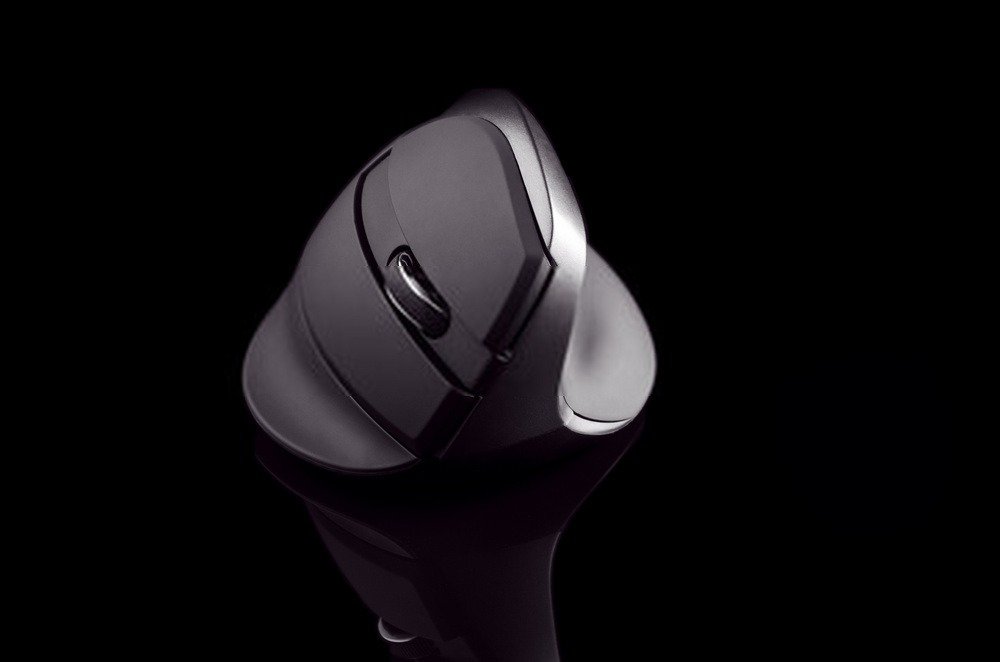
If the mouse's casing and design are important to you, they're important to us too! One of the key aspects of vertical mice is their design. Currently, there isn't a more or less standardized model, as is the case with traditional desktop mice.
As you may have seen during your comparison, the ergonomic mouse models offered by manufacturers are unique and mostly offer innovative peripherals!
In this context, there are two key factors for choosing your vertical mouse:
- The angle of inclination
- The type of adhesion
In this respect, some models like the Logitech MX Vertical stand out with a 57° angle. On the other hand, it's also important to consider whether it's a right-handed or left-handed model. Unfortunately, right-handed mice are much more common; if you're left-handed, buy an ambidextrous ergonomic mouse. Finally, gaming mice are worth noting , as they tend to have much more striking designs and often include RGB lighting!
Wired or wireless
Choosing between a wired or wireless vertical mouse depends on several factors. Clearly, each has its advantages and disadvantages. To help you make your decision, we offer a comparison chart to help you learn more:
| Wired connection | Wireless connection | |
|---|---|---|
| advantage | A wired connection is faster and more stable. You don't have to worry about charging or changing batteries. Wired models are also less expensive. | A wireless mouse frees up space on your desk and is also more comfortable to use. |
| Disadvantages | The cable could be a problem. | The batteries need to be changed or the battery charged. Its price is higher. |
Good to know: As you've probably gathered, the wired vertical mouse has nothing but advantages except for its cable… But there's a complementary accessory to solve this problem. It's called a mouse bungee . It's a support for your mouse cable. Simple but effective!
Sensitivity
A mouse's sensitivity is generally measured by the number of dots per inch it recognizes on the screen. This measurement is commonly called DPI . Generally, the higher the DPI, the better, as it requires less wrist movement and, consequently, puts less strain on the wrist joint!
DPI is one of the number one criteria for gamers; it allows for more precise movements, essential for FPS matches on your favorite game or for performing other tasks. Of course, too much sensitivity can also end up being counterproductive, especially if the mouse sensor isn't high quality.
Buttons
Not all vertical mice have the same number of buttons or offer the same features. Depending on your intended use, such as playing video games, it's essential that the buttons are configurable . To ensure this, you should check the options offered by the ergonomic mouse and the software it uses.
FAQ about ergonomic vertical mice!
To conclude our comprehensive guide on this device, it is essential to answer some frequently asked questions!
I'm left-handed, what would be the ideal mouse?

In theory, you should use an ambidextrous vertical mouse , but in our opinion, you can do without it! The ambidextrous designation often emphasized by manufacturers is misleading…
mice are suitable for everyone , whether you're right-handed or left-handed. Since a vertical mouse fits perfectly on your wrist and the natural shape of your hand, you shouldn't encounter any particular problems. Some even say that ergonomic mice are the ideal solution for left-handed people who have difficulty using traditional office mice. So don't worry, the choice will depend solely on your preferences!
Is a vertical mouse compatible with all operating systems?
In fact, you don't have to worry about vertical mouse compatibility; whether it's Linux, Windows , or MacBook, this device can work on all recognized operating systems. Furthermore, it connects quickly thanks to its convenient and automatic "Plug & Play" installation mode .
Rest assured, whether you're on Linux, Windows , or MacBook, this device works on all recognized operating systems! Furthermore, a vertical mouse connects quickly thanks to its convenient and automatic "Plug & Play" installation mode.
Doesn't the size of the mouse pose a problem?

If you want freedom of movement and efficient handling, the size of your vertical mouse is an important factor. While this type of device is noticeably larger than a standard desktop mouse, that's precisely its advantage!
In fact, a vertical mouse should be perfectly aligned with your hand to fully benefit from its ergonomics. However, since hand sizes vary from person to person, several models and dimensions are available. Therefore, be sure to choose a mouse that fits the shape of your hand.
How to take care of an ergonomic mouse?
To be able to use your vertical mouse for many years, it is more than obvious to take care of it.
To avoid any performance degradation or even malfunction, do not place your mouse vertically in a humid or excessively hot environment. When cleaning your mouse, use a mild detergent instead of solvents. These recommendations may seem obvious, but these small details are important to consider.